 ABOUT ArchEX Build 261115
I’ve made a new extra version of ArchEX with the Hyprland 0.57.2 Desktop Environment together with KDE Plasma 6.8.2-1 and LXQt 2.5.0.
MOST IMPORTANT: This ArchEX version has Refracta Snapshot pre-installed, which means that you can create your own Arch Linux System with ArchEX as a template. That is you can install ArchEX to hard drive (also in VirtualBox, VMware or Qemu), change everything to your liking, fire up Refracta Snapshot and create a new ISO in about five (5) minutes. You’ll find your brand new ISO in /home/snapshot. You can change where you want your ISO to end up by editing /etc/refractasnapshot.conf. You can (for example) change to /mnt/sda5/work and /mnt/sda5/snapshot. That can be useful if you want to create a new ISO while running ArchEX Live. I.e. from a USB stick (using Ventoy). If you have plenty of RAM (32GB?) you can even boot up ArchEX in RAM and create a new ISO without changing /etc/refractasnapshot.conf.
NOTE: The folder work has to be on an EXT4 partition.
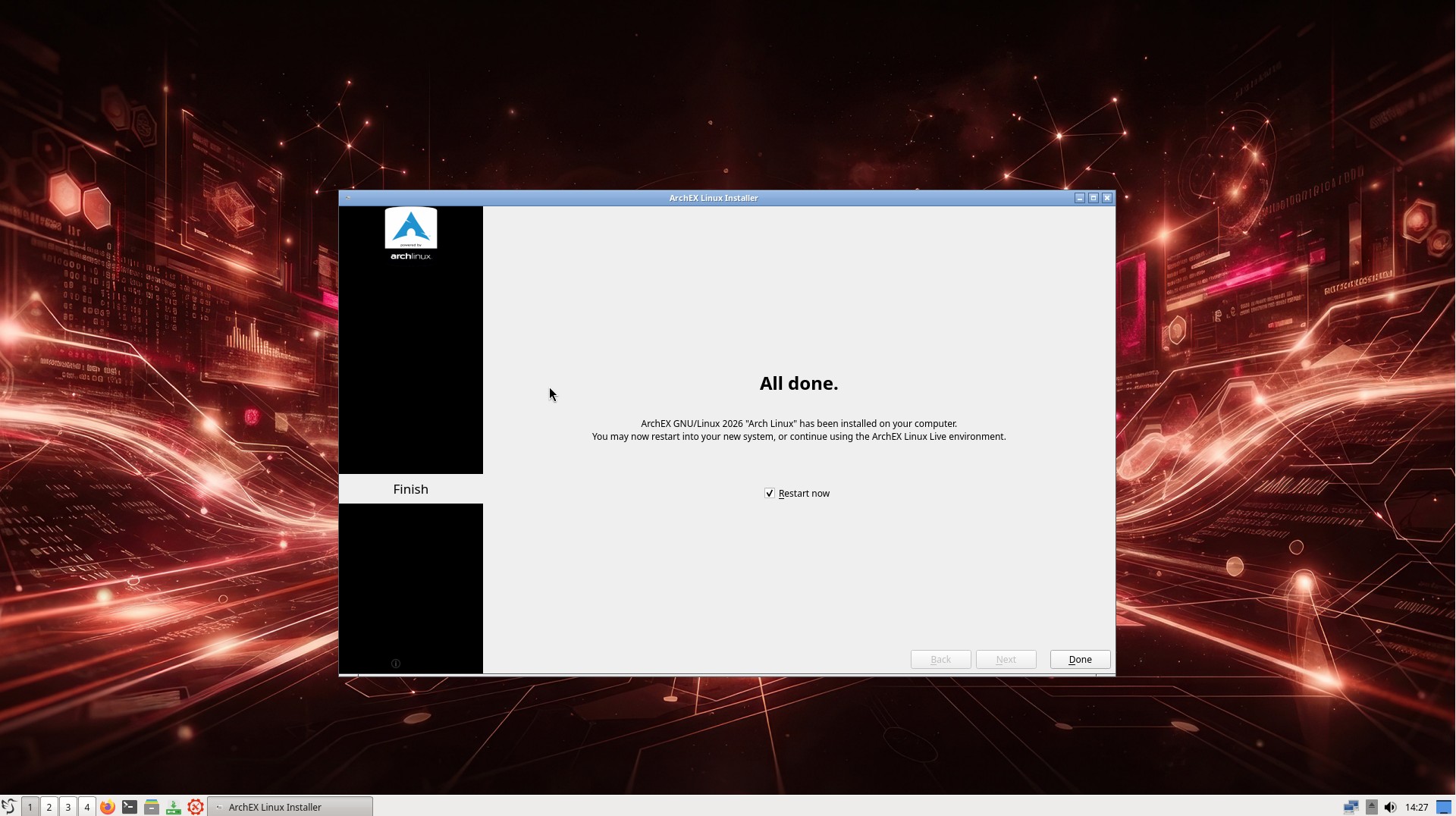
Calamares Installer
This ArchEX version has Calamares Installer installed. Using Calamares means that you can install ArchEX Hyprland in any language. Everything will then be in your chosen language when the installation has completed.
Study all installed packages in Build 261115…
Log in to Hyprland/KDE Plasma/LXQt
When the boot process is ready you will end up at SDDM‘s login page. Log in as the ordinary user user with password live. You cannot login as root, but the password for root is root. While logged in as user you can use Sudo to become root. Example command: sudo pcmanfm-qt.
ABOUT Hyprland
Hyprland is a dynamic tiling Wayland compositor built on top of wlroots. It focuses heavily on modern visuals, fluid animations, and extensive customizability while maintaining high performance.
IMPORTANT NOTE: ArchEX with Hyprland/KDE Plasma works very well when running LIVE on my newest four computers – using kernel 7.2.11-amd64-exton – with one exception. On my newest computer with an Nvidia GeForce RTX 4060 graphics card Hyprland and KDE Plasma with Wayland could not run LIVE. Both DE’s ran very well while installed to hard drive though. That is when using kernel 7.3.4-arch1-1, which has support for newer NVIDIA Graphics cards.
SCREENSHOTS
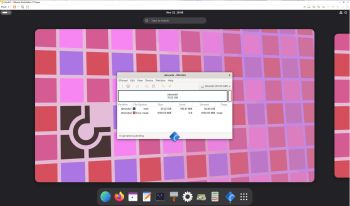
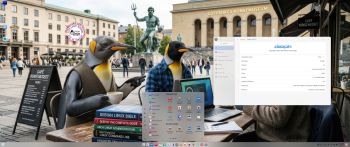
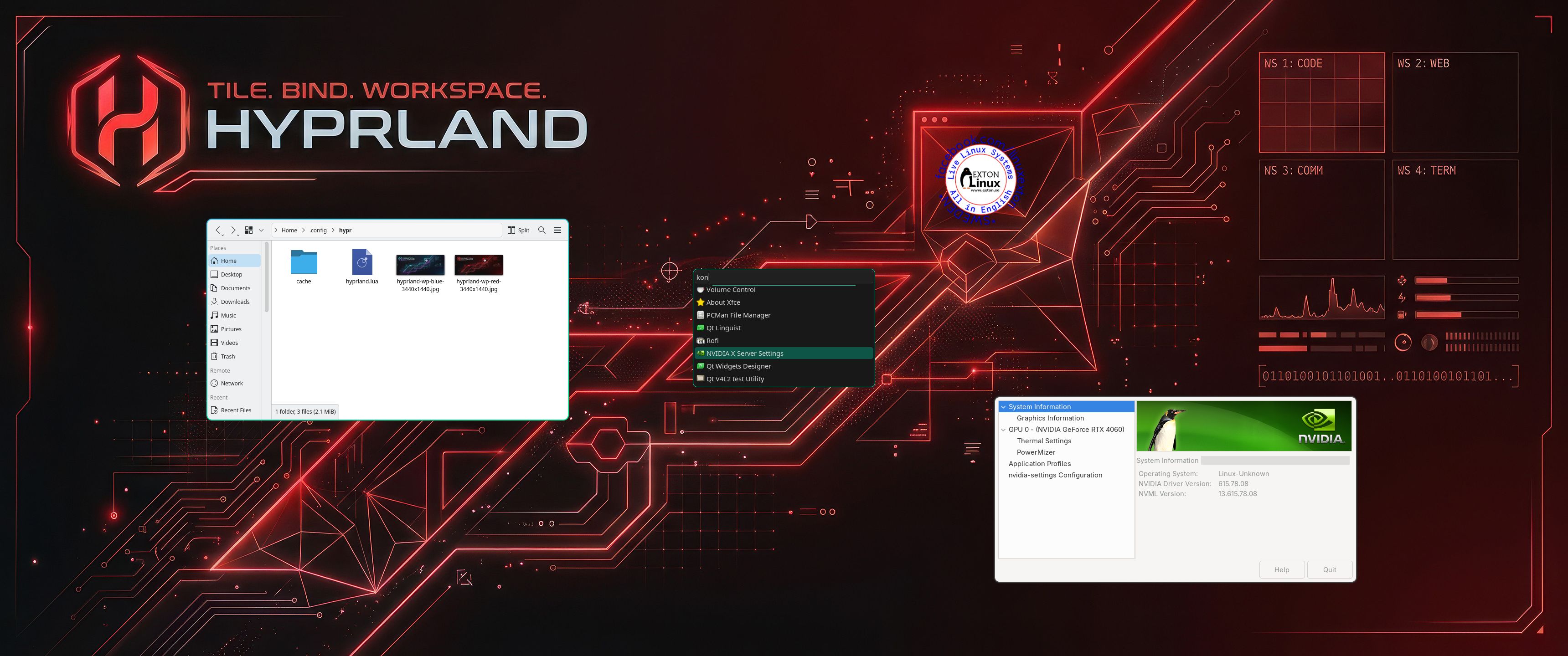
1. The Hyprland Desktop for the ordinary user user
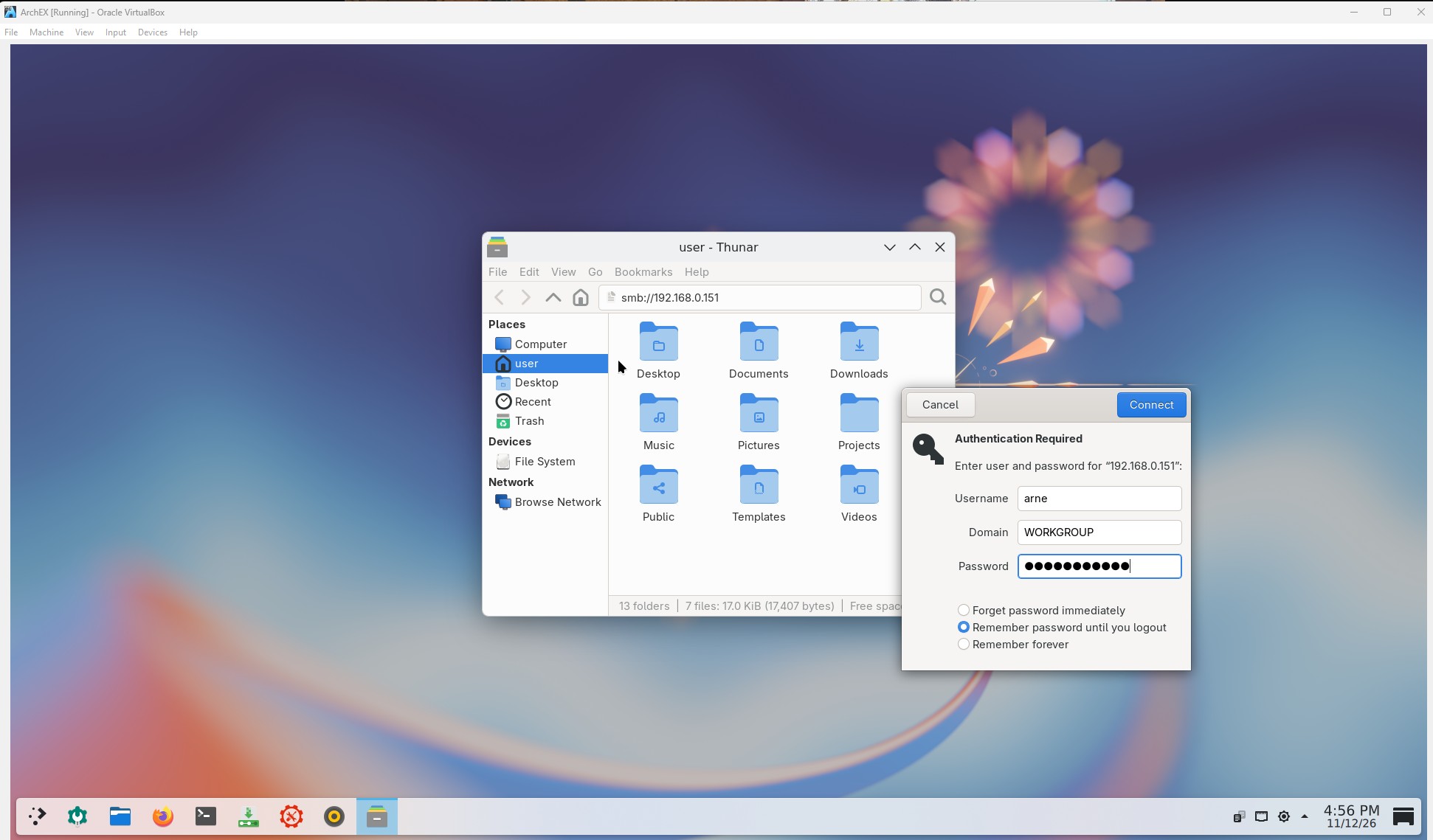
2. Running Samba in KDE Plasma
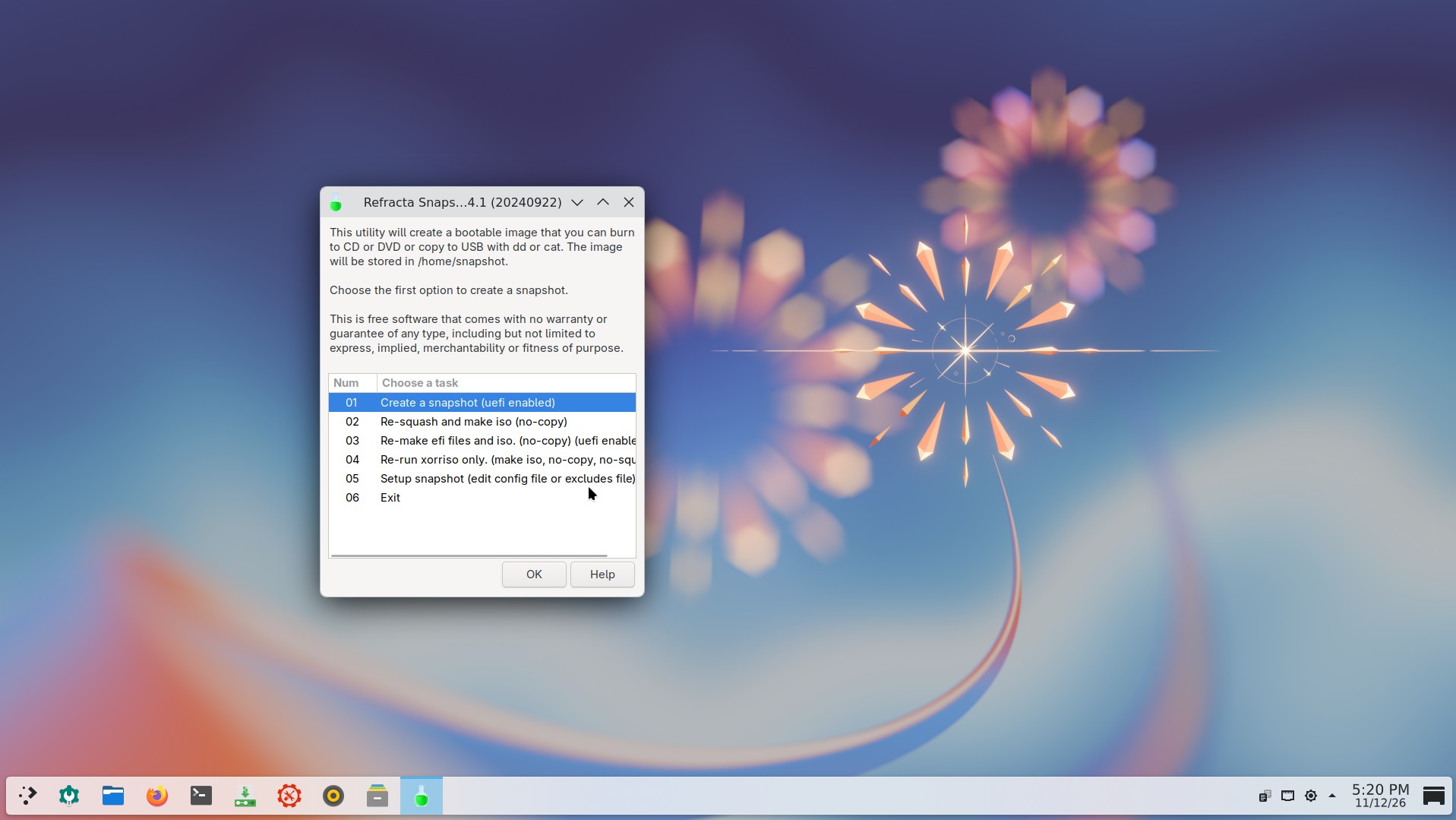
3. Using Refracta Snapshot
4. Calamares is ready
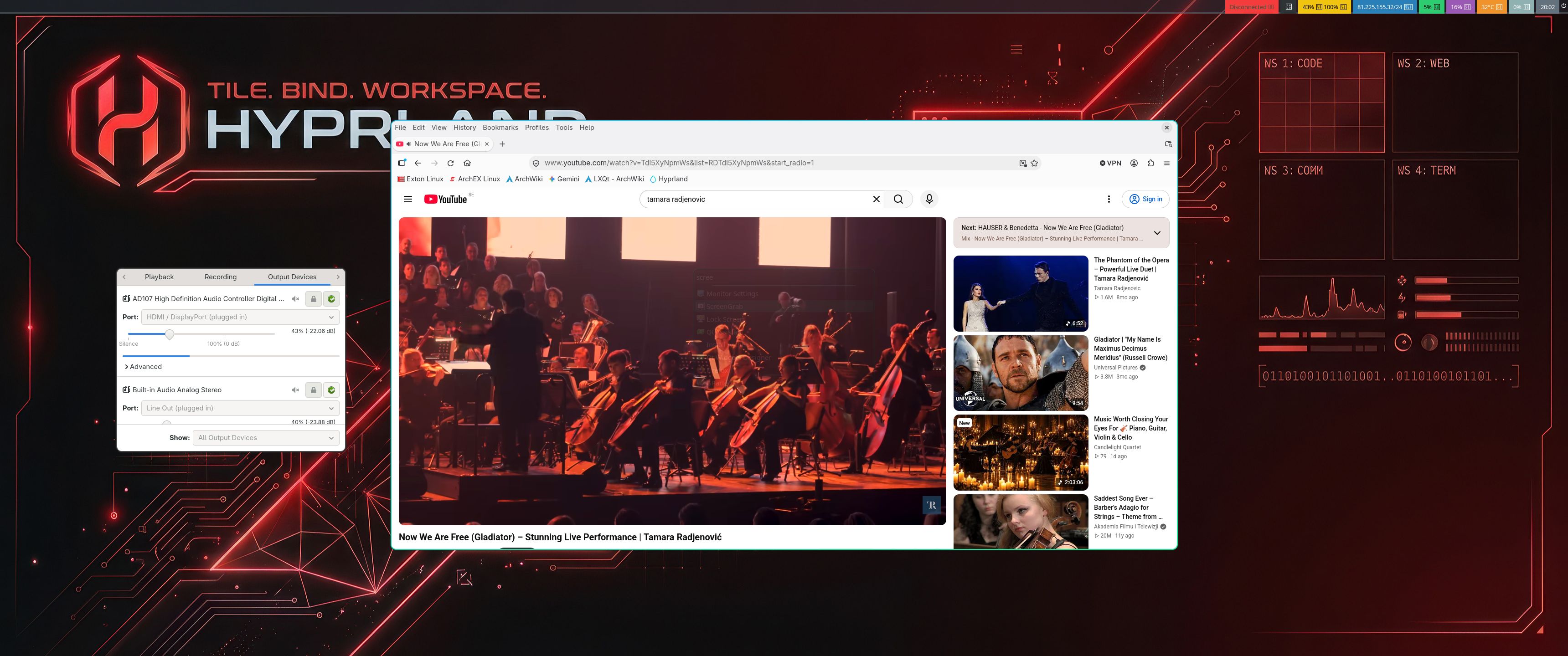
5. Running YouTube and Pavucontrol in Hyprland
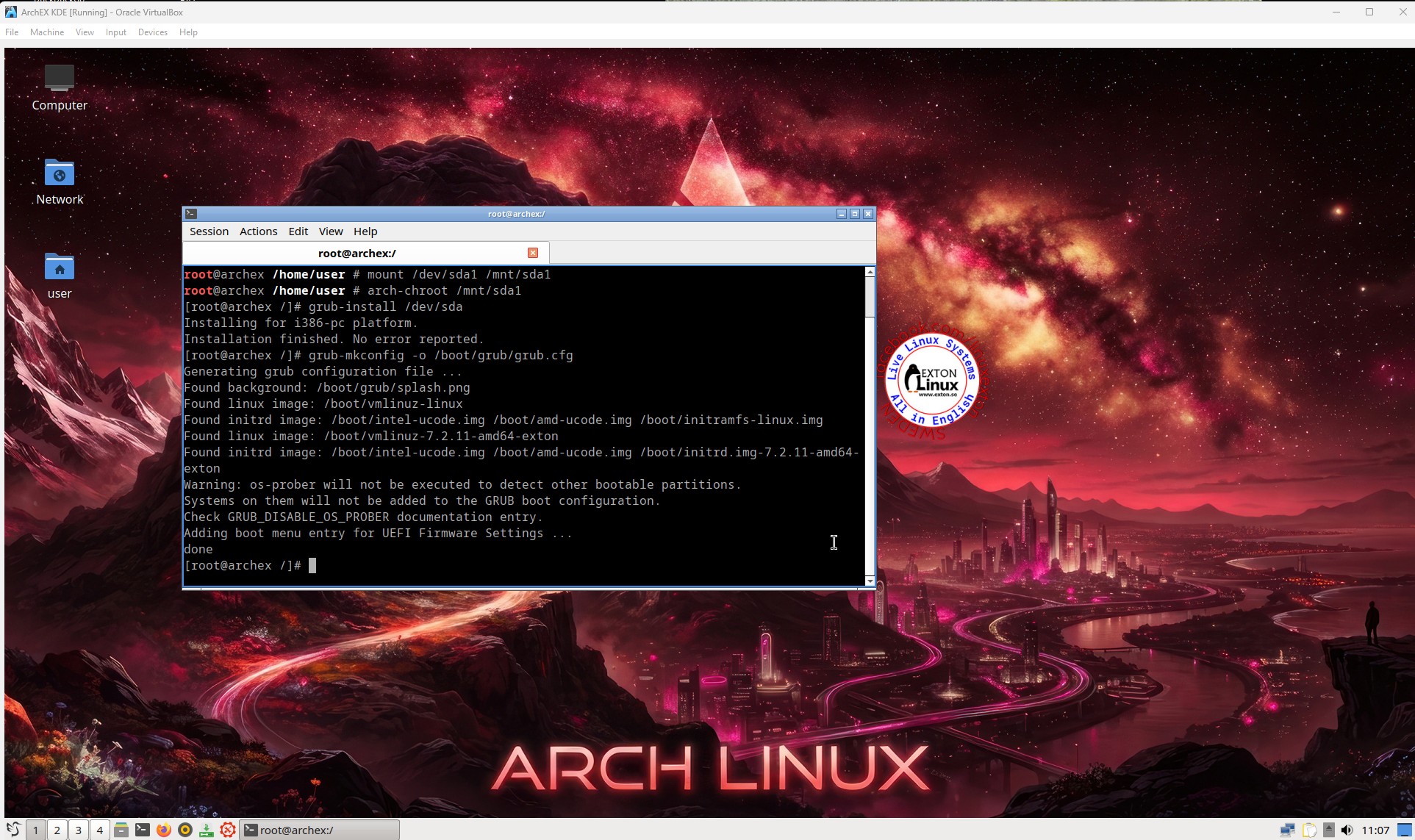
6. Installing Grub in VirtualBox
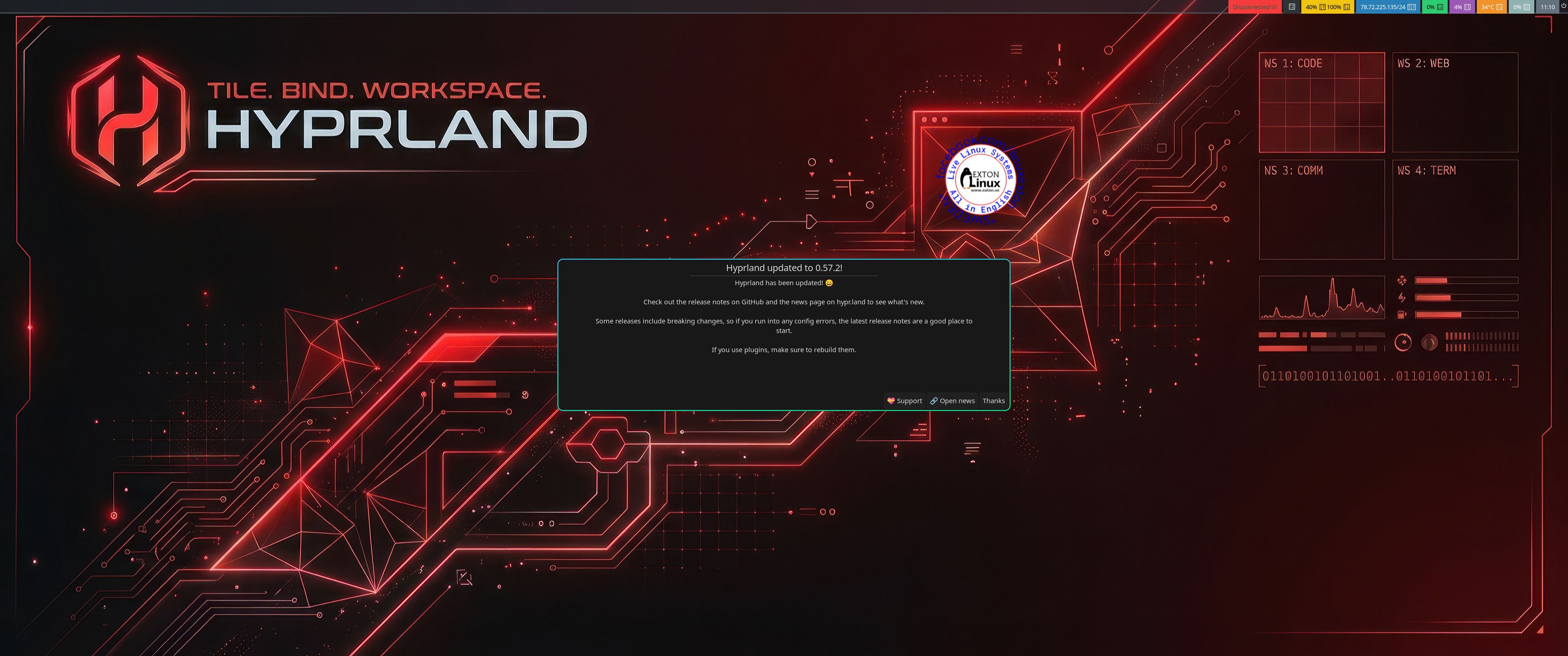
7. The first screen in Hyprland

and

About the Author