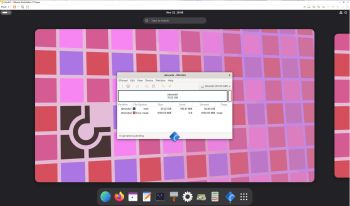
 ChimEX is a remaster of Chimera Linux.
ABOUT Chimera
Chimera Linux is an independent, general-purpose Linux distribution built from scratch without relying on GNU userland components, glibc, or systemd. Instead, it pairs the Linux kernel with modern, lightweight, and BSD-derived tools to deliver a clean, fast, and predictable operating system.
MY CHANGES
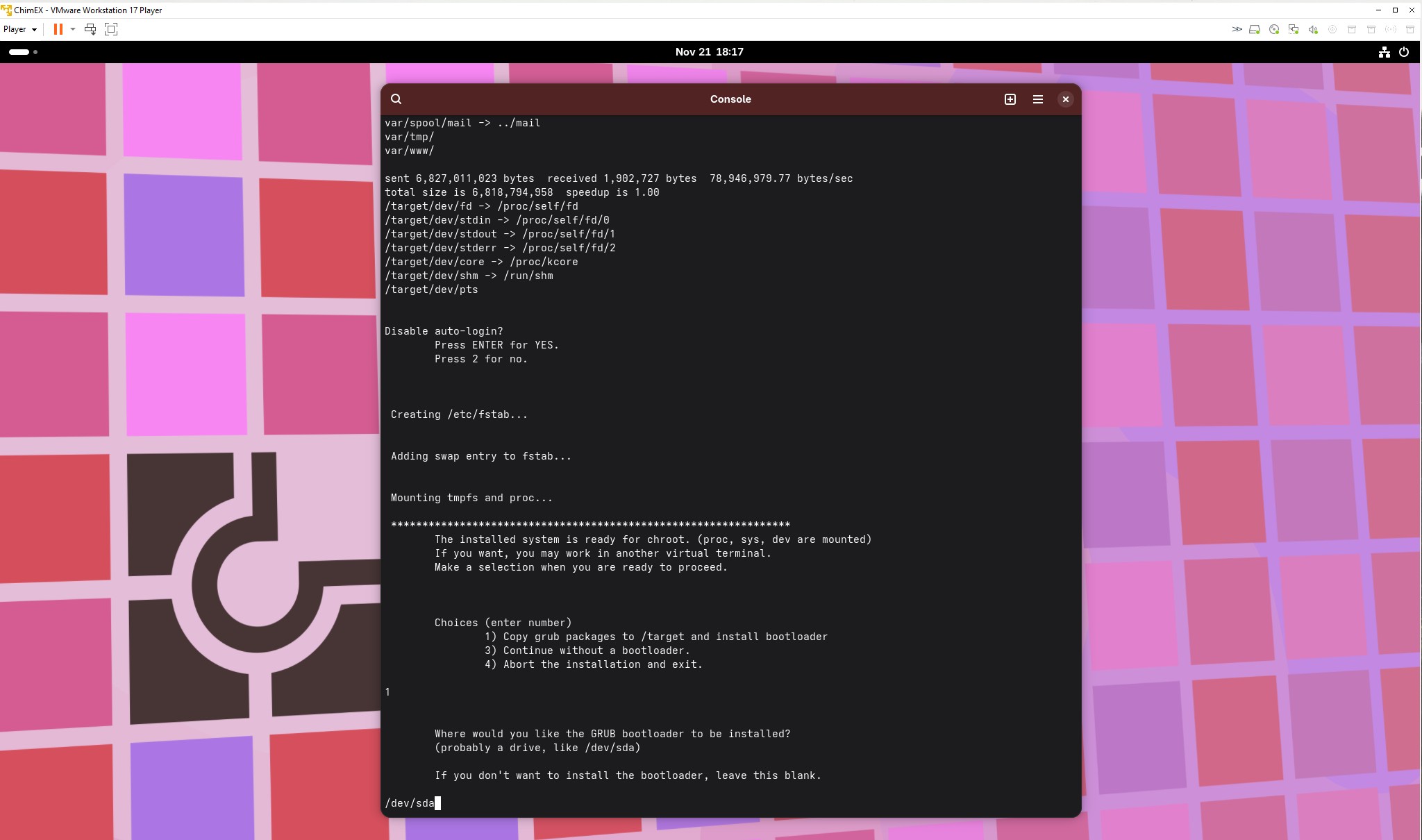
I have added Refracta Installer to make it easy (easier) to install the System to hard drive. I have also added one extra kernel – 7.3.4-amd64-exton – and a few extra programs. Among them GParted, Samba, Firefox and Git.
VERY IMPORTANT
Use Ventoy for USB installations of ChimEX and be sure to boot up in Grub2 mode. Rufus or Balena Etcher won’t make the USB stick bootable or you won’t be able to boot up in Grub2 mode.
VMware/VirtualBox/Qemu
VMware Player is the only VM which works for ChimEX/Chimera according to my experience. Running in VirtualBox and Qemu you will get kernel panic.Probably because there is no way to start up in Grub2 mode.
BUILD YOUR OWN Chimera Linux System
You can build you own Chimera System with Chimera’s mklive scripts. You’ll find the scripts in /root/chimera-live. If you want to build a new ISO with GNOME 51 you can run cd /root/chimera-live followed by
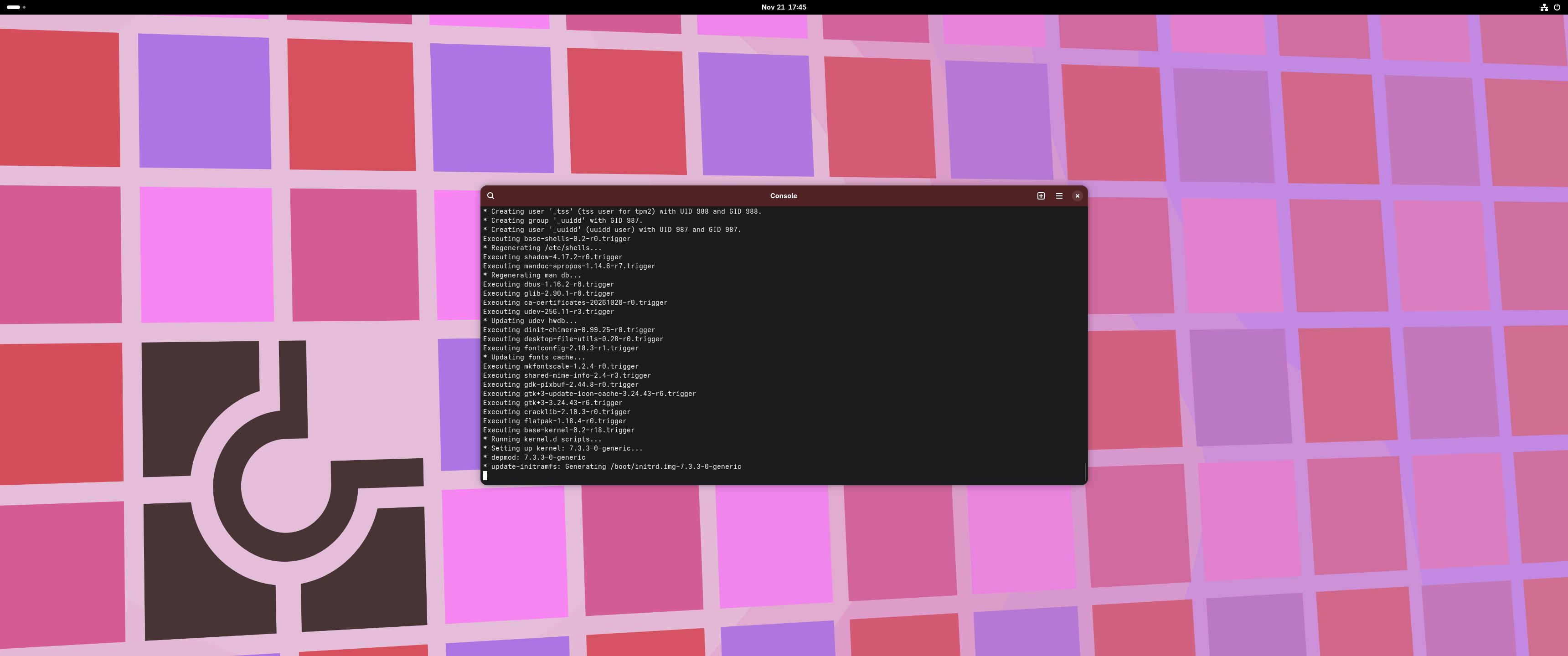
./mklive.sh -s squashfs -f gnome -p “base-full linux-stable gnome” /root/chimera-live-build. The whole thing will only take a few minutes. You’ll find your new ISO in chimera-live. Watch a screenshot when the mklive command is running. You can of course change the content in the folder chimera-live.
SCREENSHOTS
1. The mklive command is running
2. Refracta Installer is running
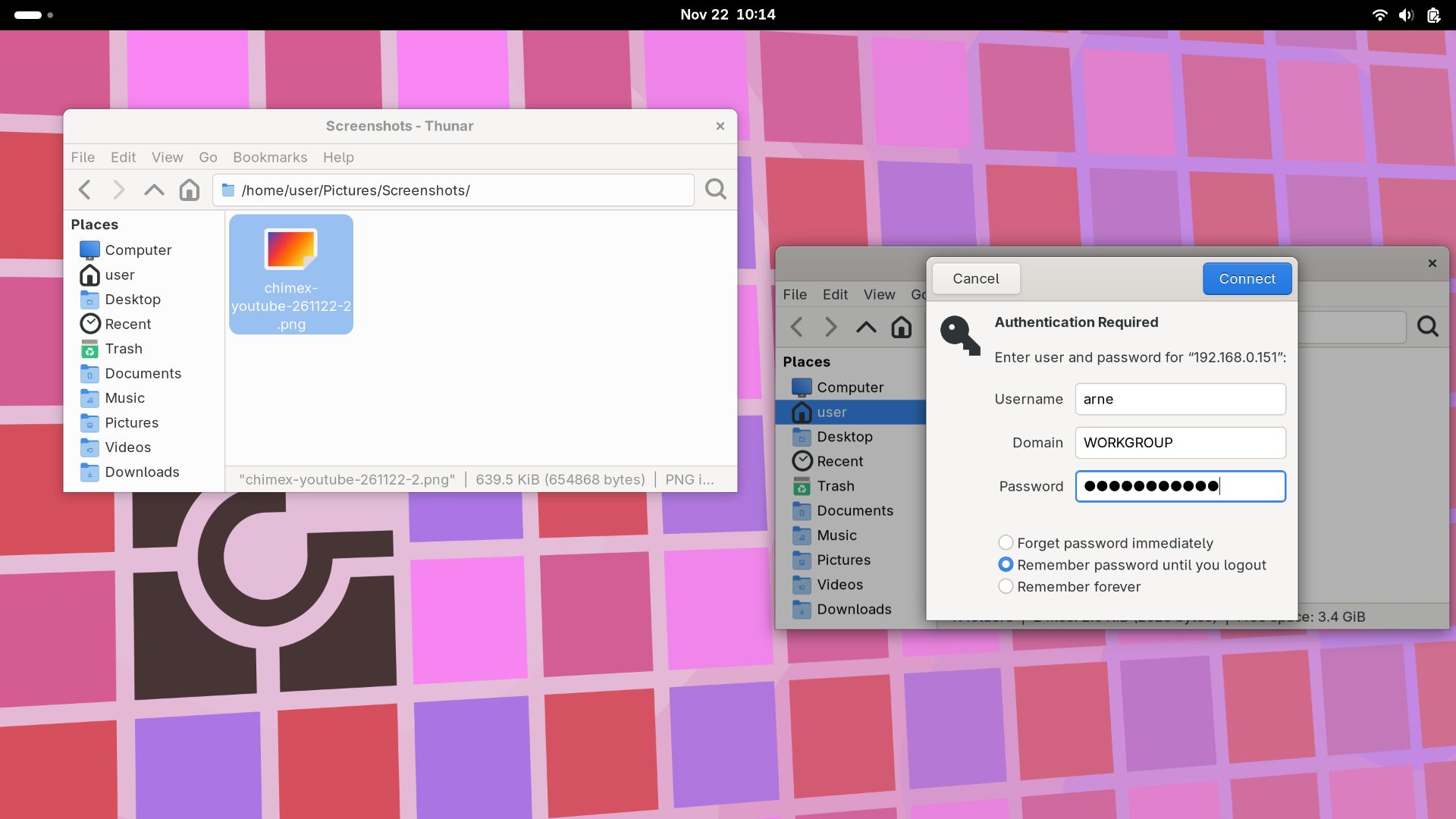
3. Showing a Samba connection
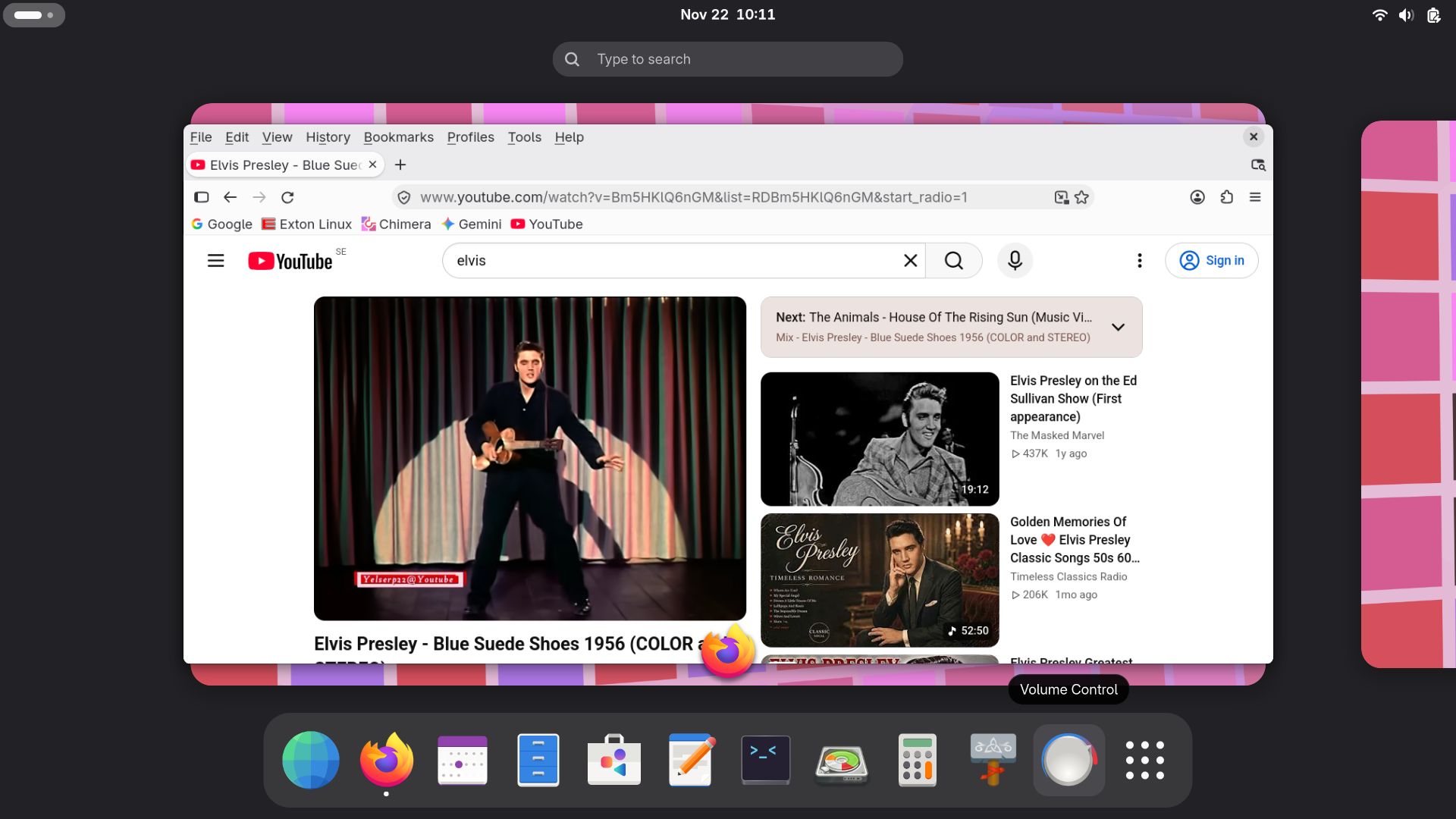
4. YouTube is running in Firefox with excellent video and sound performance
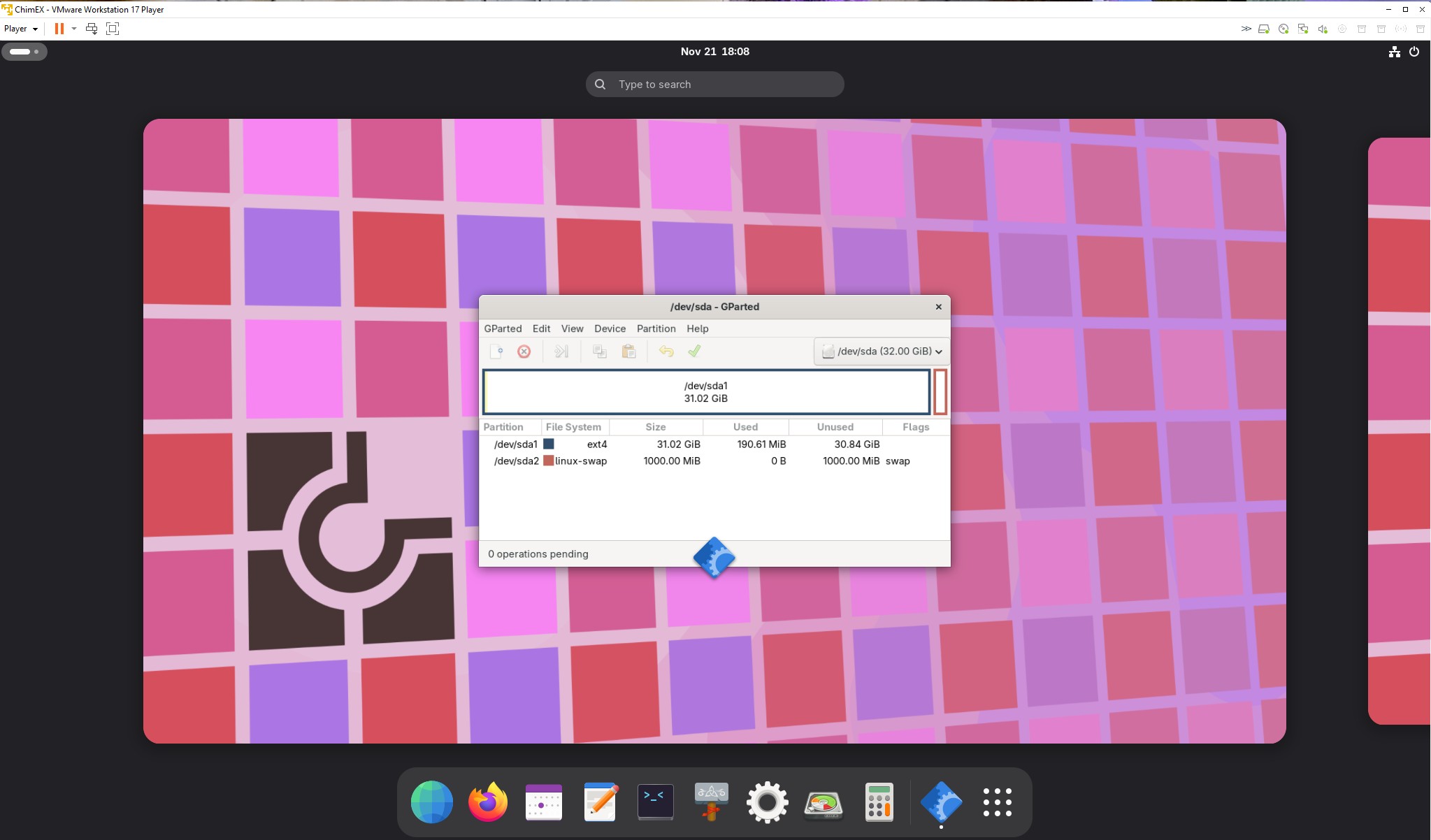
5. Using GParted in VMware

and

About the Author