Tag: Kodi Add-ons

RaspEX Kodi 64 bit – especially made for the “new” Raspberry Pi 5 – with the LXQt 2.2 Desktop and Kodi 21.3 “Omega” :: Build 260117

NEWS 260117 about RaspEX Kodi 64-bit
I’ve made a new version of RaspEX Kodi 64-bit. This version is based on Raspbian (Raspberry Pi OS) and Debian 13.3 Trixie. Debian 13.3 was released 260110. The LXDE Desktop is replaced with LXQt , which has a more “modern look” than LXDE. Historically, LXQt is the product of the merge between LXDE-Qt, an initial Qt flavour of LXDE, and Razor-qt, a project aiming to develop a Qt based desktop environment with similar objectives as the current LXQt. In RaspEX Kodi Build 260117 I’ve upgraded Kodi to version 21.3 Omega, which was released 251216. You can now much easier install extra repositories. Read about the best Kodi repos January 2026.

INSTALLED PACKAGES in Build 260117
Study all installed packages in Build 260117.

REPLACEMENT
This RaspEX Kodi Build (260117) replaces all previous versions of RaspEX Kodi. You can only run this new version on a Rpi5.

RASPBERRY Pi 5
RaspEX Kodi is made especially for the “new” Raspberry Pi 5 released October 23, 2023 (4GB and 8GB). You cannot run it on a Raspberry Pi 4 or any other Raspberry Pi model than Rpi5.

NOTE
: A Raspberry Pi 5 is about twice as fast as the Raspberry Pi 4.

PERFORMANCE
RaspEX Kodi is now very fast and responsive. And the video performance is brilliant. Almost as good as if you use a new “big” computer. Watch this screenshot…

SCREENSHOTS
1. The LXQt Desktop running as user pi
2. Expanding the filesystem
3. RaspEX Kodi 21.3 system info
4. Kodi running showing some Add-ons (including YouTube)
5. Showing the video quality in YouTube (running Kodi)
6. Trying different 4K videos in YouTube (running Kodi)
7. Running a movie clip in YouTube in Kodi

READ MORE…

Read about my Android-x86 Systems – 11, 10, Pie, Oreo, Nougat, Marshmallow, Lollipop and KitKat at andex.exton.net – latest is AndEX 11 (with GAPPS), AndEX 10 (with GAPPS) and AndEX Pie 9.0 (also with GAPPS)!
and
about my Android 16, 15, 14, 13, 12, 11, 10, Pie, Oreo, Nougat, Marshmallow and Lollipop versions for Raspberry Pi 5, Pi 4 and  Pi 3/2 at raspex.exton.se – latest is RaspAnd 16 (with GAPPS), RaspAnd 15 (also with GAPPS), RaspAnd 14 (also with GAPPS), 13 and 12 (without GAPPS), RaspAnd 11 (with GAPPS) and RaspAnd Oreo 8.1 (also with GAPPS)!


Follow me on Facebook…
No Comments Exton Linux SystemsRaspberry Pi

RaspEX Kodi 64 bit – especially made for the new Raspberry Pi 5 – with the LXQt 2.1 Desktop and Kodi 21.2 “Omega” :: Build 250730

NEWS 250730 about RaspEX Kodi 64bit
I’ve made a new version of RaspEX Kodi 64bit. This version is based on Raspbian (Raspberry Pi OS) and Debian Trixie (upcoming Debian 13). The LXDE Desktop is replaced with LXQt , which has a more “modern look” than LXDE. Historically, LXQt is the product of the merge between LXDE-Qt, an initial Qt flavour of LXDE, and Razor-qt, a project aiming to develop a Qt based desktop environment with similar objectives as the current LXQt. In RaspEX Kodi Build 250730 I’ve upgraded Kodi to version 21.2 Omega, which was released 250119. You can now much easier install extra repositories. Read about the best Kodi repos 2025.

INSTALLED PACKAGES in Build 250730
Study all installed packages in Build 250730…

REPLACEMENT
This RaspEX Kodi Build (250730) replaces all previous versions of RaspEX Kodi. You can only run this new version on a Rpi5.

RASPBERRY Pi 5
RaspEX Kodi is made especially for the new Raspberry Pi 5 released October 23, 2023 (4GB and 8GB). You cannot run it on a Raspberry Pi 4 or any other Raspberry Pi model than Rpi5.

NOTE
: A Raspberry Pi 5 is about twice as fast as the Raspberry Pi 4.

PERFORMANCE
RaspEX Kodi is now very fast and responsive. And the video performance is brilliant. Almost as good as if you use a new “big” computer – example.

Used kernel
Kernel 6.12.40-exton-v8-16k+ (for Rpi5).
NOTE: Build 250730 can only run on a Raspberry Pi 5.

SCREENSHOTS
1. The LXQt Desktop running as user pi
2. Expanding the filesystem
3. RaspEX Kodi 21.2 system info
4. Kodi running showing some Add-ons (including YouTube)
5. Synaptic running in LXQt 2.1
6. Showing video quality in YouTube (in Kodi)
7. Running the NASA Add-on in Kodi
8. Running a movie clip in YouTube in Kodi

READ MORE…

Read about my Android-x86 Systems – 11, 10, Pie, Oreo, Nougat, Marshmallow, Lollipop and KitKat at andex.exton.net – latest is AndEX 11 (with GAPPS), AndEX 10 (with GAPPS) and AndEX Pie 9.0 (also with GAPPS)!
and
about my Android 16, 15, 14, 13, 12, 11, 10, Pie, Oreo, Nougat, Marshmallow and Lollipop versions for Raspberry Pi 5, Pi 4 and  Pi 3/2 at raspex.exton.se – latest is RaspAnd 16 (with GAPPS), RaspAnd 15 (also with GAPPS), RaspAnd 14 (also with GAPPS), 13 and 12 (without GAPPS), RaspAnd 11 (with GAPPS) and RaspAnd Oreo 8.1 (also with GAPPS)!


Follow me on Facebook…
No Comments extonExton Linux SystemsRaspberry Pi

RaspAnd Nougat 7.1.1 for Raspberry Pi 3 and Pi 2 – Build 170127 – with GAPPS and Kodi 17.0-RC4

ABOUT
RaspAnd Nougat 7.1.1 Build 170127
is an Android 7.1.1 Nougat system which can run on Raspberry Pi 3 and Pi 2. I have included the following apps:
1) GAPPS (latest by 170125)
2) Kodi 17.0-RC4 (with YouTube enabled and working!)
3) Firefox 51.0
4) Spotify 1.0.0
5) Rotation Control Pro 1.1.9
6) AIDA64 1.44
7) Aptoide App Store 8.0.1.2
8) YouTube 1.3.11 (sound, but no video. If you, however, use SnapTube you can download videos/movies from YouTube and replay them in Windows or Linux with perfect video quality)
9) ES File Explorer Pro 1.0.8
10) Gmail 7.1.1
11) Google Play Services 10.2.91
12) Google App 6.10.37.21
13) Google Play Store 7.4.12.L-all (not working, but since Google Play Services work very well you can install many new GAPPS using Aptoide App Store).
14) SnapTube 4.11.0.8.8655

ABOUT KODI
Kodi (an award-winning free and open source (GPL) software media center for playing videos, music, pictures, games, and more) works very well in RaspAnd. You can enable a lot of Add-ons. Most important is that the YouTube Add-on is enabled by default and that it works very well. I.e. both the sound and the video performance when running YouTube in Kodi is satisfying.

KNOWN ISSUES
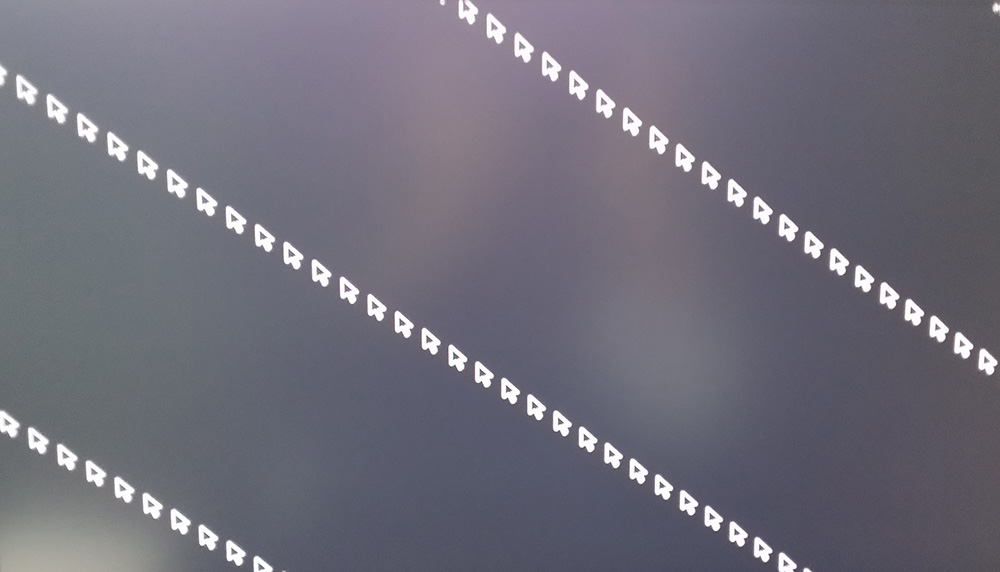
1. The screen can flicker sometimes on certain monitors. In the worst cases it can look like this. Fix: Click on the screen or wait a moment.
2. Google Play Store won’t run. Nothing to do about it (right now). Aptoide is a good replacement since you can install most Google apps using Aptoide.
3. You can’t watch videos/movies using the YouTube app. The sound is very good though. Nothing to do about it (right now). Please note that you can run YouTube in Kodi with good video and sound quality.
4. Not all apps will run in RaspAnd Nougat. You can for example run the popular (?) Clash of Clans, but not Angry Birds. Many many apps will run without problems though.
5. You may have to reconnect to your Wifi Network after every reboot of RaspAnd. Sort of a “bug”.

PLEASE NOTE that the installation to a Micro SD Card has to take place in Linux.

SCREENSHOTS
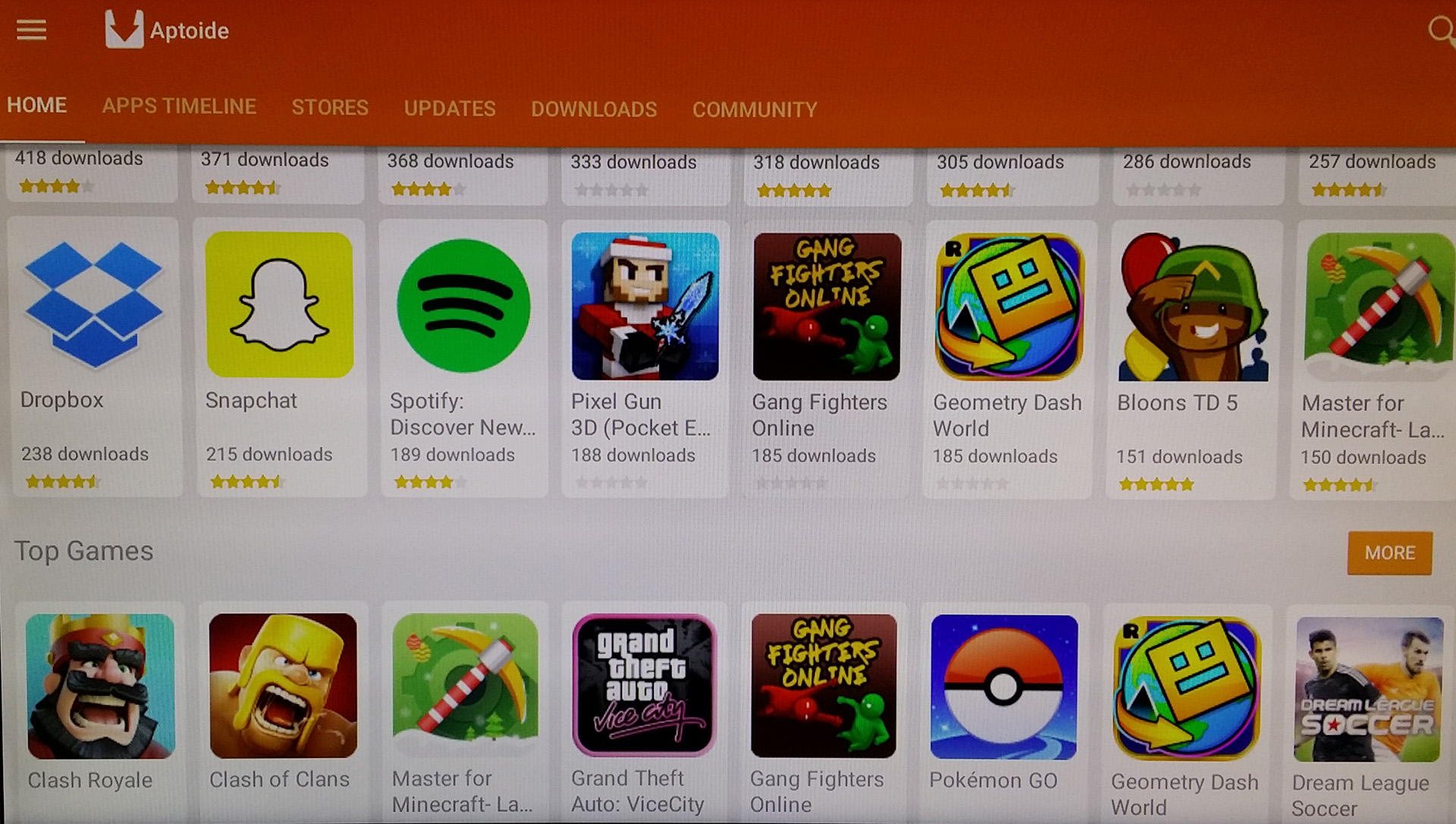
Screenshot 1 – Aptoide App Store running
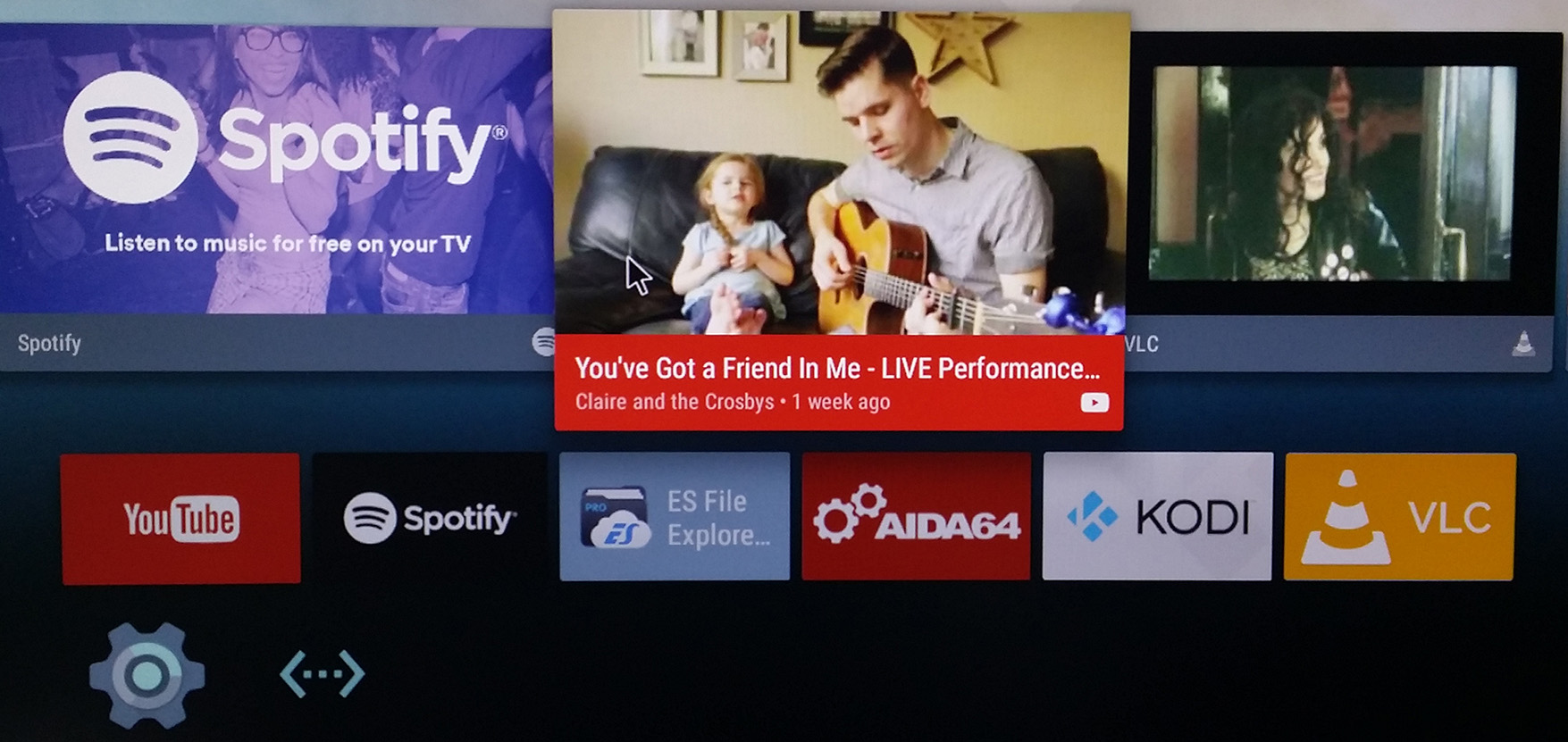
Screenshot 2 – RaspAnd’s Desktop
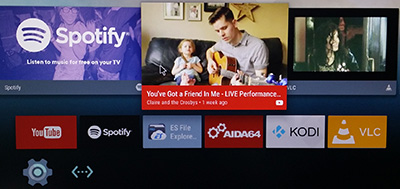
Screenshot 3 – Kodi running
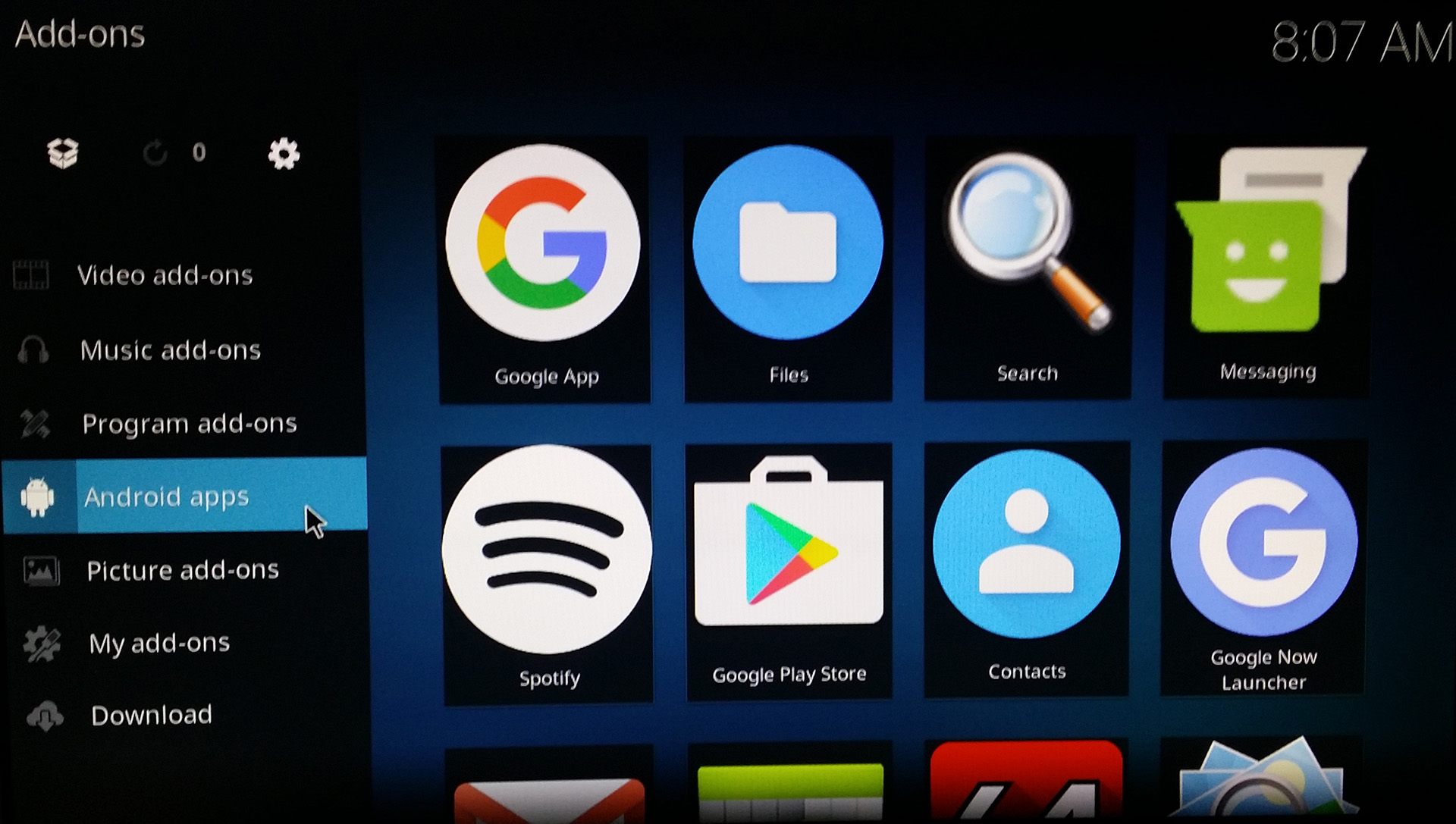
Screenshot 4 – Kodi running (choosing Add-ons)
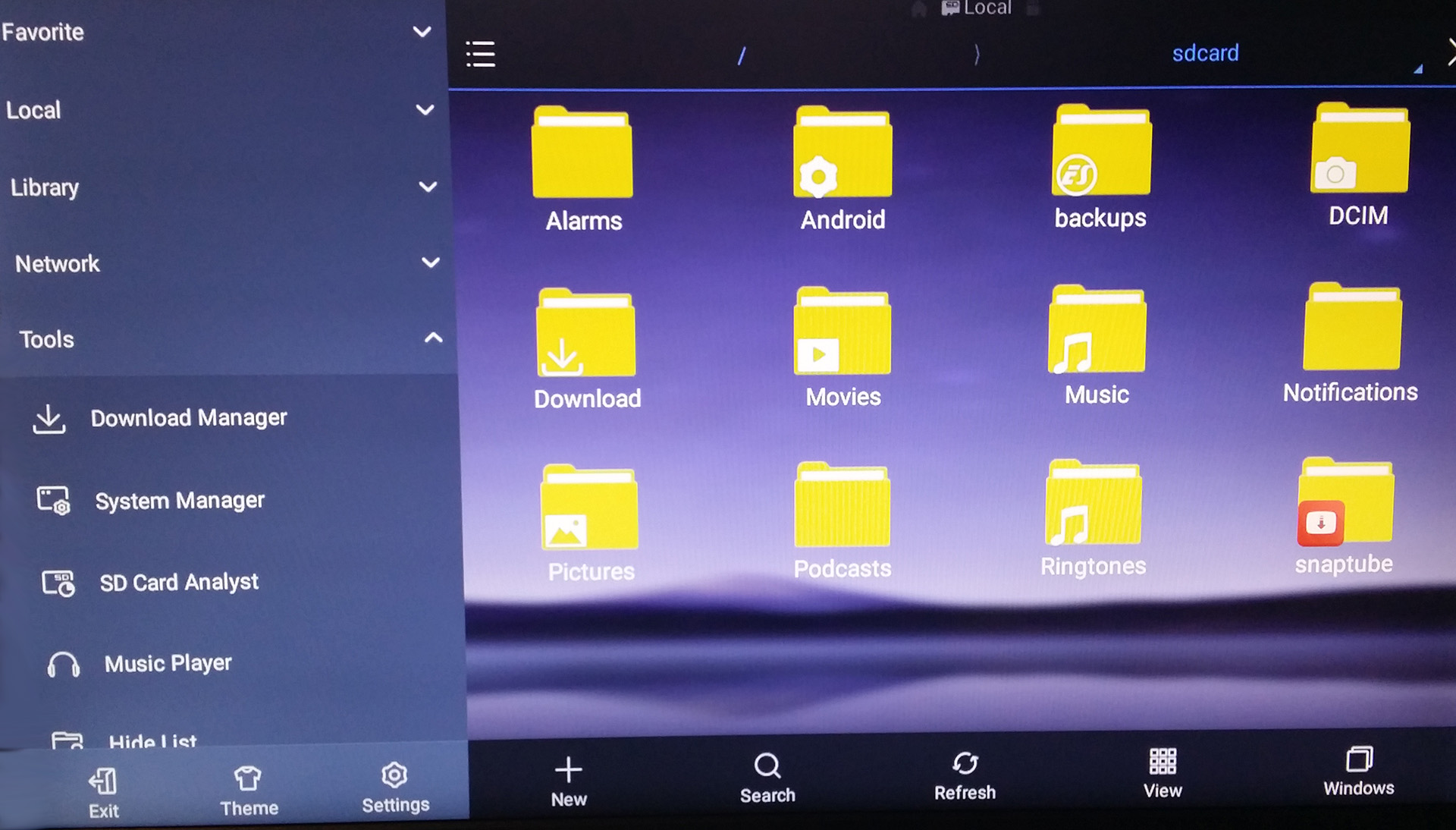
Screenshot 5 – ES File Explorer running
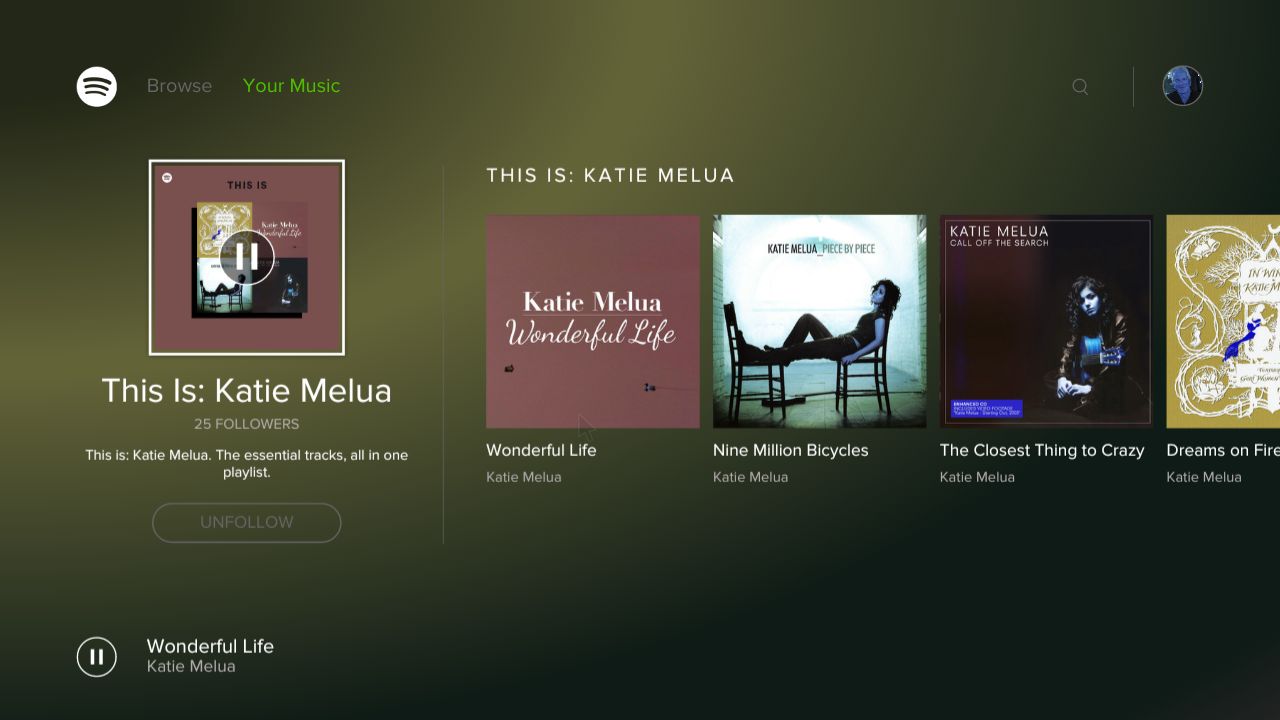
Screenshot 6 – Spotify running
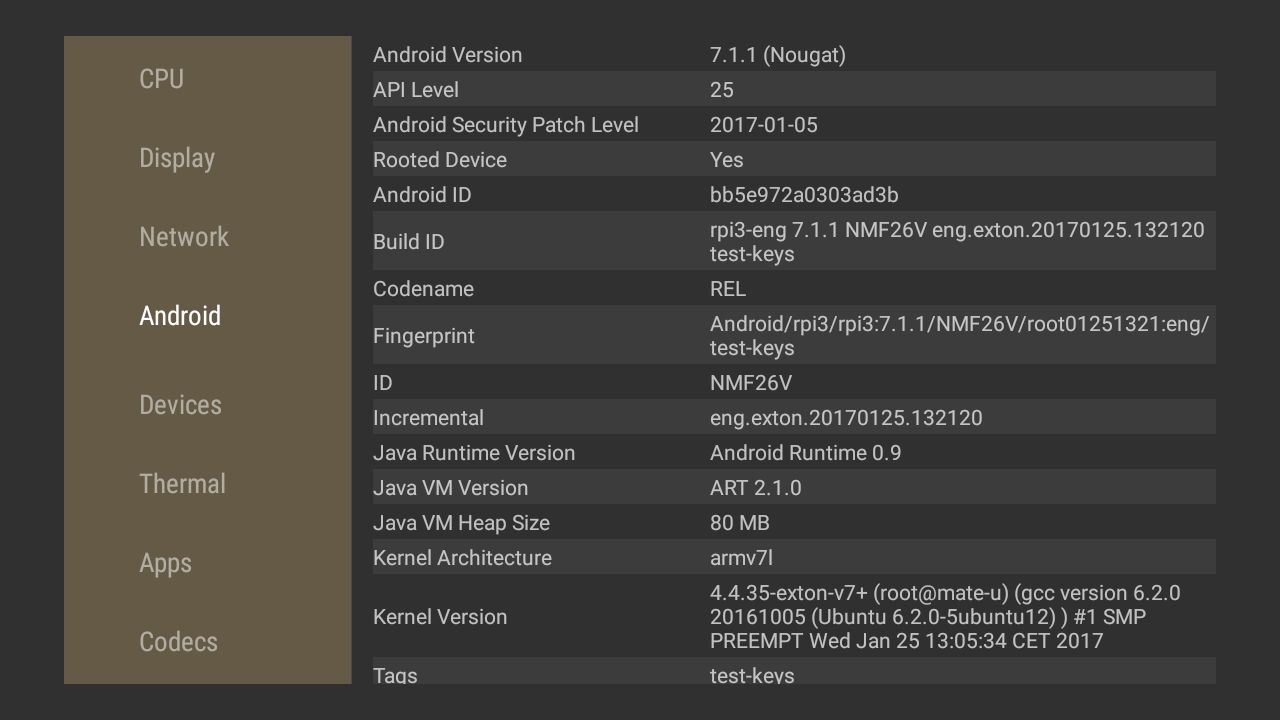
Screenshot 7 – AIDA64 running
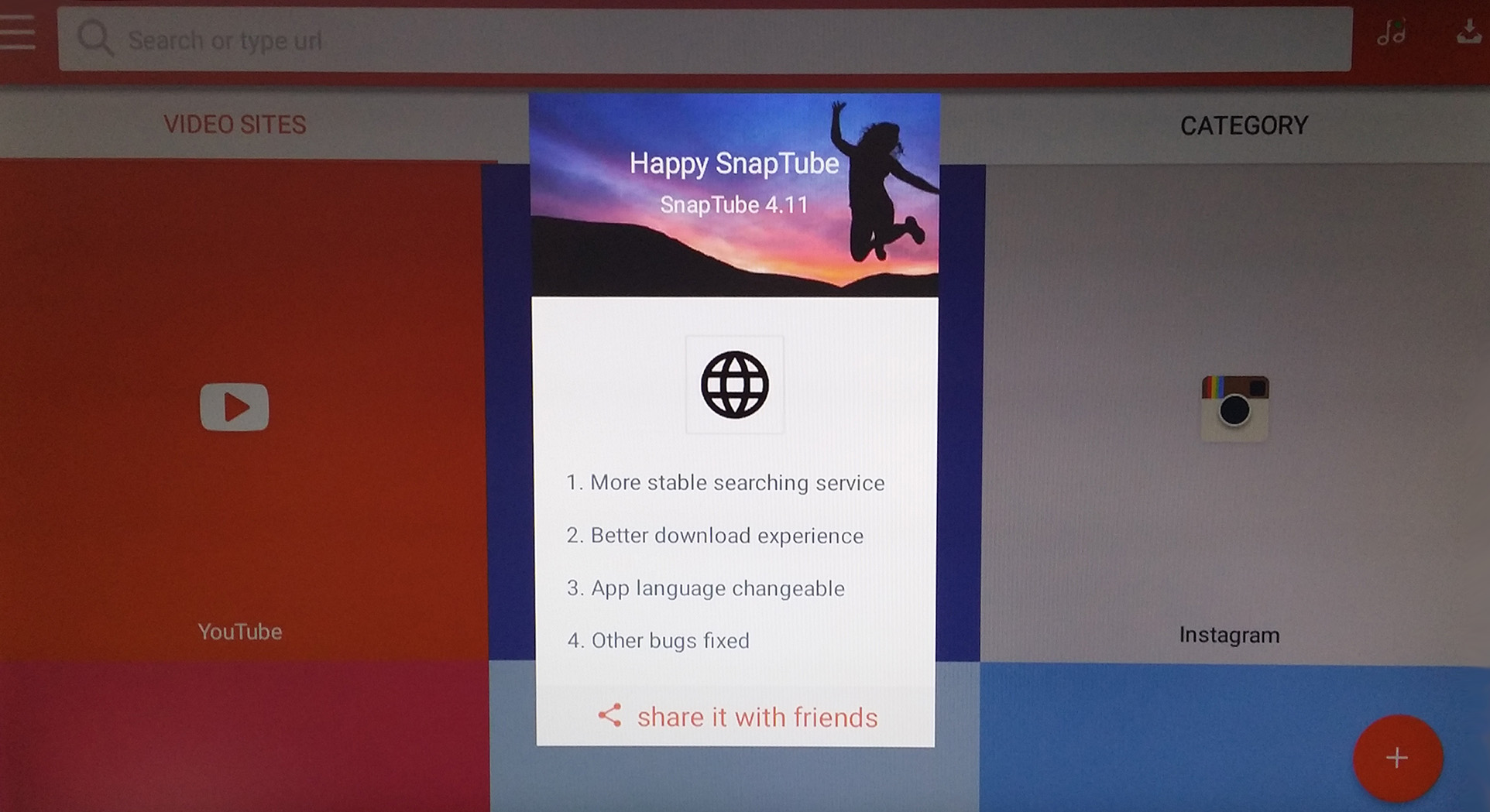
Screenshot 8 – SnapTube running
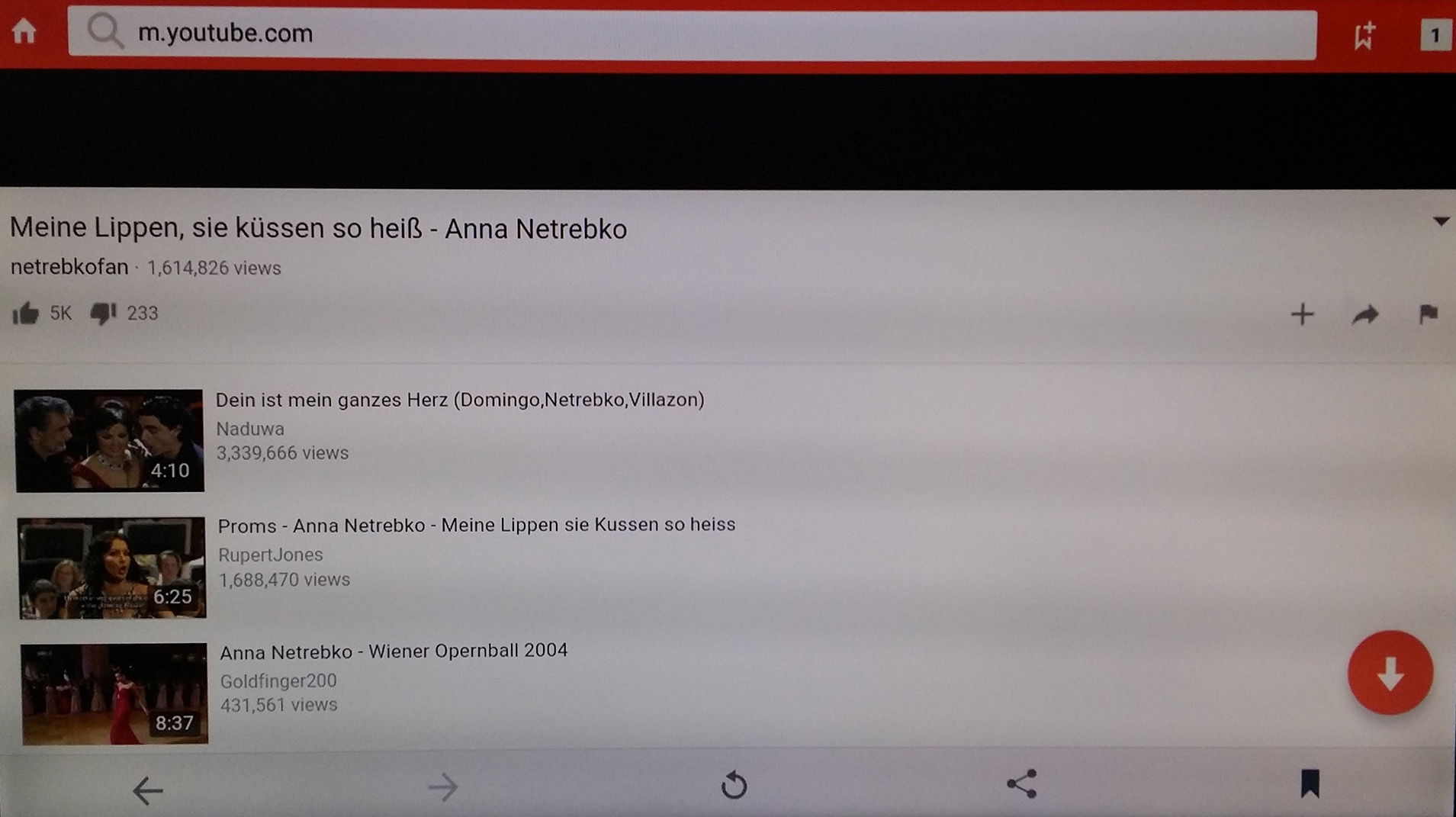
Screenshot 9 – SnapTube running and downloading from YouTube
Note: The “screenshots” are taken with my mobile phone camera. The colors are therefore not perfect. I.e. when running RaspAnd on your Raspberry Pi the screen colors are much better!

READ MORE…

1 Comment AndroidextonExton Linux SystemsLinuxRaspberry