Tag: NetworkManager

Exton|OS Light Build 161021 :: Based on Ubuntu 16.10 with kernel 4.8.0-25-exton (4.8.1)

exton-os-logo-worldNEWS 161021 about Exton|OS Light Live DVD – ISO file of 970 MB
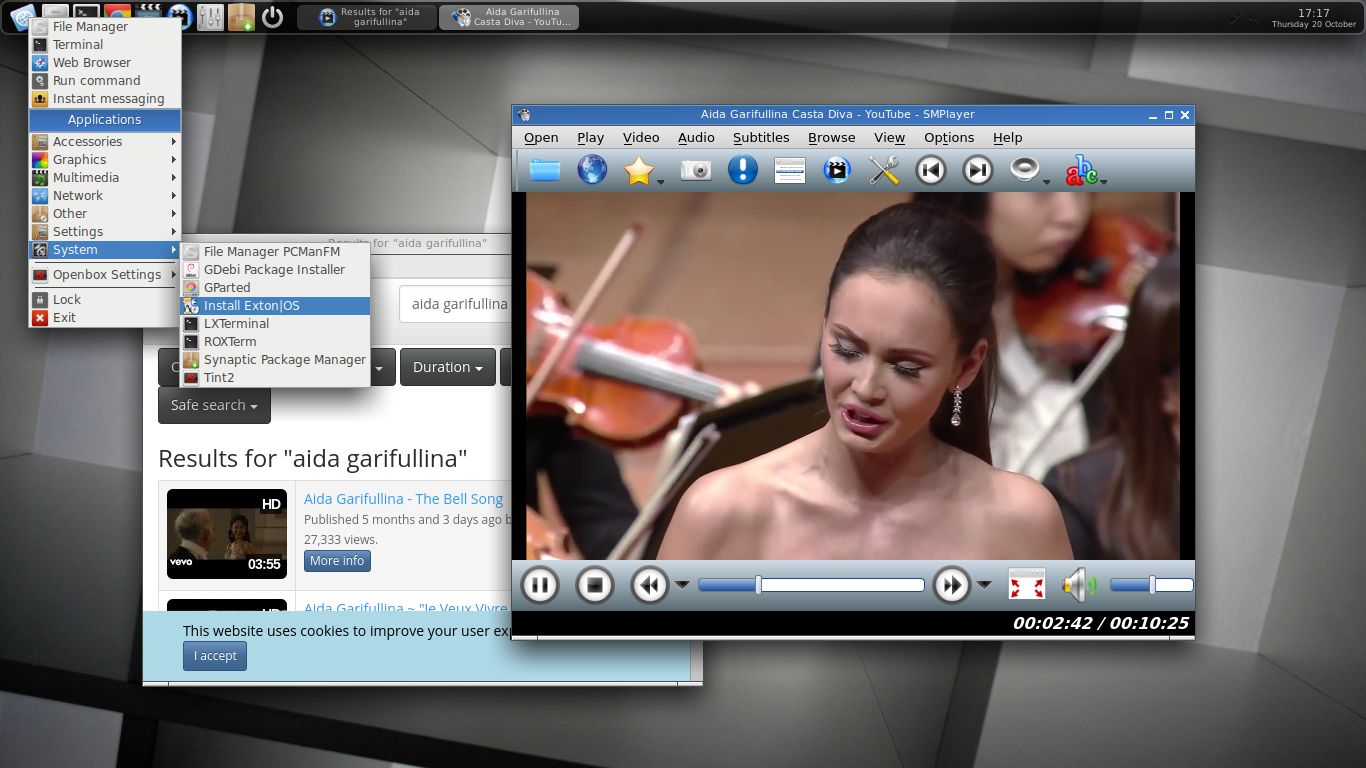
I’ve made a new extra version of Exton|OS based on Ubuntu 16.10 (alias Yakkety Yak) 64 bit with only a minimum of packages pre-installed. Among them a terminal emulator (LXTerminal), a Web Browser (Google Chrome – so you can run Netflix), SMPlayer, SMTube (YouTube browser which allows to browse, search and play YouTube videos), PCManFM (file manager), NetworkManager, GParted (Partition Editor), Samba (so you can reach your Windows computers), Audacious (a small and fast audio player which supports lots of formats) and Synaptic (Package Manager). I give you the pleasure of installing all extra packages you need after a hard disk installation of Exton|OS Light. Use Synaptic for that. You can of course also install new packages while running the system live (from DVD/USB stick), but nothing will be saved after a reboot. Unless you have followed my USB Install Instruction (under B) or used UNetbootin) and used Boot alternative 2 – Persistent when you have used UNetbootin. If you have plenty of RAM you can even install big programs (such as LibreOffice) while running the system live even from DVD. Exton|OS Light’s Window manager Openbox guarantees lightness and elegance.

Packages

All installed packages in Exton|OS Light have been updated to the latest available version as at October 21, 2016. Study the full package list.

Used KERNEL
My special kernel 4.8.0-25-exton, equivalent to Kernel.org’s kernel 4.8.1. You can download “my” kernel if you want to use it in another Ubuntu/Debian system.

SCREENSHOTS
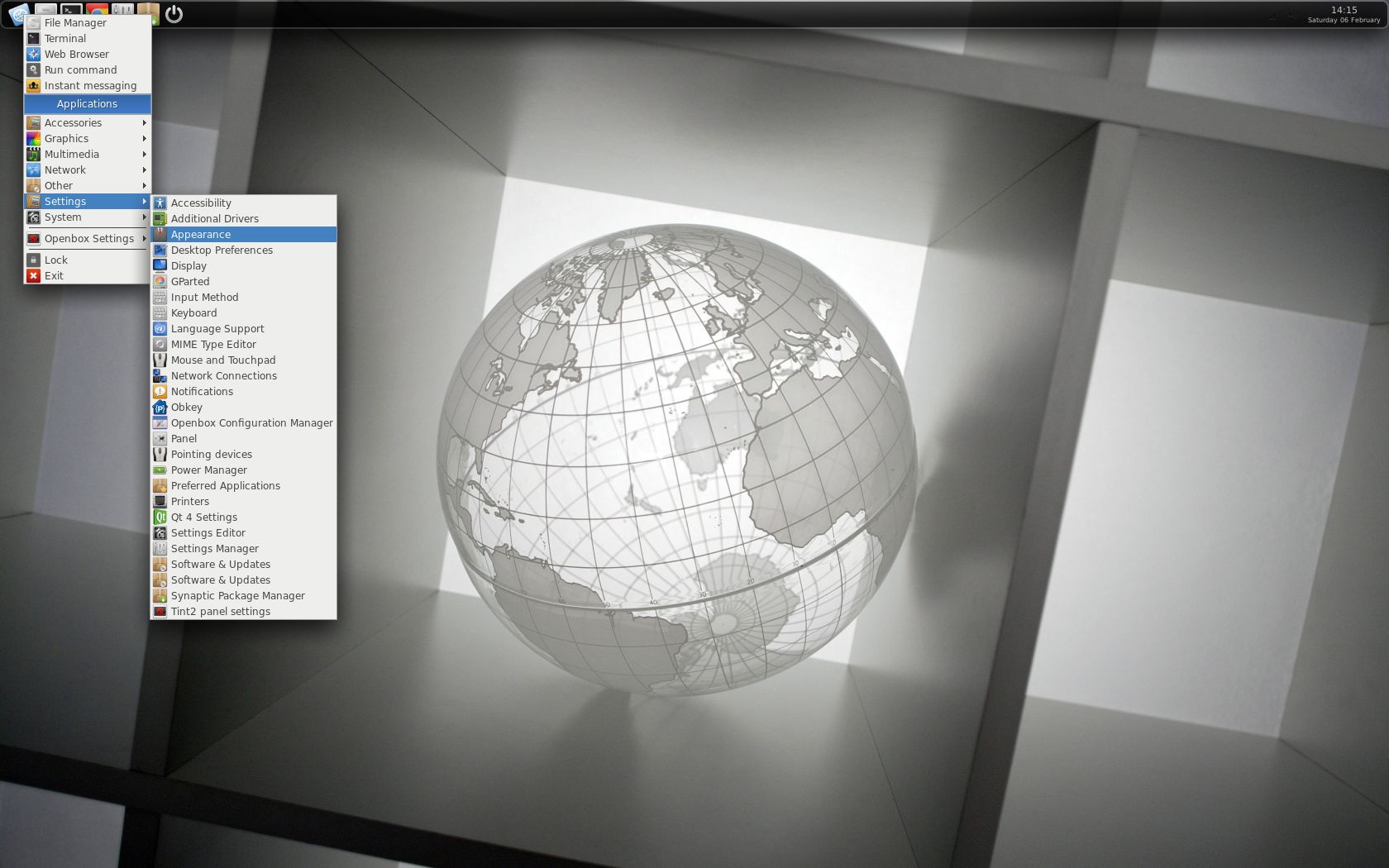
See a screenshot of Exton|OS Light’s Openbox Desktop
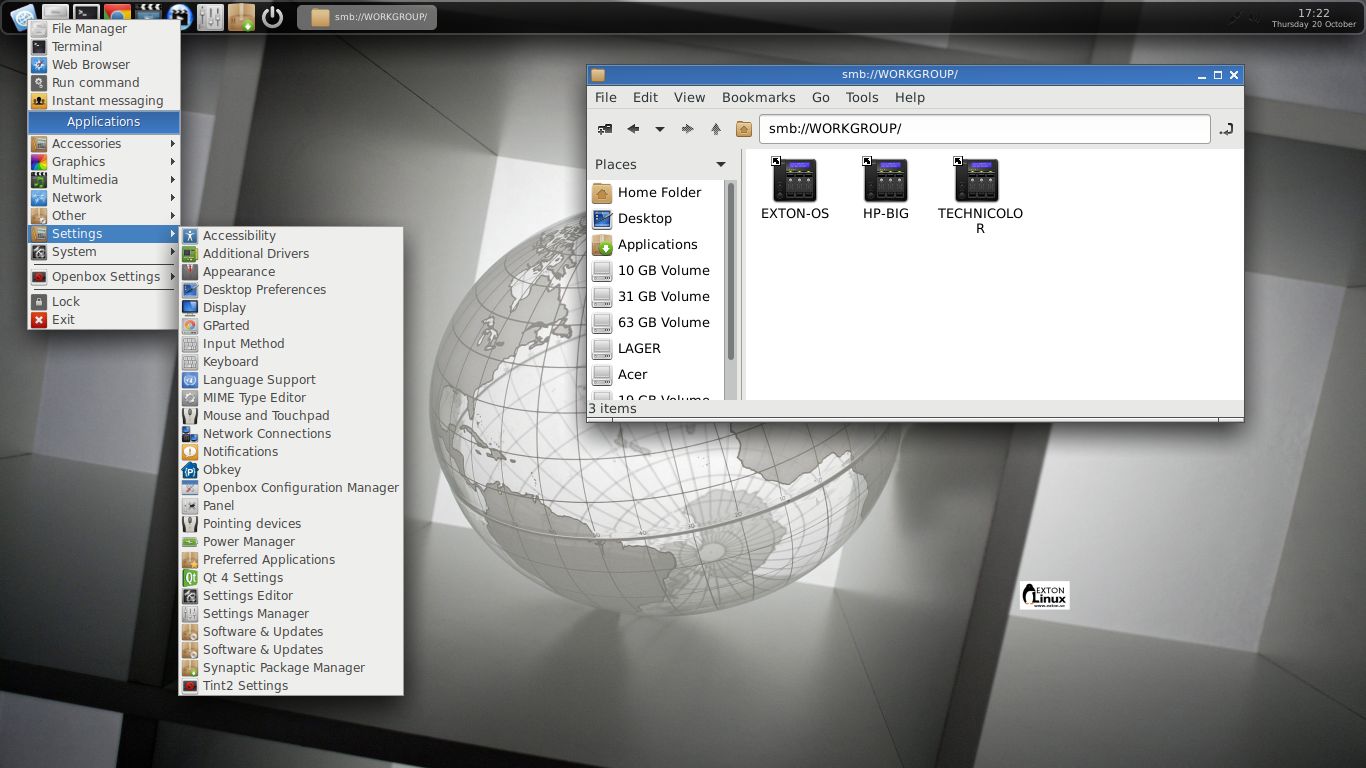
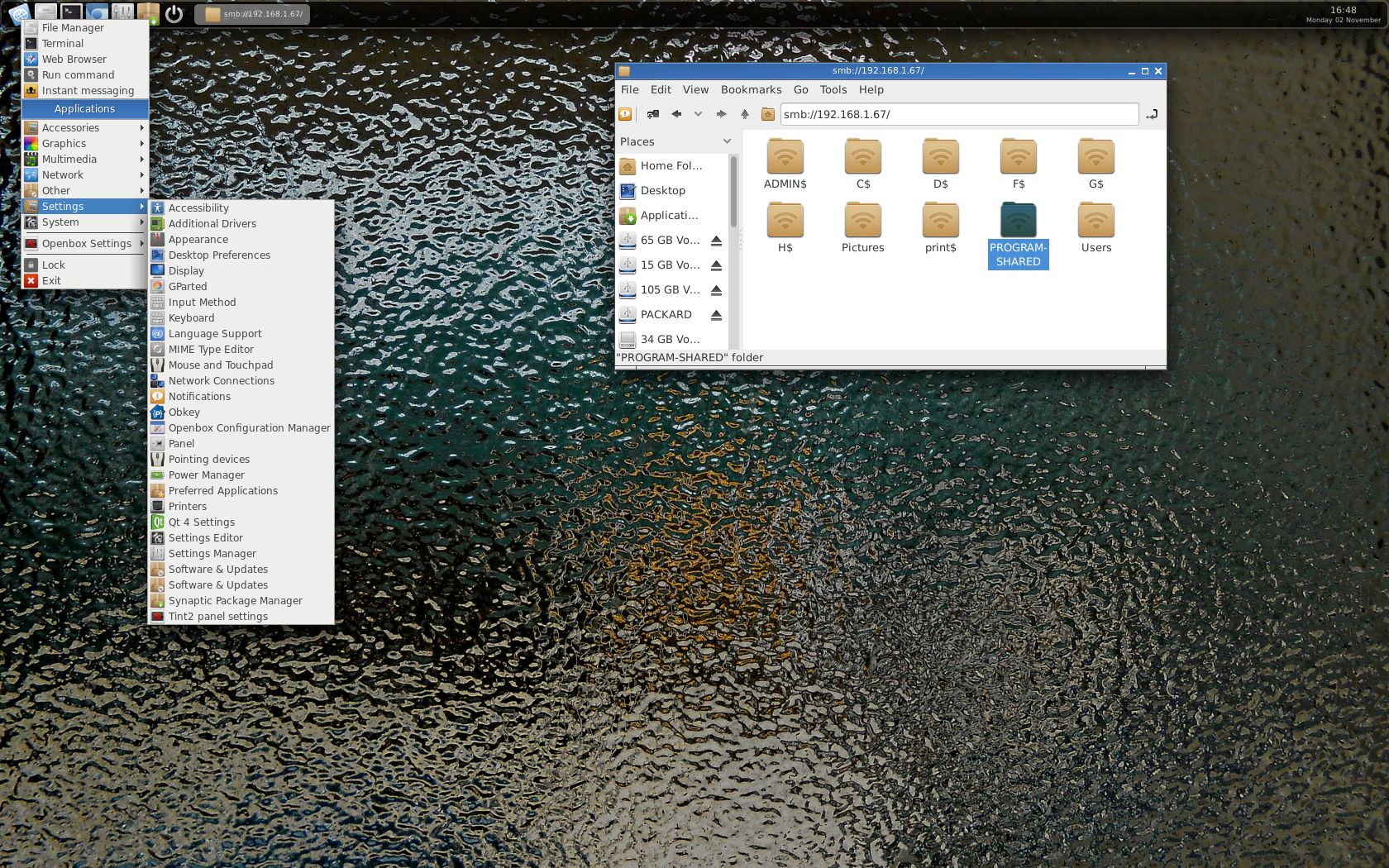
See a screenshot of Exton|OS Light’s Openbox Desktop when Samba is used
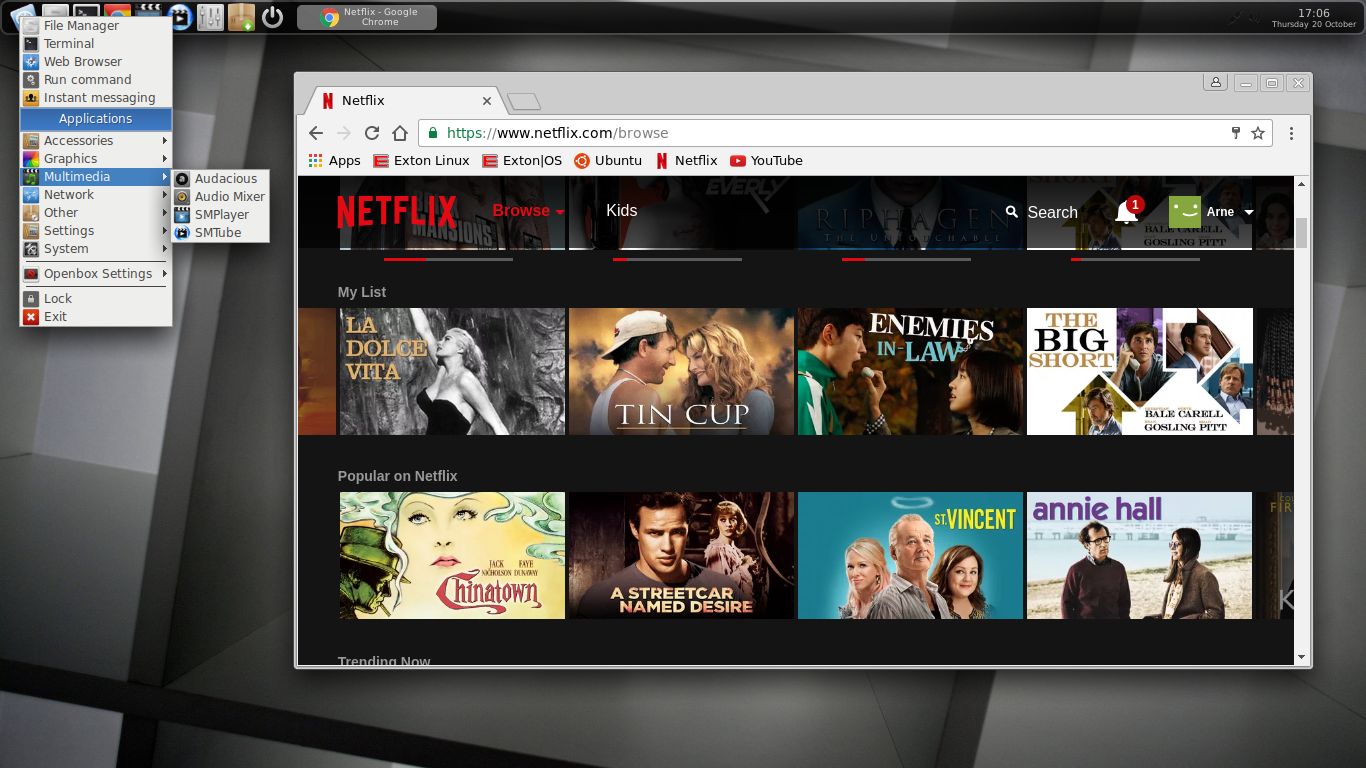
See a screenshot when Google Chrome with Netflix is running
See a screenshot when Spotify is running – (install Spotify with: sudo apt-get install spotify-client)

READ MORE…


1 Comment extonExton Linux SystemsLinux

SlackEX (Slackware Current/14.2) with KDE 4.14.3 (latest) and kernel 4.4.1 (latest)

slackware_logoSlackEX is based on Slackware Current/14.2. Slackware is the first widely-used Linux system, which is still developing. Slackware has existed since 1993. The older the fiddle the sweeter the tune or as we say in Sweden: Gammal är äldst.

New features in version 160203 of SlackEX
I have replaced kernel 4.3.1-x86_64-exton with kernel 4.4.1-exton-huge with support for “everything”. Most important is that I have changed repositories from Slackware 14.1 to Current. I.e. upcoming Slackware 14.2. KDE is upgraded to version 4.14.3 (latest KDE version). All other component software is also upgraded to the latest Slackware Current version by now. I may also mention in particular GParted 0.24.0 (latest, not in Slackware’s repositories), VirtualBox 5.0.14 (latest, not in Slackware’s repositories), Google Chrome 46.0.2490.86 (not in Slackware’s repositories), Gimp 2.8.10 (installed from source), GSlapt 0.5.3h, Firefox 43.0.4, Thunderbird 38.5, Samba 4.3.2 and GCC 5.3.0. Furthermore I have installed Grub2, which can be used as boot loader (if you want) after a hard drive install. Study the full package LIST. Note: I have replaced Wicd with NetworkManager. It works better.

Used kernel
4.4.1-exton-huge with support for “everything”. Kernel 4.4.1 was released 160131.

What’s new in kernel 4.4.1?

Nvidia
Nvidia’s proprietary Graphics driver 352.79 (latest driver) is installed.

Install SlackEX to a USB stick
Please read my INSTALL INSTRUCTIONS. NOTE: All system changes are PERSISTENT.

Why Slackware?
Slackware is grossly underestimated (in my opinion). This article give you ten (10) reasons to choose Slackware.

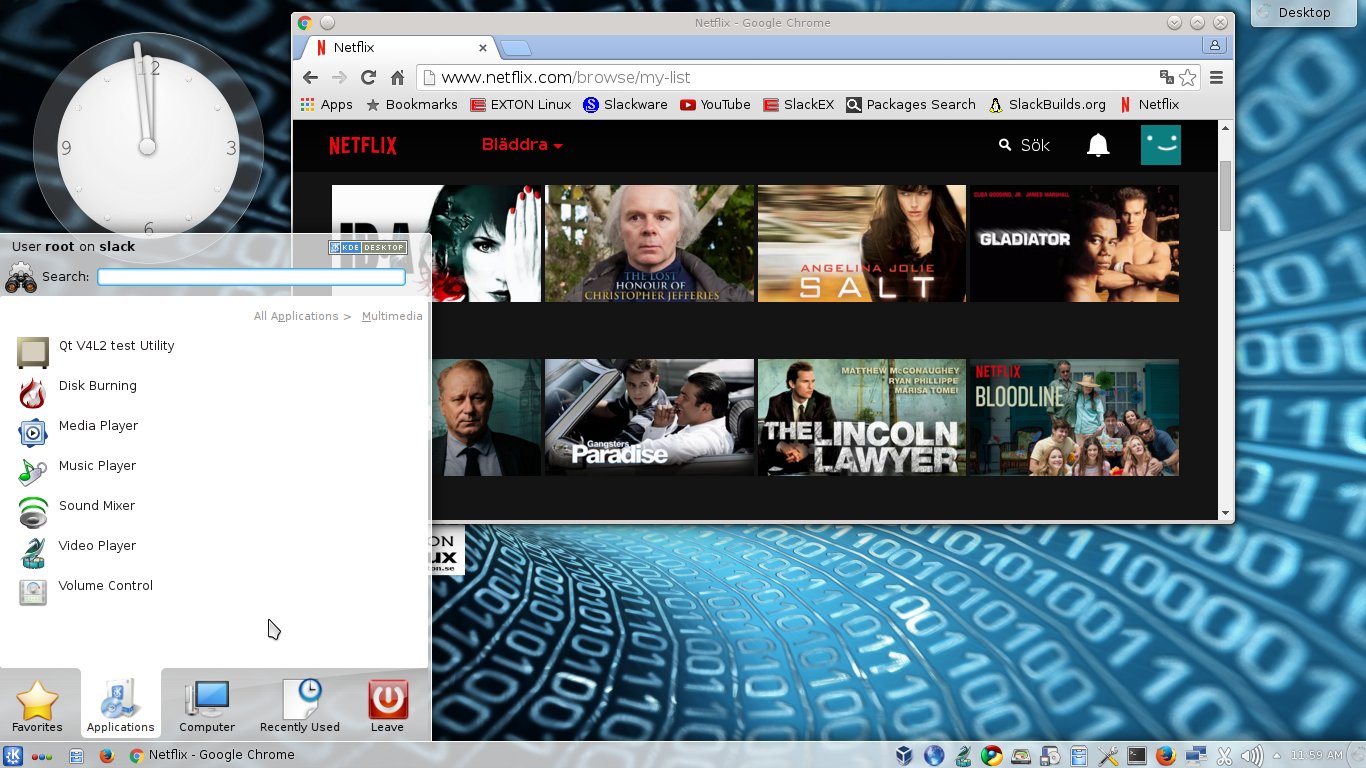
Screenshot 1 – KDE 4.14.3 Desktop with Netflix running

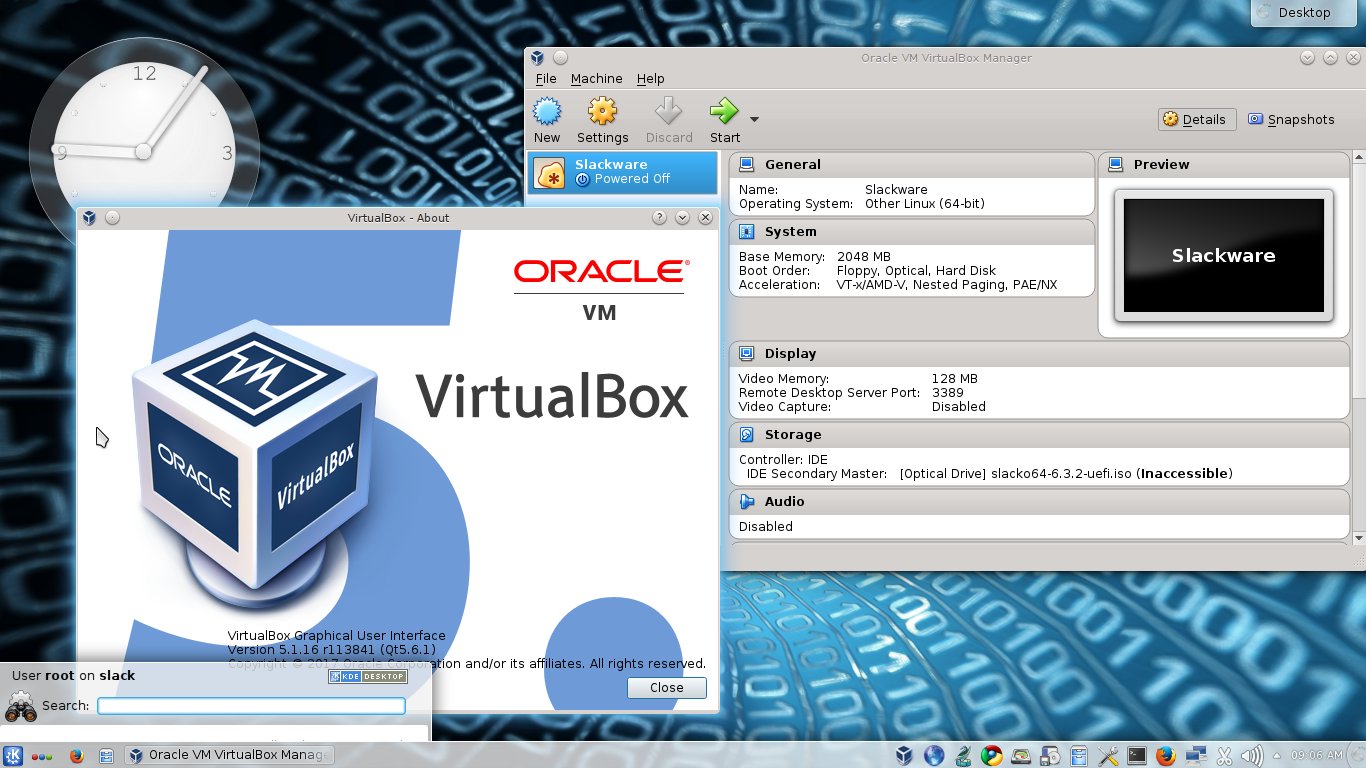
Screenshot 2 – KDE 4.14.3 Desktop with VirtualBox running

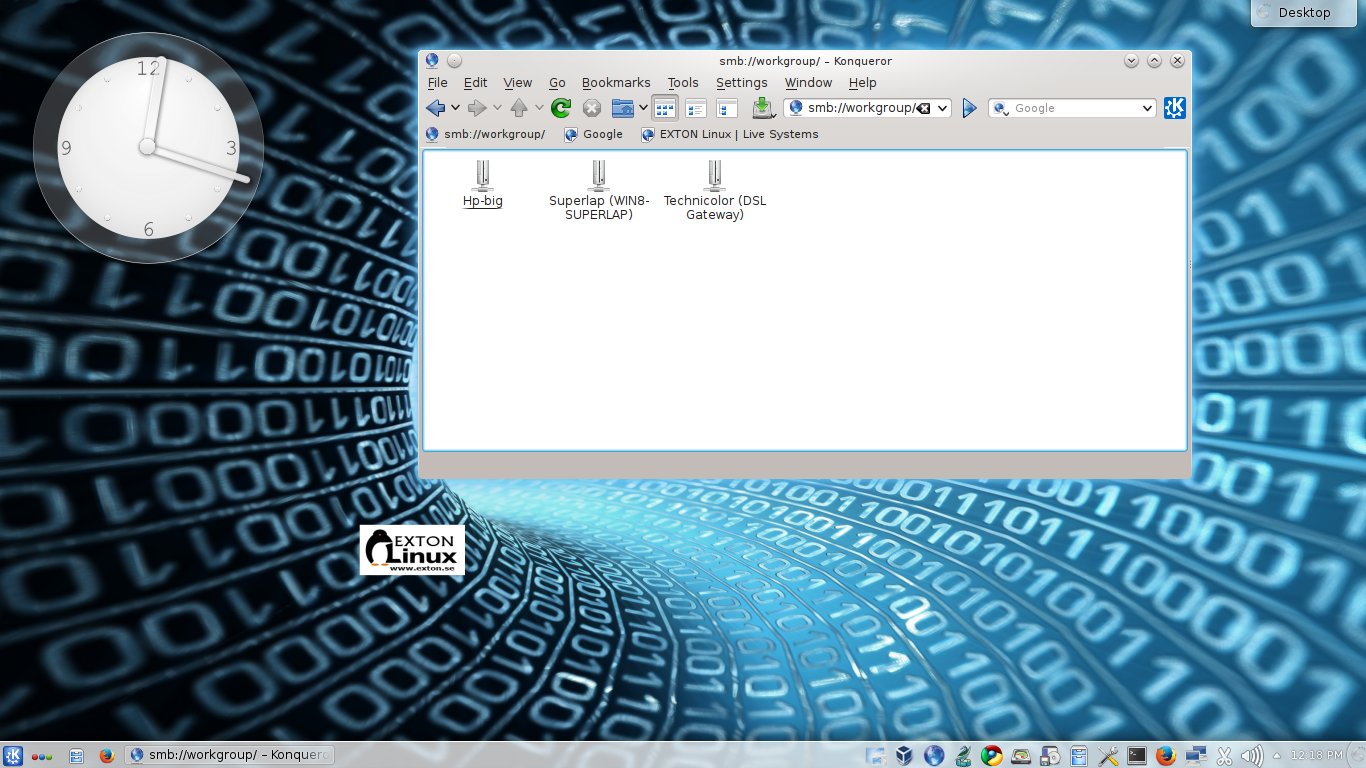
Screenshot 3 – Samba running

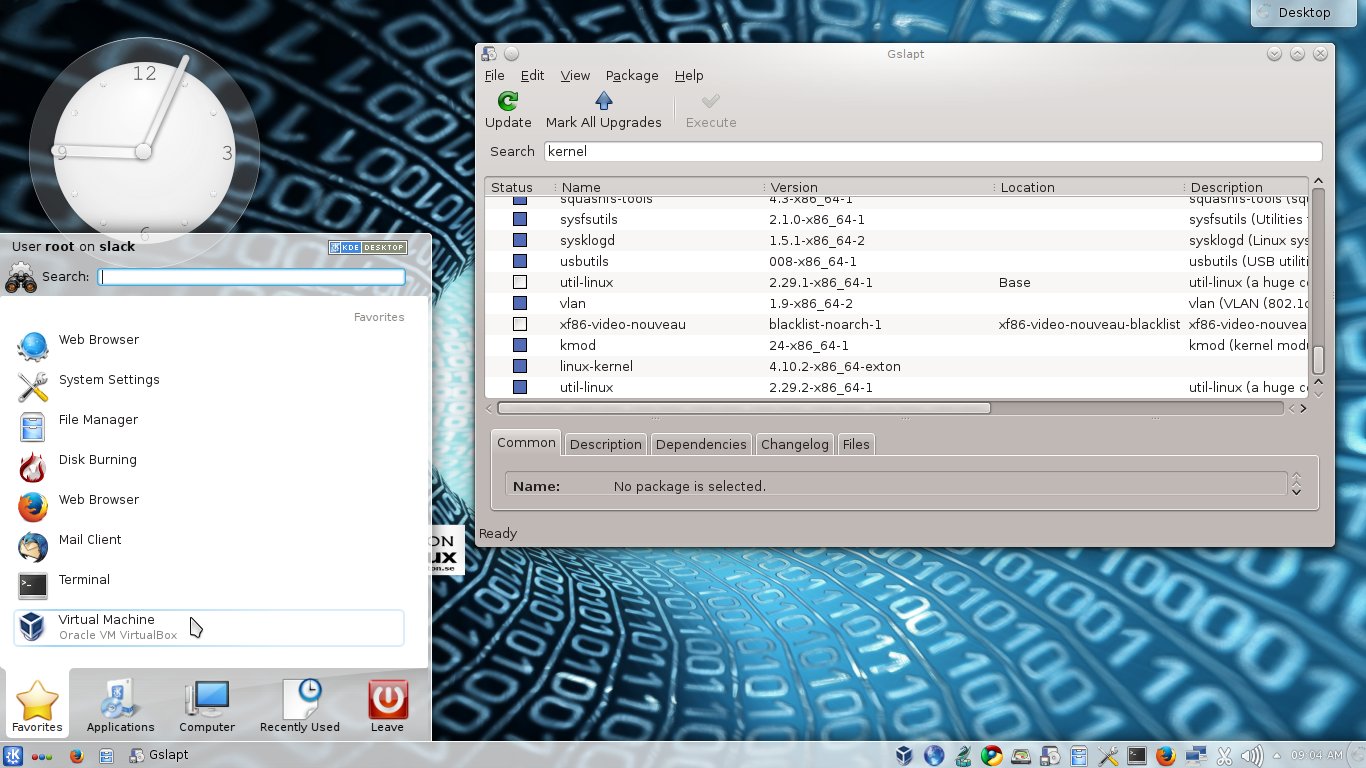
Screenshot 4 – GSlapt running

READ MORE…

1 Comment Exton Linux SystemsLinux