Month: March 2026

MeX 64 bit Linux based on upcoming Ubuntu 26.04 LTS with GNOME 50 and Kodi 21.1 Omega :: Build 260331

ABOUT MeX Linux 260331
I’ve uploaded a new version of MeX, in which I’ve included Kodi Omega 21.1. Kodi is an award-winning free and open source (GPL) software media player and entertainment hub that can be installed on Linux, OSX, Windows, iOS, tvOS and Android. It is designed around a “10-foot user interface” for use with televisions and remote controls. NOTE about Kodi: I have installed Kodi 21.1 using Flatpak. Kodi from the Ubuntu repositories does not work in Ubuntu 26.04. Kodi 21.1 runs very well in MeX. On a web site called FireStickTricks you can find instructions how to install 30 (?!) extra Kodi Builds with their own repositories and skins. The article is called Best Kodi Builds for 2026. I’ve tried Scrubs today. Works very well. Read about how to install Scrubs V2. Otherwise MeX version 260331 works in the same way as previous versions.
NOTE about Ubuntu 26.04 LTS: 
It will be released in a stable version 260423 and supported until April, 2031.
Extra Desktop Environments
Besides GNOME 50 (with Wayland) you can use the GNOME Flashback (Compiz) Desktop and the GNOME Flashback (Metacity) Desktop. Those DE’s are using X11 (Xorg) instead of Wayland.

NEWS/CHANGES 260331
Mex Linux is no longer based on Linux Mint. MeX Build 260331 is based only on Debian Sid and upcoming Ubuntu 26.04 LTS Resolute Raccoon. I have replaced the original kernel (7.0) with “my” special kernel 7.0.0-rc5-amd64-exton. All installed packages in MeX Linux have been upgraded to the latest version by 260331. This version of MeX uses the GNOME Desktop. I.e. GNOME 50 Tokyo and Kodi 21.1. You can run Kodi “windowed” while logged in to Gnome. The very nice icon theme Papirus is installed and used. Everything works inside Kodi. Even YouTube. (It can be a bit tricky to create an API key and OAuth credentials). Many (most) Kodi addons can’t run without YouTube.

Program content etc
To make it possible to run MeX from RAM I have kept down the number of installed packages. The MeX ISO file is of 3490 MB. All packages have been updated to the latest available stable version as of March 31, 2026. See a complete list of all installed packages.

Used KERNEL 
Kernel 7.0.0-rc5-amd64-exton

SCREENSHOTS
Screenshot 1 – Calamares Installer running
Screenshot 2 – The user Desktop using GNOME 50
Screenshot 3 – The user Desktop using the GNOME Flashback (Compiz) Desktop
Screenshot 4 – Showing a WiFi connection
Screenshot 5 – Showing some Kodi addons
Screenshot 6 – Showing some other Kodi pre-installed addons
Screenshot 7 – MeX GDM3 login Screen

READ MORE…

Read about my Android-x86 Systems – 11, 10, Pie, Oreo, Nougat, Marshmallow, Lollipop and KitKat at andex.exton.net – latest is AndEX 11 (with GAPPS), AndEX 10 (with GAPPS) and AndEX Pie 9.0 (also with GAPPS)!
and
about my Android 16, 15, 14, 13, 12, 11, 10, Pie, Oreo, Nougat, Marshmallow and Lollipop versions for Raspberry Pi 5, Pi 4 and  Pi 3/2 at raspex.exton.se – latest is RaspAnd 16 (with GAPPS), RaspAnd 15 (also with GAPPS), RaspAnd 14 (also with GAPPS), 13 and 12 (without GAPPS), RaspAnd 11 (with GAPPS) and RaspAnd Oreo 8.1 (also with GAPPS)

No Comments extonExton Linux Systems

Run latest Slackware 64 bit live and create your own live installable Slackware system with Refracta Snapshot! :: Build 260325

About SlackEX 15.0 Current (testing/development) 64 bit Build 260325
Slackware is the first widely-used Linux system, which is still developing. Slackware has existed since 1993. In comparison with for example Ubuntu and Linux Mint, many people believe that Slackware is “difficult”. Any novice can quickly learn to use Ubuntu they say. My remaster of Slackware Current (15.0), which I call SlackEX 15.0 Current 64 bit Linux Live System, is however just as easy to use as Ubuntu and/or Linux Mint. Some tend to complain that the Program Management in Slackware is awkward. That was perhaps earlier the case, but not anymore.

NEWS ABOUT SlackEX BUILD 260325 with the Xfce4 DESKTOP (DE)
A new version of SlackEX is ready. It is based on Slackware 15.0 Stable/Current released 220202 with Xfce4 as DE. The most important package installed is Refracta Snapshot. With that you can build your own Slackware 15.0 distribution. Xfce4 is one of Slackware’s official Desktop environments. The other one is KDE. Kernel 6.19.8-amd64-exton is used in this SlackEX Build. To be able to use Refracta Snapshot you’ll have to use said kernel. Otherwise you can (of course) replace “my” kernel with Slackware’s original kernel. Study the list of upgraded packages.
NOTE1: You’ll run SlackEX Build 260325 as the normal user user or as root. The password for root is root. The password for user is live.
NOTE2: You can run SlackEX Build 260325 on UEFI and non-Uefi computers.

ABOUT running SlackEX in RAM
You can run SlackEX from RAM also when starting SlackEX in UEFI mode. The previous SlackEX versions could only run from RAM if they started in Legacy mode. So my advice is to run this version SUPER FAST from RAM! The best way to run a Linux Live System! When SlackEX has booted up you can remove/eject the USB stick or the DVD.

SCREENSHOTS
Screenshot 1 – user’s Desktop – Xfce4
Screenshot 2 – root’s Desktop – Xfce4
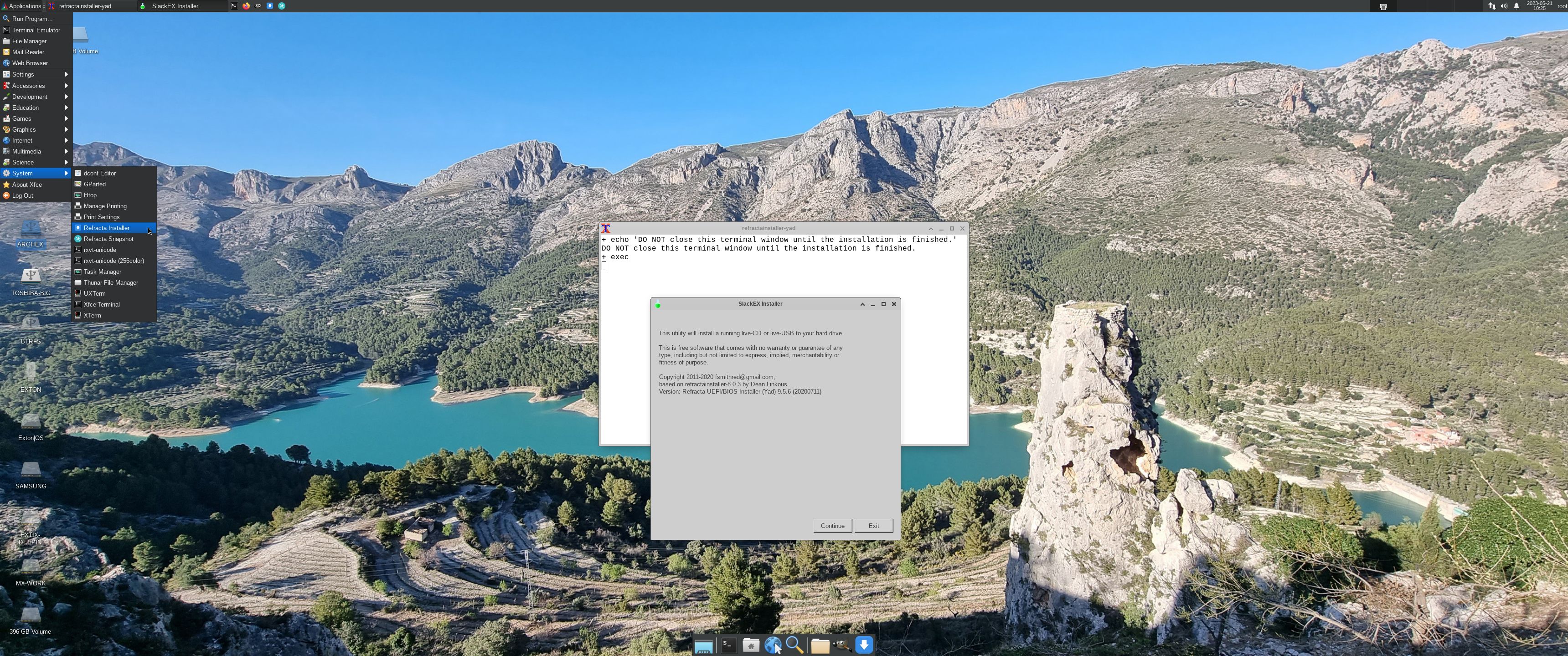
Screenshot 3 – using Refracta Installer – keeping the user account
Screenshot 4 – using Refracta Installer – installing Grub in VirtualBox
Screenshot 5 – Refracta Snapshot is starting

Why Slackware?
Slackware is grossly underestimated (in my opinion).

READ MORE…

Read about my Android-x86 Systems – 11, 10, Pie, Oreo, Nougat, Marshmallow, Lollipop and KitKat at andex.exton.net – latest is AndEX 11 (with GAPPS), AndEX 10 (with GAPPS) and AndEX Pie 9.0 (also with GAPPS)!
and
about my Android 16, 15, 14, 13, 12, 11, 10, Pie, Oreo, Nougat, Marshmallow and Lollipop versions for Raspberry Pi 5, Pi 4 and  Pi 3/2 at raspex.exton.se – latest is RaspAnd 16 (with GAPPS), RaspAnd 15 (also with GAPPS), RaspAnd 14 (also with GAPPS), 13 and 12 (without GAPPS), RaspAnd 11 (with GAPPS) and RaspAnd Oreo 8.1 (also with GAPPS)

Follow me on Facebook…

No Comments extonExton Linux Systems

ExLight 64bit UEFI, Build 260322, based on Debian “Trixie” (Debian 13.4) with Enlightenment 0.27.1 (stable) as DE, Refracta Snapshot and Calamares Installer

NEWS 260322 ABOUT ExLight
I’ve made a new version of ExLight with the Enlightenment 0.27.1 Desktop environment, Refracta Snapshot (create your own Debian Trixie System) and Calamares 3.3.14-1 Installer Framework.

KERNEL
ExLight Build 260322 uses kernel 6.19.8-amd64-exton built from Debian kernel sources with Debian patches.

What’s new in Linux kernel 6.19?

Installed packages
Study all installed packages in ExLight Build 260322.

WHAT’S NEW IN ExLight BUILD 260322?
NOTE: Version 260322 replaces version 250407.
1. ExLight is now based on Debian  13.4 Trixie (STABLE).
2. I have upgraded the Desktop environment Enlightenment (“Beauty at your fingertips”) to version 0.27.1, which is the stable version of Enlightenment.
3. I have replaced kernel 6.14.0-amd64-exton with kernel 6.19.8-amd64-exton. ExLight’s ISO file is now a ISO-hybrid, which means that it can very easily be transferred (copied) to a USB pen drive. You can then even run ExLight from the USB stick and save all your system changes on the stick. I.e. you will enjoy persistence!
5. Another big improvement is that ExLight can run from RAM. Use Boot alternative 2 (load to RAM). When the system has booted up you can remove the disc (DVD) or the USB stick. You will need at least 4GB RAM to run ExLight that way.
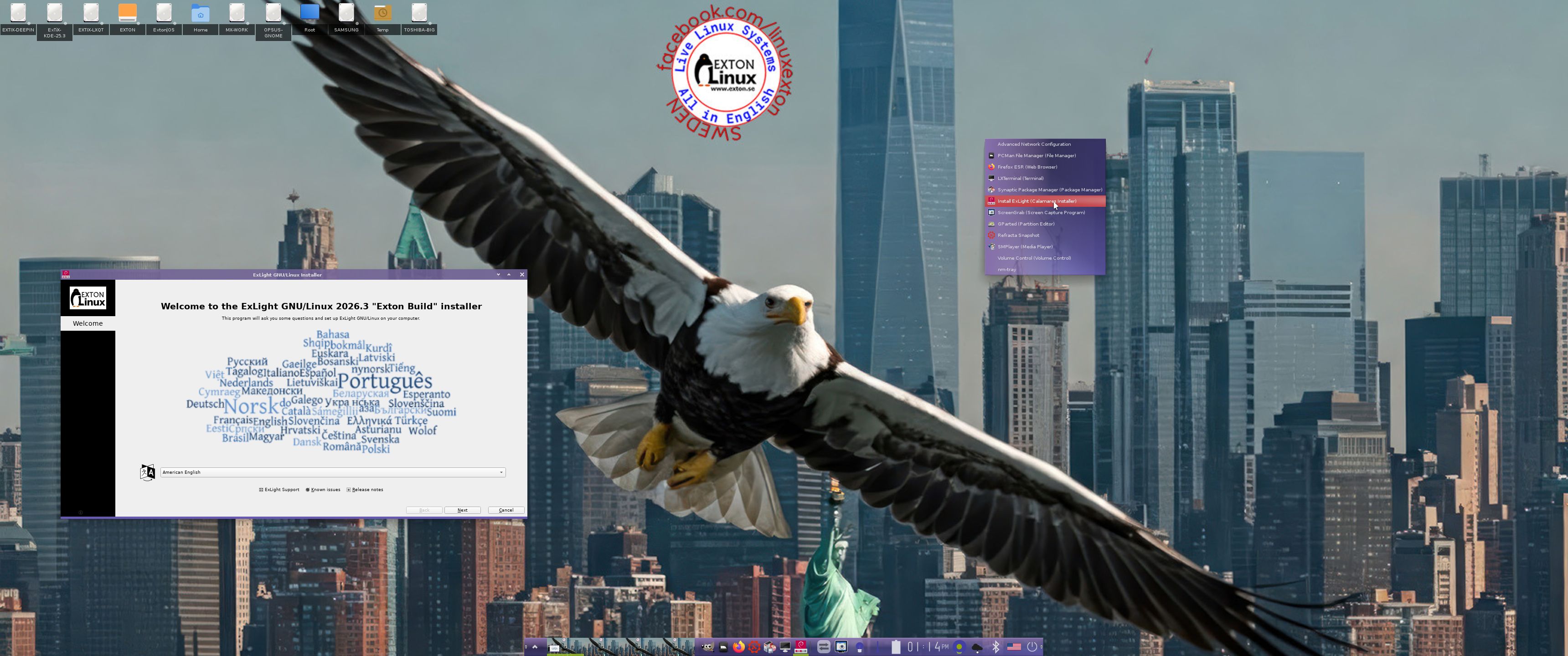
6. This version of ExLight uses the Calamares Installer. Very simple to use! A new user (your user) will be created during the installation process. You can also install ExLight in your preferred language. You can (as an alternative) use Refracta Installer.
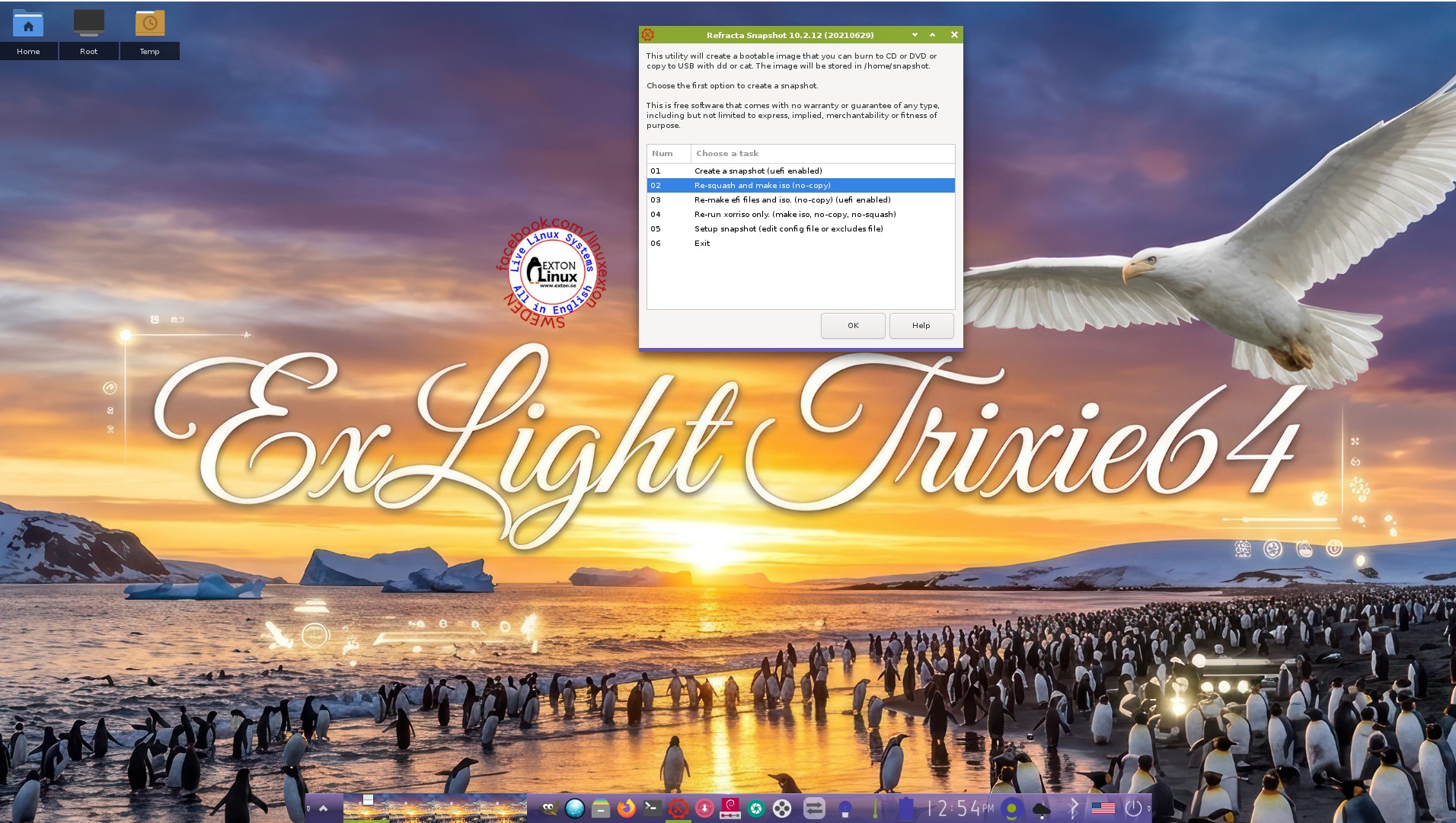
7. MOST IMPORTANT: I’ve added Refracta Snapshot, which make it possible for you to create your own live installable Debian Sid/Trixie system. I mean change everything to your liking, fire up Refracta Snapshot and wait 10 – 20 min until your new ISO is ready!
NOTE: You may have to do the remaster process in three steps (1 – 3).

THE REAL McCoy

ExLight is a pure Debian system. I.e. no traces of Ubuntu, Kubuntu etc. New releases of Ubuntu are always based on Debian Sid. So is ExLight.

Watch a YouTube Video about ExLight. The Video is called “ExLight Linux – Lightest Distro I Have Ever Tried“. (It is not made by me).

SCREENSHOTS
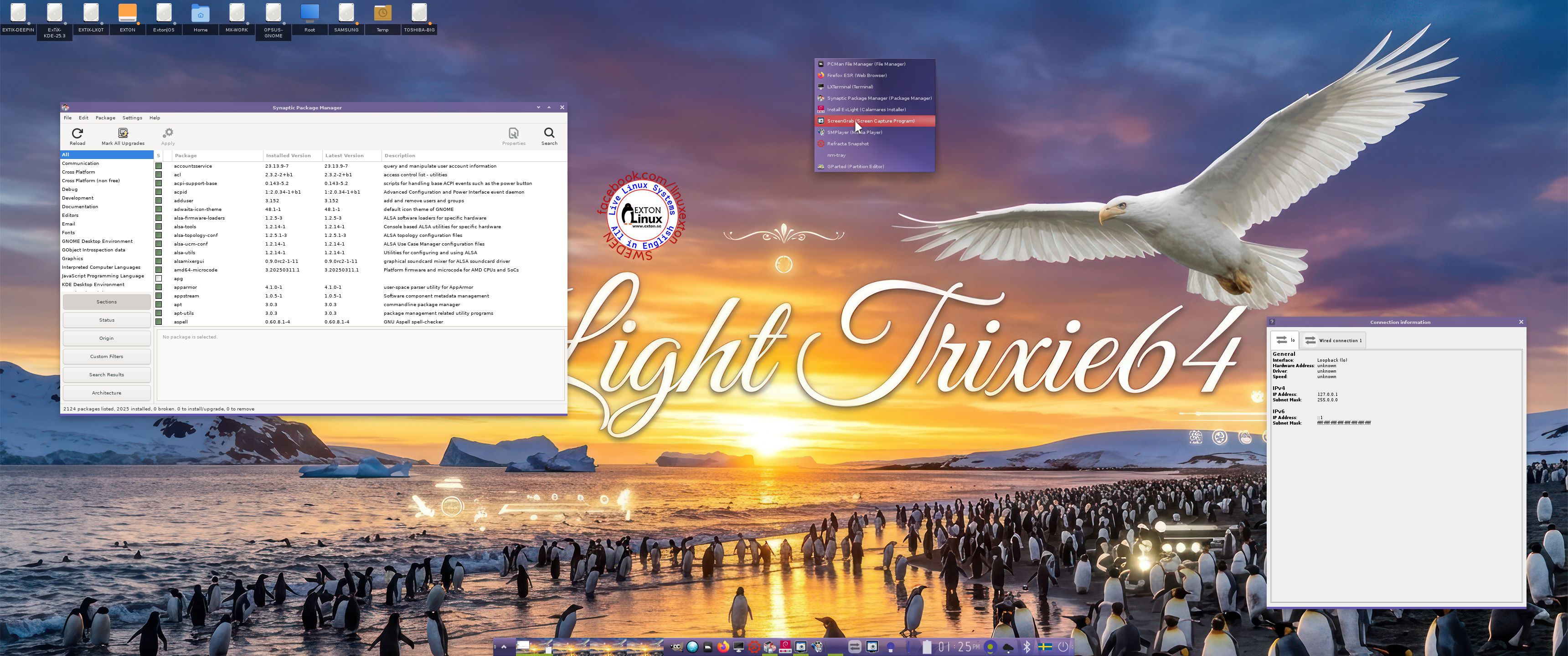
1. The Enlightenment 0.27.1 Desktop for user user
2. The Enlightenment 0.27.1 Desktop for root
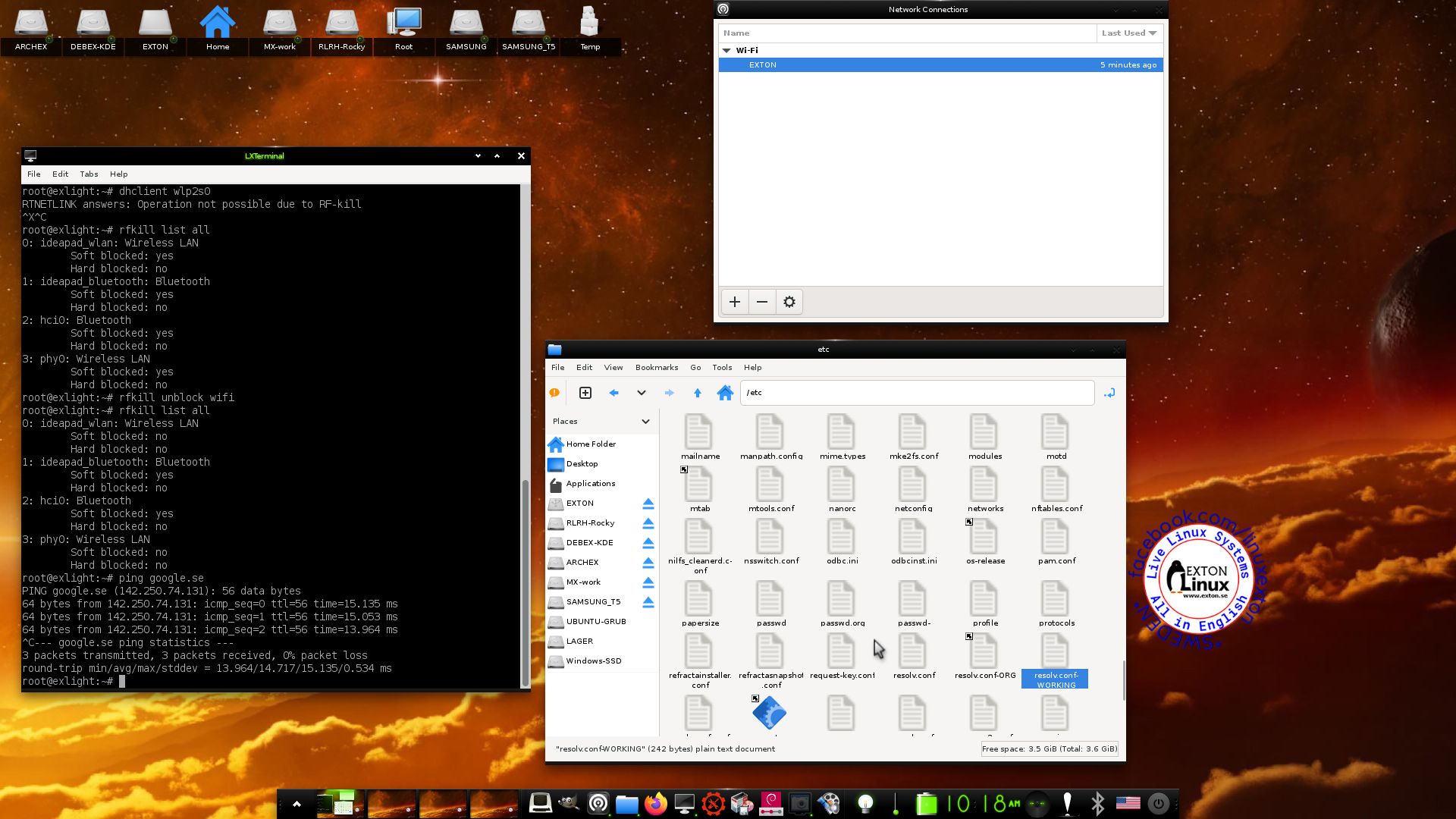
3. Using NetworkManager for WiFi connections
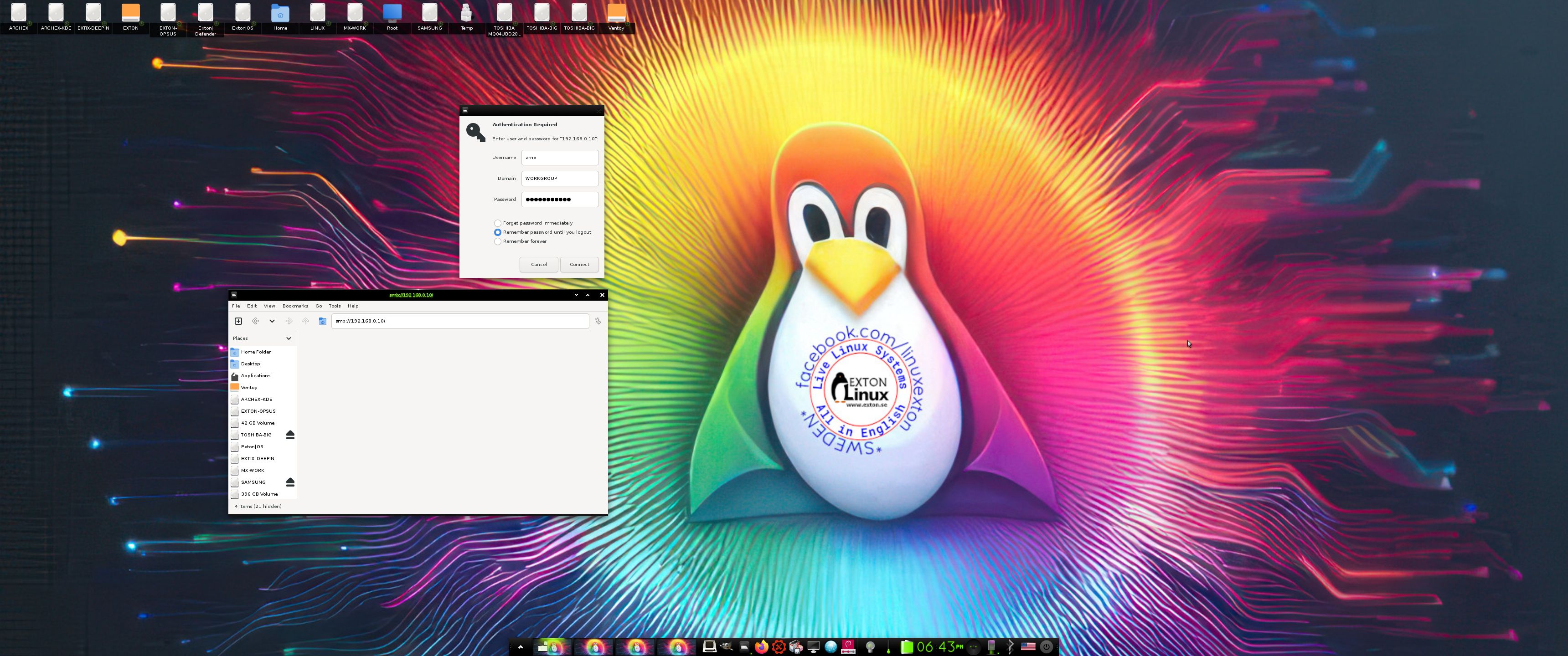
4. Showing a Samba connection
5. Showing the LightDM Login Screen
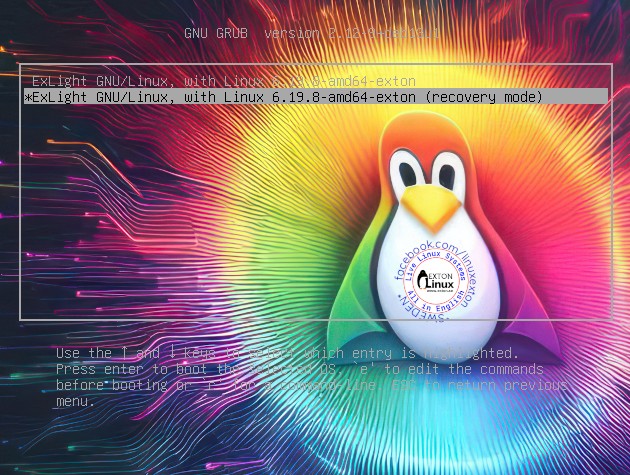
6. The live boot screen (Recovery mode)
7. Using Refracta Snapshot

READ MORE…

Read about my Android-x86 Systems – 11, 10, Pie, Oreo, Nougat, Marshmallow, Lollipop and KitKat at andex.exton.net – latest is AndEX 11 (with GAPPS), AndEX 10 (with GAPPS) and AndEX Pie 9.0 (also with GAPPS)!
and
about my Android 16, 15, 14, 13, 12, 11, 10, Pie, Oreo, Nougat, Marshmallow and Lollipop versions for Raspberry Pi 5, Pi 4 and  Pi 3/2 at raspex.exton.se – latest is RaspAnd 16 (with GAPPS), RaspAnd 15 (also with GAPPS), RaspAnd 14 (also with GAPPS), 13 and 12 (without GAPPS), RaspAnd 11 (with GAPPS) and RaspAnd Oreo 8.1 (also with GAPPS)
Follow me on Facebook…

No Comments extonExton Linux Systems

Exton|OS 64 bit – based on upcoming Ubuntu 26.04 LTS – with KDE Plasma 4:6.6.2, Android Studio with an excellent Android Emulator and Refracta Snapshot :: Build 260319

NEWS 260319 ABOUT Exton|OS with KDE Plasma Desktop, Android Studio and Refracta Snapshot
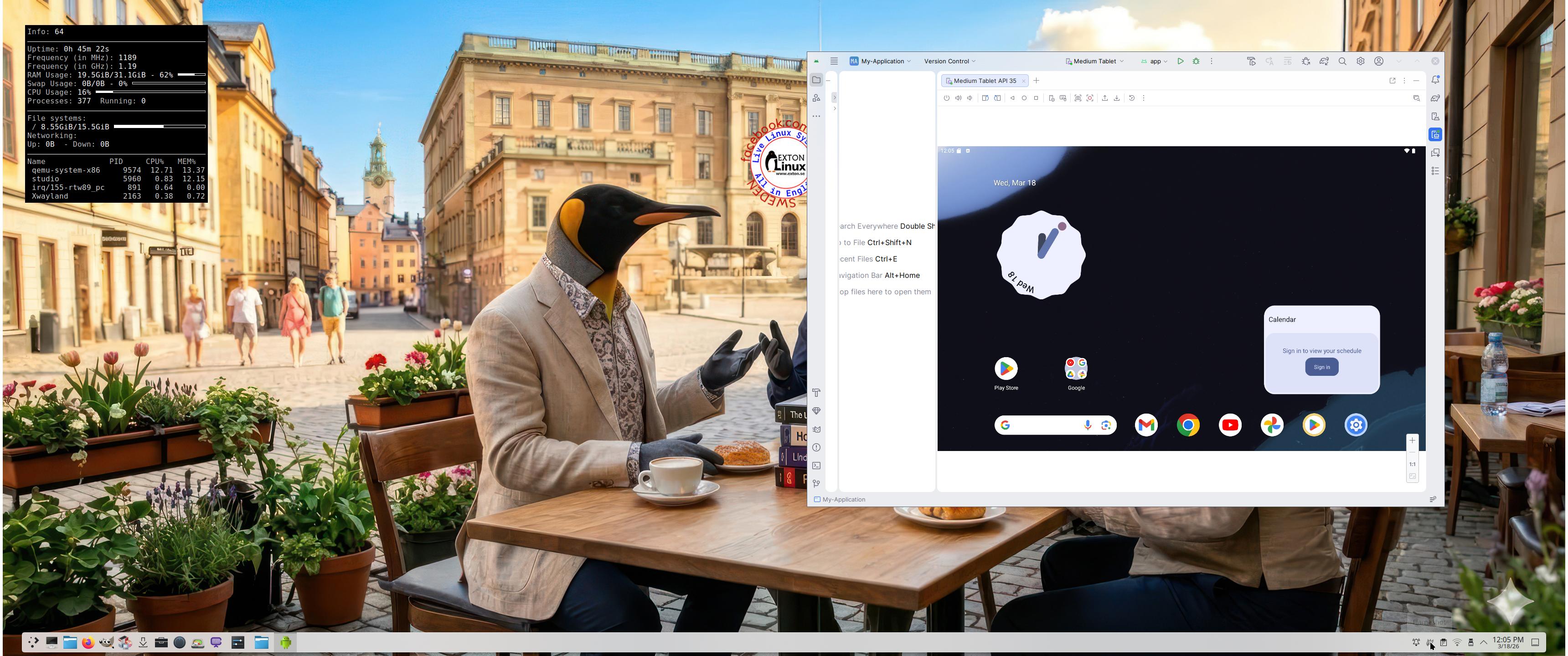
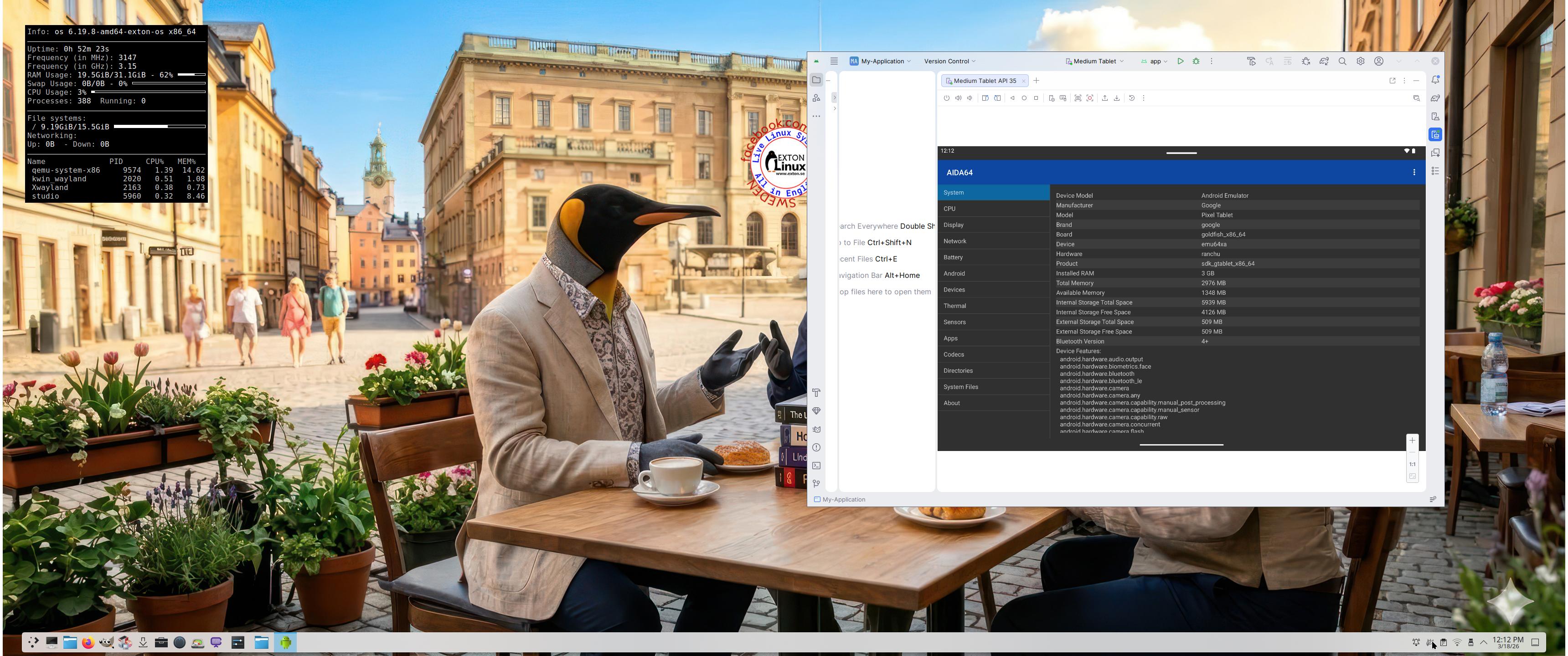
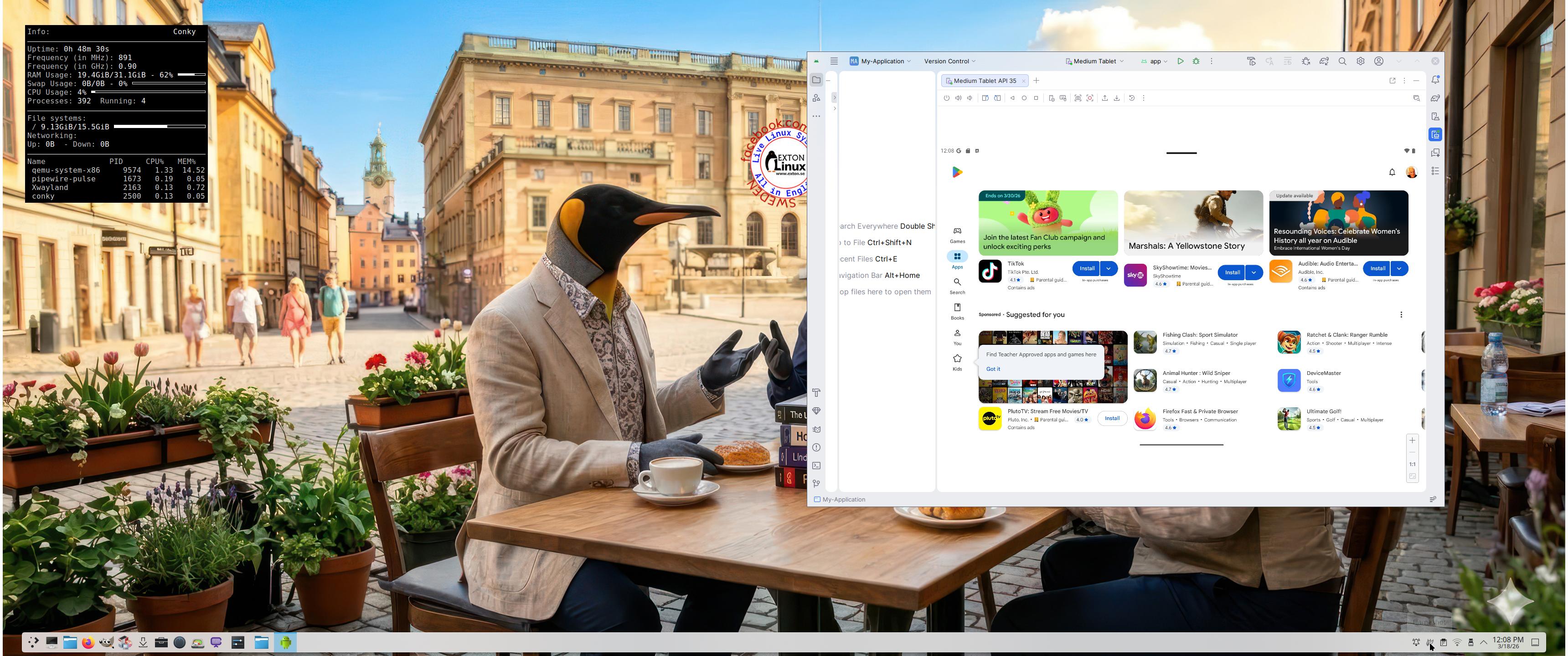
The Desktop Environment in this Exton|OS build is KDE Plasma 4:6.6.2. Plasma is made to stay out of the way as it helps you get things done. But under its light and intuitive surface, it’s a powerhouse. So you’re free to choose ways of usage right as you need them and when you need them. Program content in build 260319: Most important are Refracta Snapshot and Android Studio Panda 2 with an excellent Android Emulator. You can run several Android systems directly in Exton|OS. Also with GAPPS (Google Play Services and Google Play Store) pre-installed. Watch a screenshot when Android 15 is running with Google Play Store enabled. Other pre-installed programs are Firefox, VLC, Gimp and GParted. Also all necessary additions in order to install programs from source. Kernel 6.19.8-amd64-exton-os is used. All packages have been updated to the latest available version as at March 19, 2026. Study the NEW PACKAGE list. Google Chrome has been removed since it’s now possible to use Netflix in Firefox. Using Refracta Snapshot you can change everything to your liking and then create your own live installable Ubuntu 26.04 LTS Resolute Raccon system with Android Studio included. I mean create your own installable Ubuntu 26.04 LTS Live System once you have installed Exton|OS to hard drive. Ubuntu 26.04 LTS will be released in a stable version 260423. Ubuntu 26.04 LTS will be supported until June, 2031…

IMPORTANT ABOUT Refracta Snapshot
Refracta Snapshot is pre-installed in Exton|OS Build 260319. Use it to create your own live installable Ubuntu system. I mean create your own installable Ubuntu 26.04 LTS Live DVD once you have installed Exton|OS to hard drive. I mean change everything and then create a whole new Ubuntu live system.

Runs from RAM
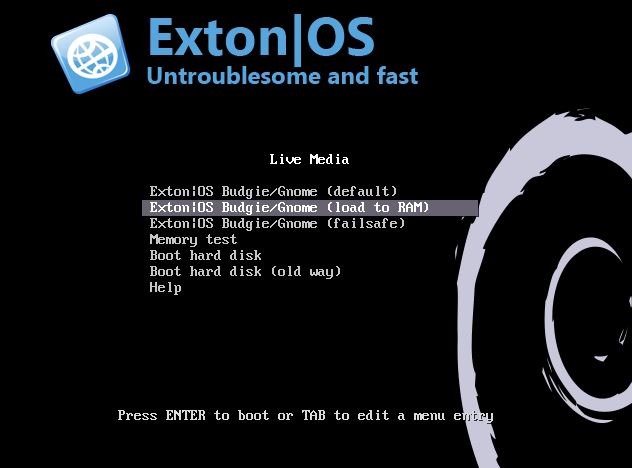
Another great thing is that Exton|OS can run from RAM. Use Boot alternative 2 (load to RAM). When the system has booted up you can remove the disc (DVD) or USB stick.

SCREENSHOTS
Screenshot 1 – Exton|OS’s KDE Plasma Desktop with Android Studio running
Screenshot 2 – Running an AVD with Google Play Store included
Screenshot 3 – Running AIDA64 in an AVD
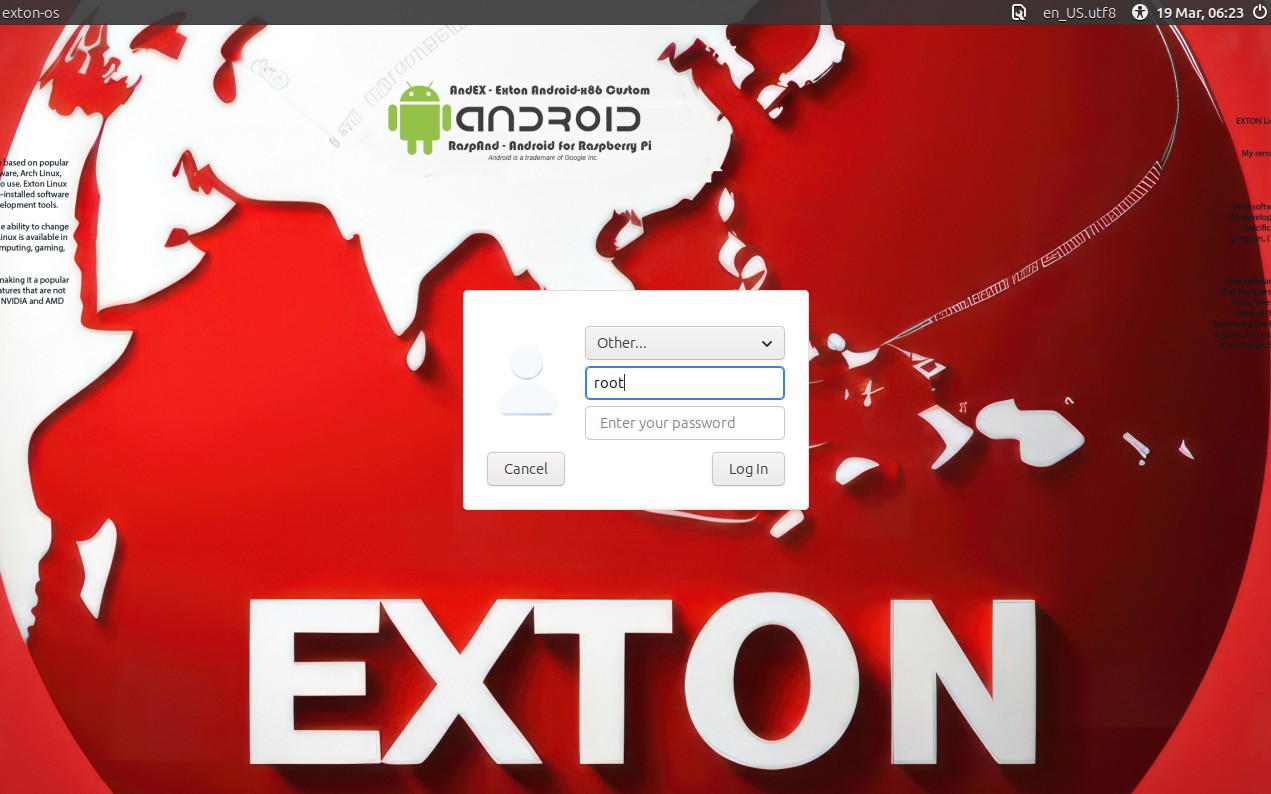
Screenshot 4 – LightDM login screen
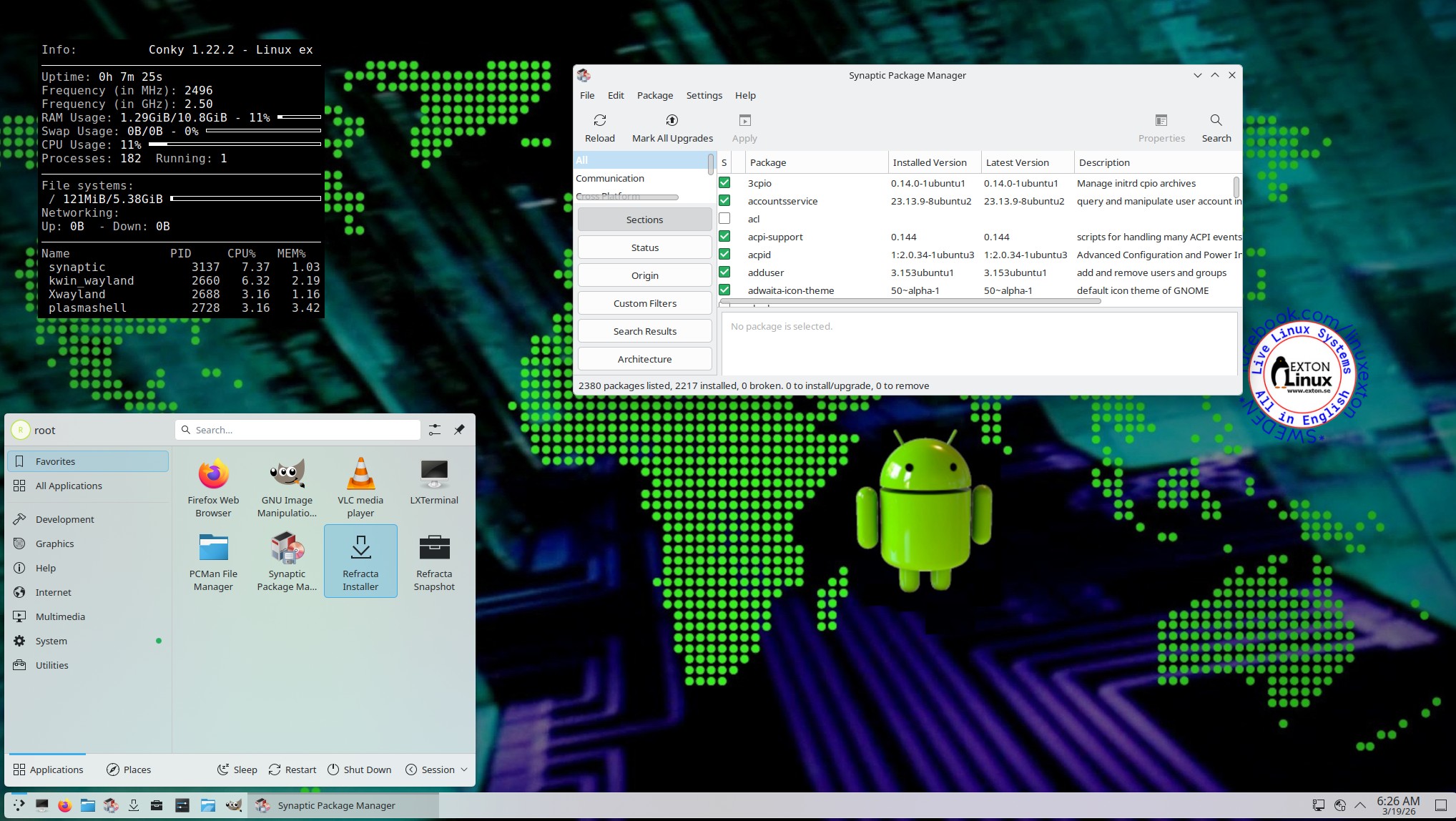
Screenshot 5 – The Desktop for root 260319

READ MORE…

Read about my Android-x86 Systems – 11, 10, Pie, Oreo, Nougat, Marshmallow, Lollipop and KitKat at andex.exton.net – latest is AndEX 11 (with GAPPS), AndEX 10 (with GAPPS) and AndEX Pie 9.0 (also with GAPPS)!
and
about my Android 16, 15, 14, 13, 12, 11, 10, Pie, Oreo, Nougat, Marshmallow and Lollipop versions for Raspberry Pi 5, Pi 4 and  Pi 3/2 at raspex.exton.se – latest is RaspAnd 16 (with GAPPS), RaspAnd 15 (also with GAPPS), RaspAnd 14 (also with GAPPS), 13 and 12 (without GAPPS), RaspAnd 11 (with GAPPS) and RaspAnd Oreo 8.1 (also with GAPPS)
Follow me on Facebook…
No Comments AndroidextonExton Linux Systems

RaspAnd 16 (Android 16) for Raspberry Pi 5 with GAPPS (Google Play Store), Spotify and Bluetooth pre-installed ::: Build 260314

ABOUT RaspAnd 16 – Build 260314 – with GAPPS
RaspAnd 16 runs very well on a Raspberry Pi 5. I.e. the system is pretty responsive if you use a micro SD card of good quality. RaspAnd 16 has the following apps pre-installed: GAPPS (Google Play Store and other Google apps) and Spotify. Once you have configured Google Play Store you can install the apps you want/prefer. 

MOST IMPORTANT NEWS IN BUILD 260314
You CAN run Netflix in RaspAnd 16, Build 260314, which you can’t in Build 250716. You can also install and run Viaplay and HBO Max. Probably also most other “movie streaming” apps.

RASPBERRY Pi 5
RaspAnd 16 is made especially for the new Raspberry Pi 5 released on October 23, 2023 (4GB and 8GB). You can’t run RaspAnd 16 on another Raspberry Pi model than Pi 5.
NOTE: A Raspberry Pi 5 is about twice as fast as the Raspberry Pi 4.

ABOUT Android 16, which was released 250610…
Read also an article about The Evolution of Android  – List of Android Versions and Release Dates. As you can see Android 16 is the latest stable version of Android.

PERFORMANCE

Everything works! The System is responsive and quite fast.

SCREENSHOTS
1. Google Play Store running
2. Netflix installing – not pre-installed
3. HBO Max running – not pre-installed
4. Viaplay app running
5. Installing Wild Sniper
6. Installing Vivaldi browser via play.google.com
7. Running YouTube
8. The Desktop using Microsoft Launcher (not pre-installed)

READ MORE…

Read about my Android-x86 Systems – 11, 10, Pie, Oreo, Nougat, Marshmallow, Lollipop and KitKat at andex.exton.net – latest is AndEX 11 (with GAPPS), AndEX 10 (with GAPPS) and AndEX Pie 9.0 (also with GAPPS)!
and
about my Android 16, 15, 14, 13, 12, 11, 10, Pie, Oreo, Nougat, Marshmallow and Lollipop versions for Raspberry Pi 5, Pi 4 and  Pi 3/2 at raspex.exton.se – latest is RaspAnd 16 (with GAPPS), RaspAnd 15 (also with GAPPS), RaspAnd 14 (also with GAPPS), 13 and 12 (without GAPPS), RaspAnd 11 (with GAPPS) and RaspAnd Oreo 8.1 (also with GAPPS)
 

Follow me on Facebook…

No Comments AndroidextonExton Linux SystemsRaspberry Pi