 NEWS 260319 ABOUT Exton|OS with KDE Plasma Desktop, Android Studio and Refracta Snapshot
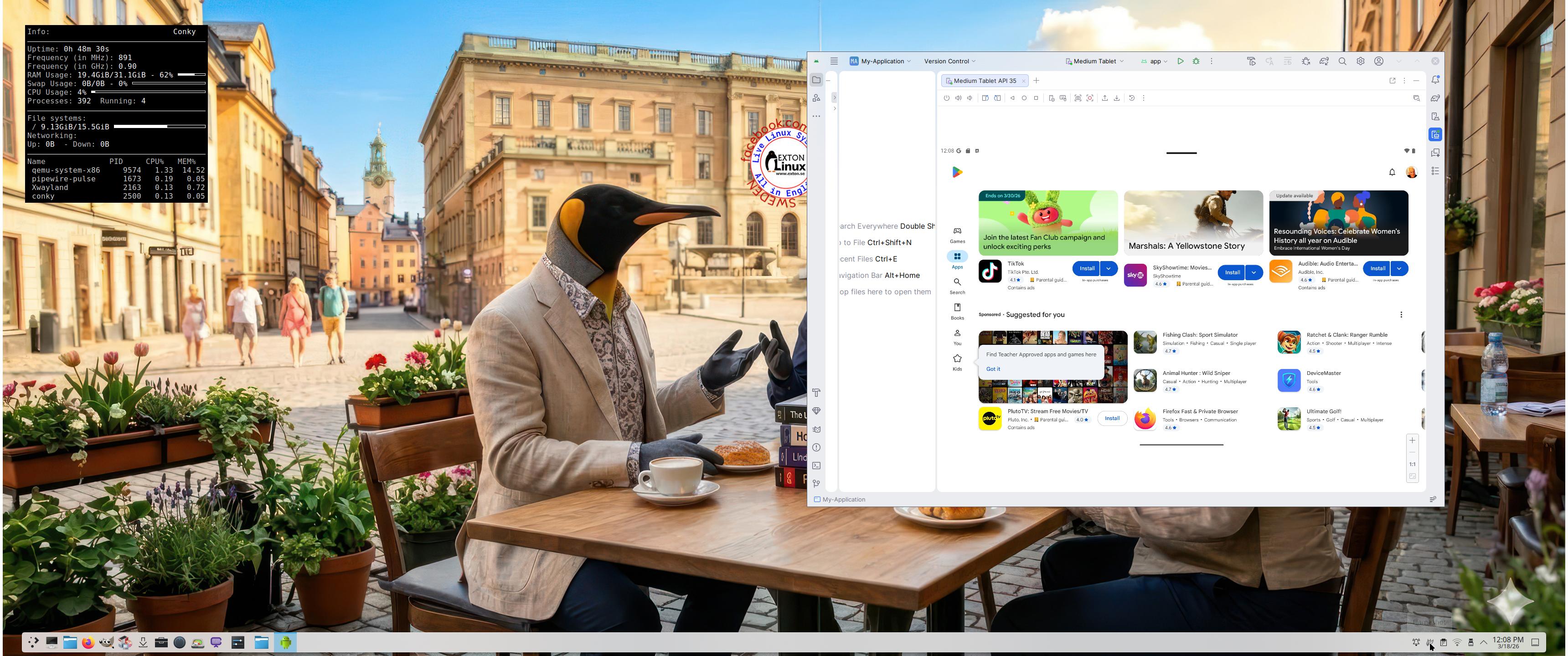
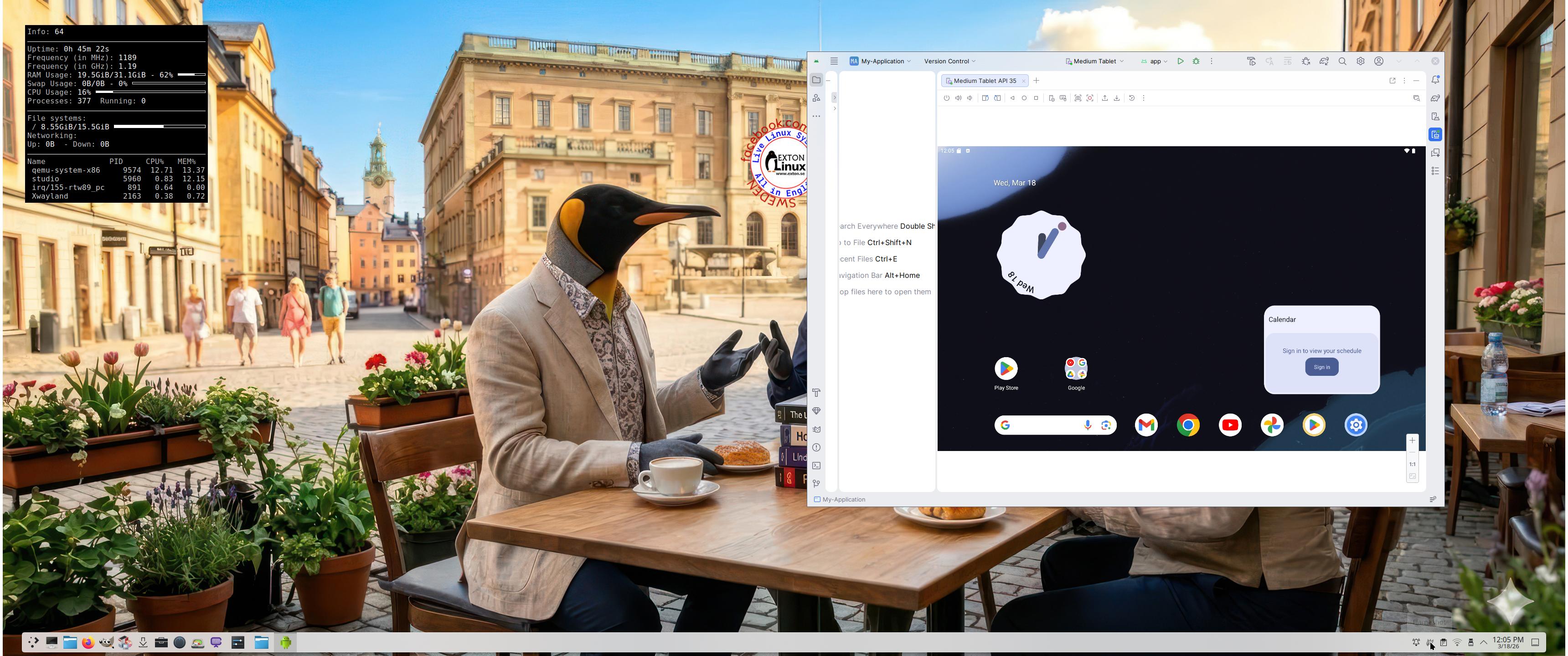
The Desktop Environment in this Exton|OS build is KDE Plasma 4:6.6.2. Plasma is made to stay out of the way as it helps you get things done. But under its light and intuitive surface, it’s a powerhouse. So you’re free to choose ways of usage right as you need them and when you need them. Program content in build 260319: Most important are Refracta Snapshot and Android Studio Panda 2 with an excellent Android Emulator. You can run several Android systems directly in Exton|OS. Also with GAPPS (Google Play Services and Google Play Store) pre-installed. Watch a screenshot when Android 15 is running with Google Play Store enabled. Other pre-installed programs are Firefox, VLC, Gimp and GParted. Also all necessary additions in order to install programs from source. Kernel 6.19.8-amd64-exton-os is used. All packages have been updated to the latest available version as at March 19, 2026. Study the NEW PACKAGE list. Google Chrome has been removed since it’s now possible to use Netflix in Firefox. Using Refracta Snapshot you can change everything to your liking and then create your own live installable Ubuntu 26.04 LTS Resolute Raccon system with Android Studio included. I mean create your own installable Ubuntu 26.04 LTS Live System once you have installed Exton|OS to hard drive. Ubuntu 26.04 LTS will be released in a stable version 260423. Ubuntu 26.04 LTS will be supported until June, 2031…
IMPORTANT ABOUT Refracta Snapshot
Refracta Snapshot is pre-installed in Exton|OS Build 260319. Use it to create your own live installable Ubuntu system. I mean create your own installable Ubuntu 26.04 LTS Live DVD once you have installed Exton|OS to hard drive. I mean change everything and then create a whole new Ubuntu live system.
Runs from RAM
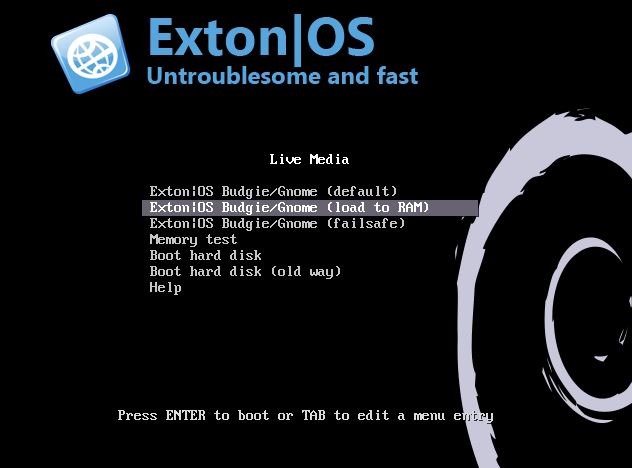
Another great thing is that Exton|OS can run from RAM. Use Boot alternative 2 (load to RAM). When the system has booted up you can remove the disc (DVD) or USB stick.
SCREENSHOTS
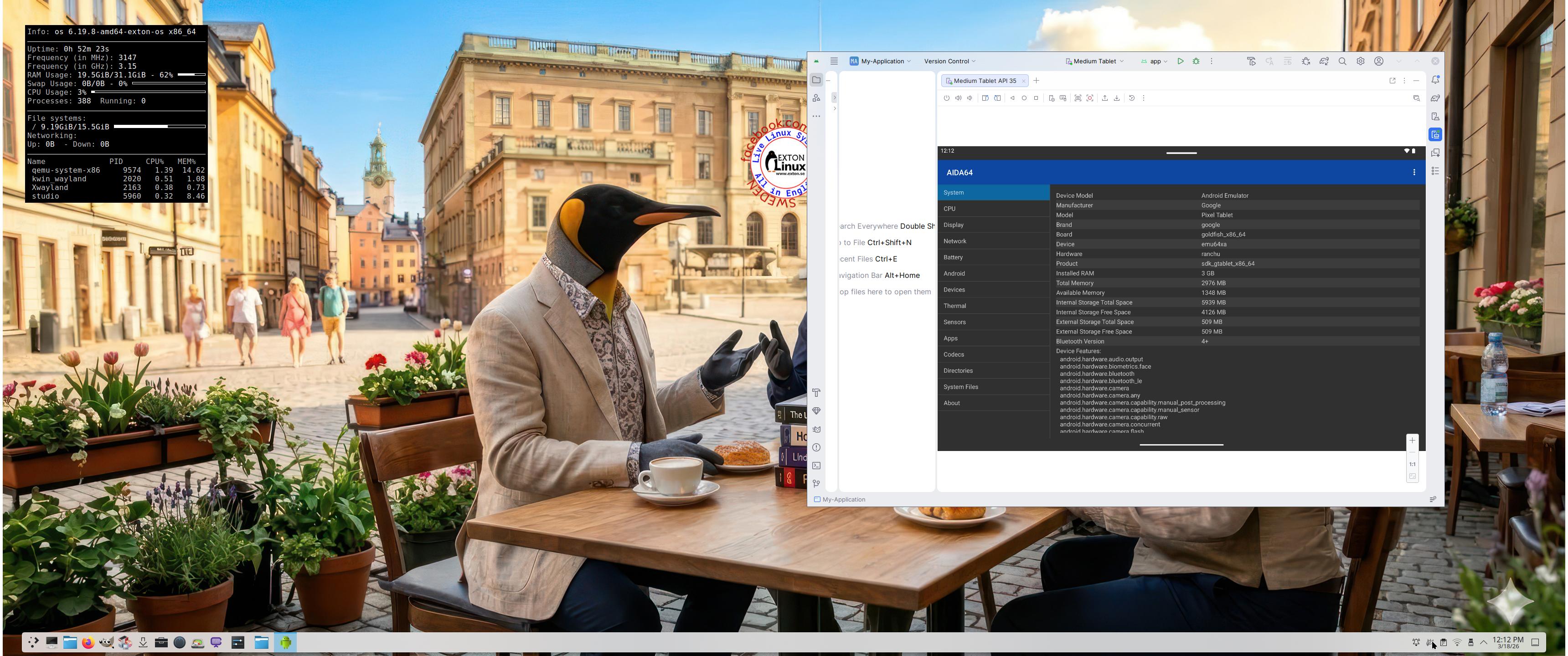
Screenshot 1 – Exton|OS’s KDE Plasma Desktop with Android Studio running
Screenshot 2 – Running an AVD with Google Play Store included
Screenshot 3 – Running AIDA64 in an AVD
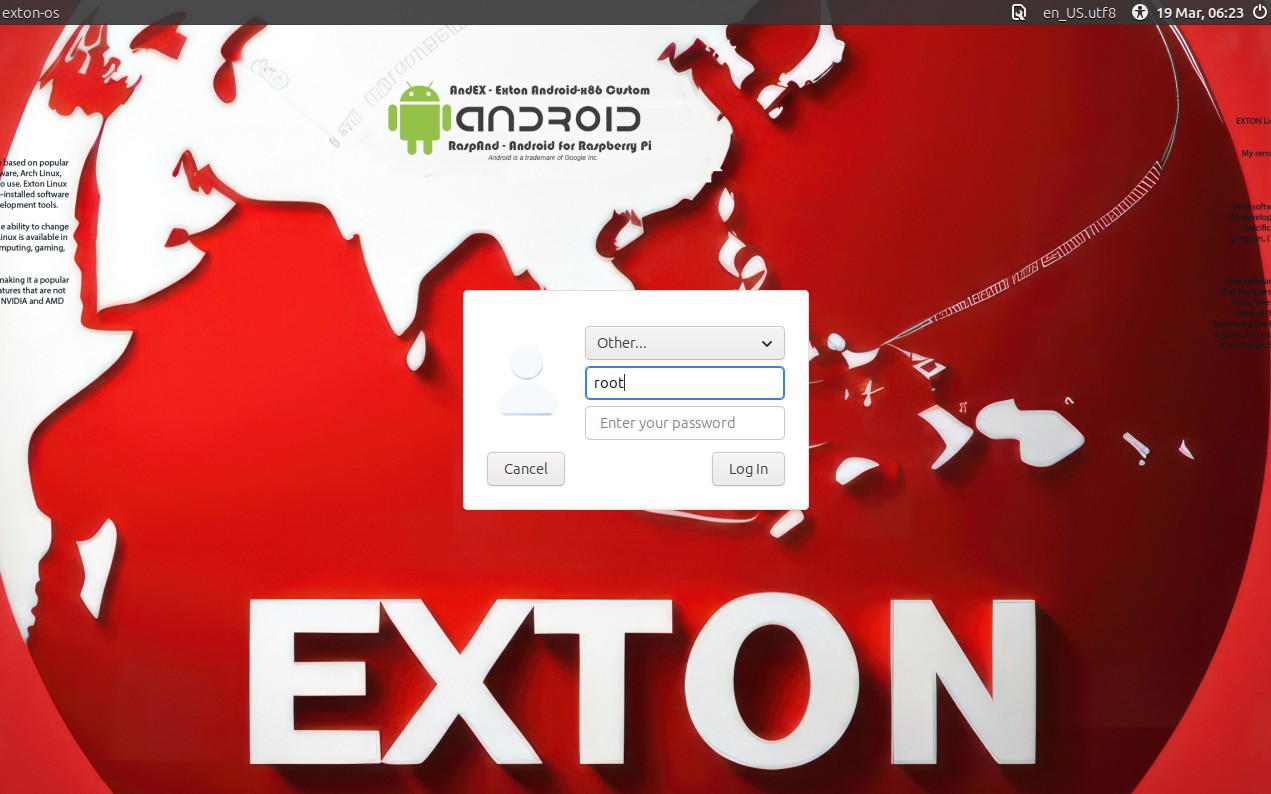
Screenshot 4 – LightDM login screen
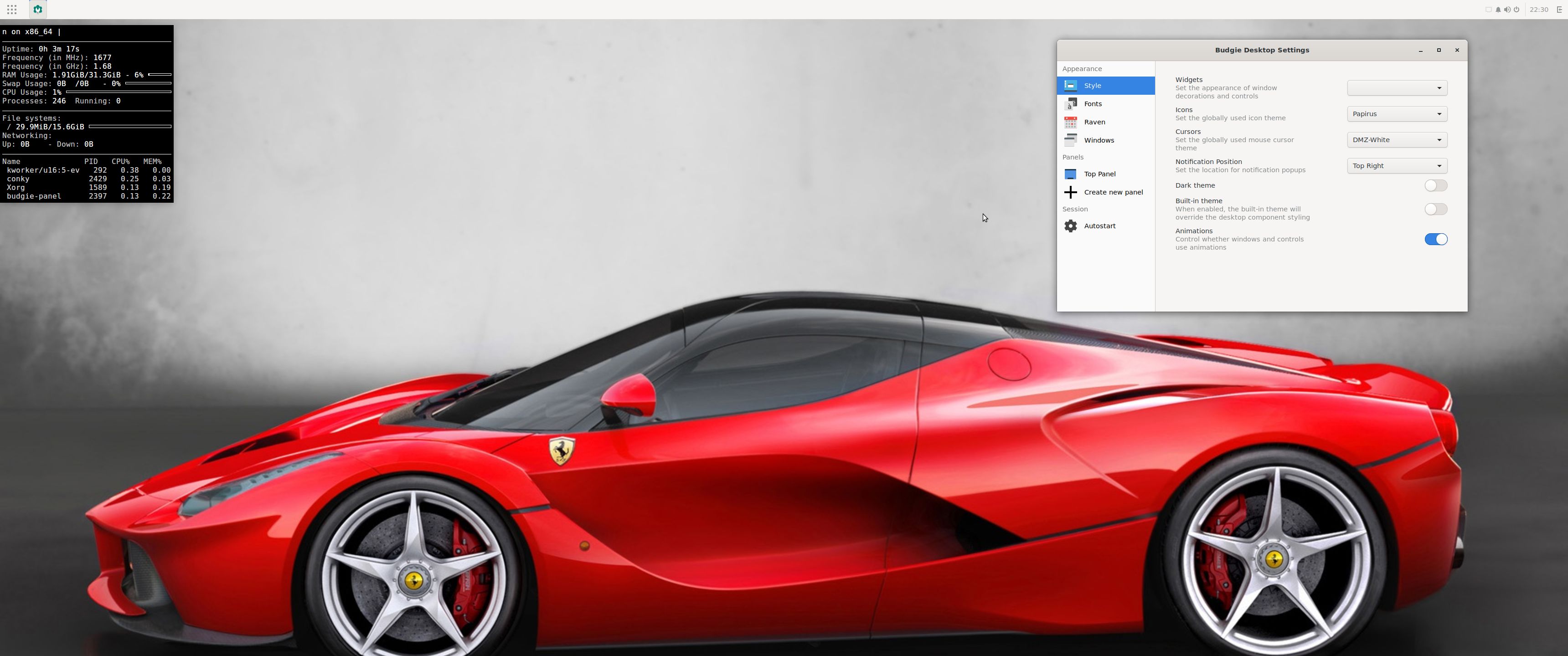
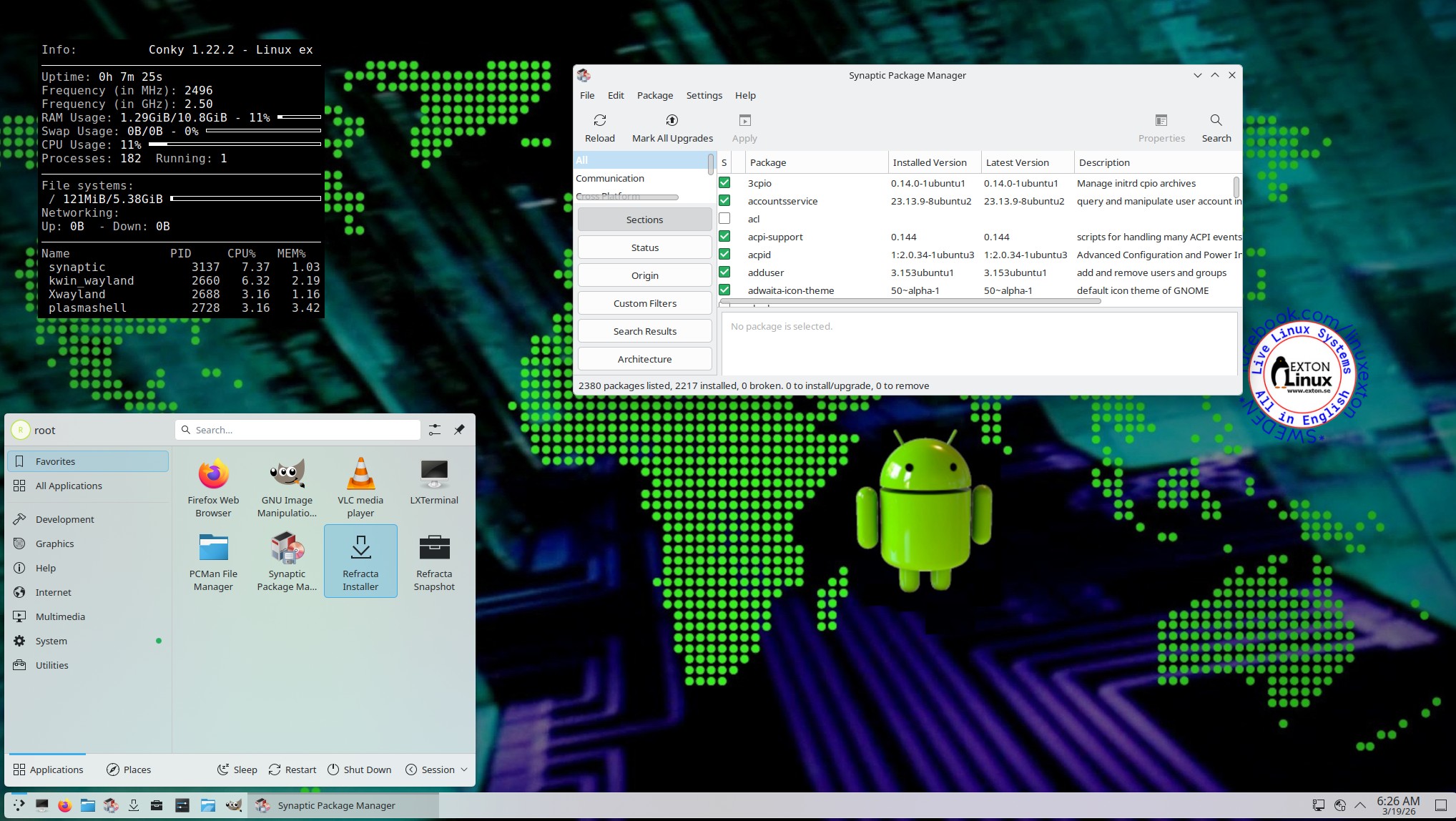
Screenshot 5 – The Desktop for root 260319

and
about my Android 16, 15, 14, 13, 12, 11, 10, Pie, Oreo, Nougat, Marshmallow and Lollipop versions for Raspberry Pi 5, Pi 4 and Pi 3/2 at raspex.exton.se – latest is RaspAnd 16 (with GAPPS), RaspAnd 15 (also with GAPPS), RaspAnd 14 (also with GAPPS), 13 and 12 (without GAPPS), RaspAnd 11 (with GAPPS) and RaspAnd Oreo 8.1 (also with GAPPS)
 Follow me on Facebook…