 NEWS 260322 ABOUT ExLight
I’ve made a new version of ExLight with the Enlightenment 0.27.1 Desktop environment, Refracta Snapshot (create your own Debian Trixie System) and Calamares 3.3.14-1 Installer Framework.
KERNEL
ExLight Build 260322 uses kernel 6.19.8-amd64-exton built from Debian kernel sources with Debian patches.
What’s new in Linux kernel 6.19?
Installed packages
Study all installed packages in ExLight Build 260322.
WHAT’S NEW IN ExLight BUILD 260322?
NOTE: Version 260322 replaces version 250407.
1. ExLight is now based on Debian 13.4 Trixie (STABLE).
2. I have upgraded the Desktop environment Enlightenment (“Beauty at your fingertips”) to version 0.27.1, which is the stable version of Enlightenment.
3. I have replaced kernel 6.14.0-amd64-exton with kernel 6.19.8-amd64-exton. ExLight’s ISO file is now a ISO-hybrid, which means that it can very easily be transferred (copied) to a USB pen drive. You can then even run ExLight from the USB stick and save all your system changes on the stick. I.e. you will enjoy persistence!
5. Another big improvement is that ExLight can run from RAM. Use Boot alternative 2 (load to RAM). When the system has booted up you can remove the disc (DVD) or the USB stick. You will need at least 4GB RAM to run ExLight that way.
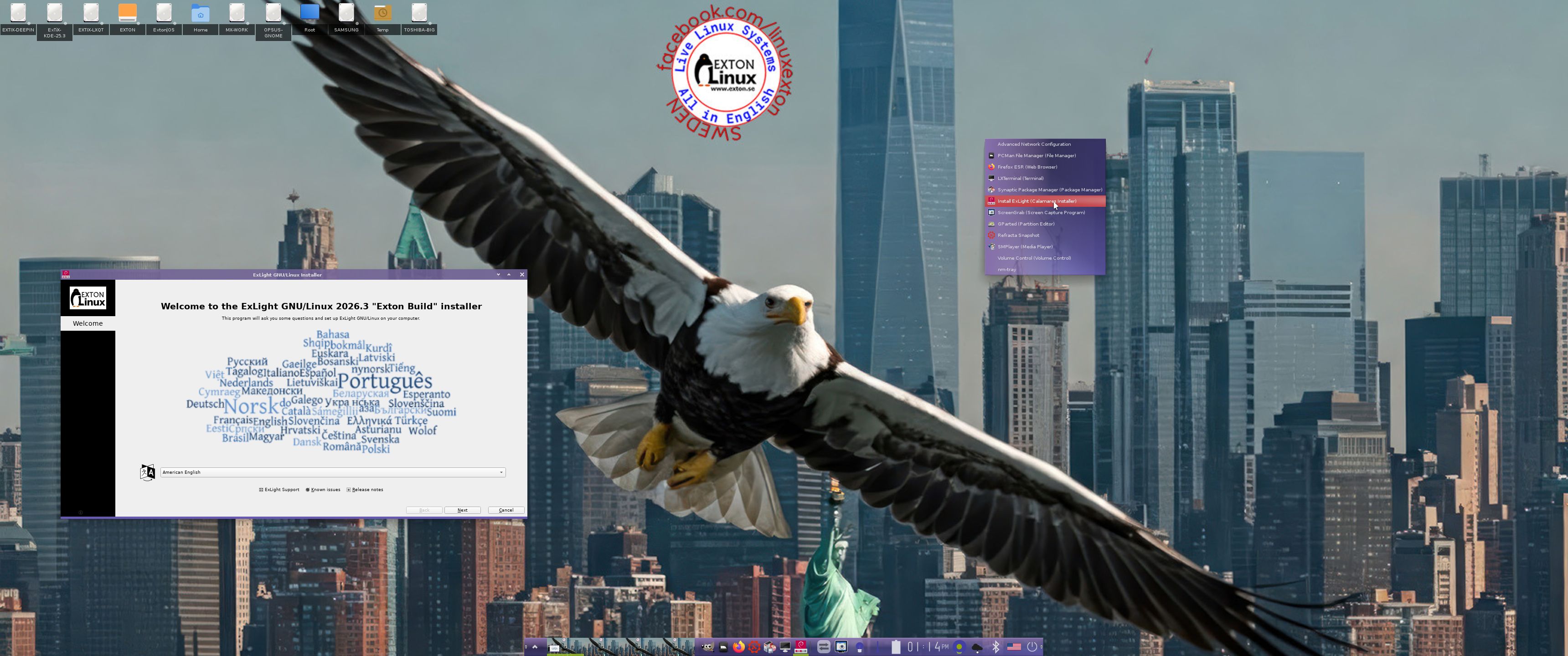
6. This version of ExLight uses the Calamares Installer. Very simple to use! A new user (your user) will be created during the installation process. You can also install ExLight in your preferred language. You can (as an alternative) use Refracta Installer.
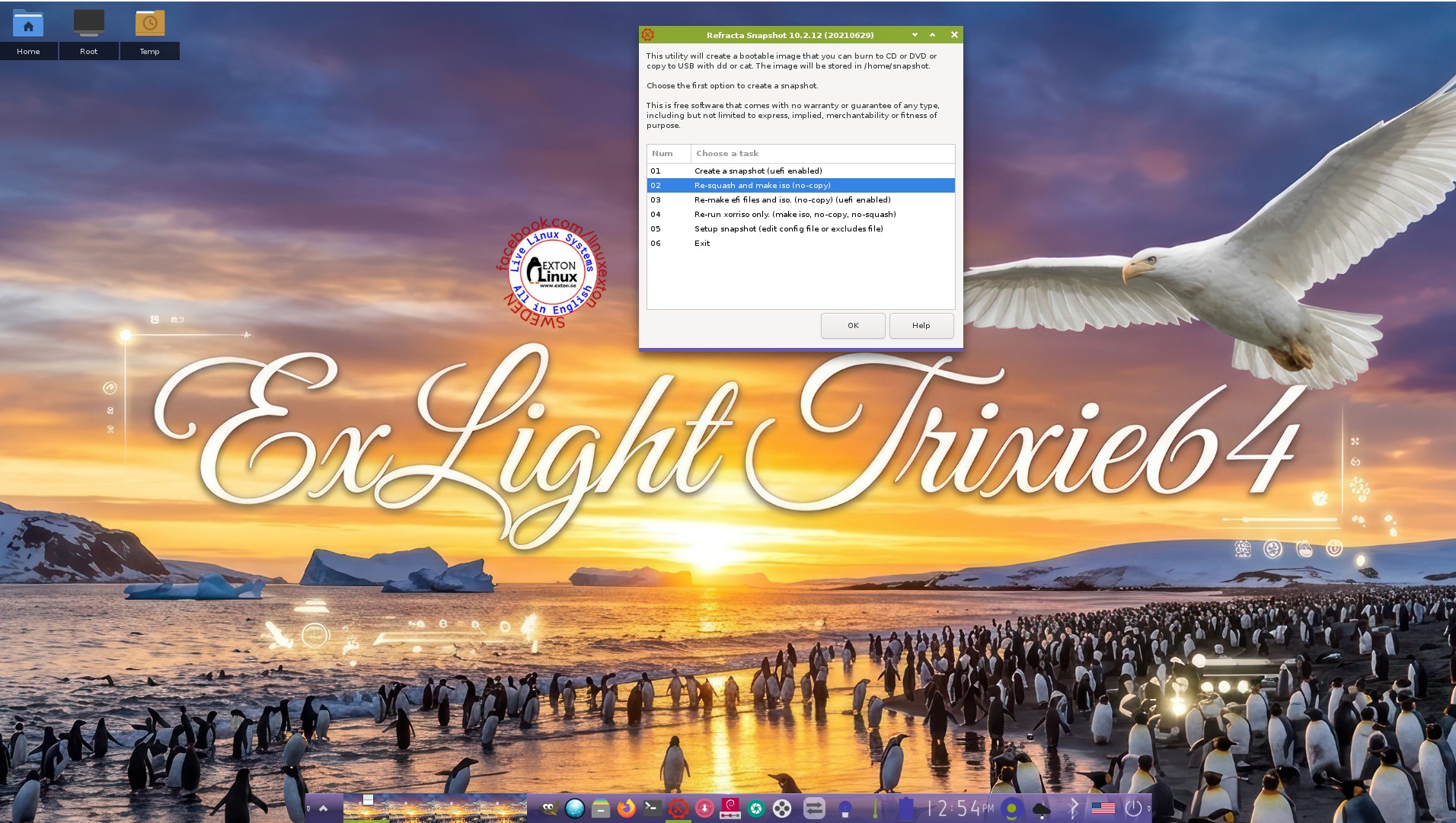
7. MOST IMPORTANT: I’ve added Refracta Snapshot, which make it possible for you to create your own live installable Debian Sid/Trixie system. I mean change everything to your liking, fire up Refracta Snapshot and wait 10 – 20 min until your new ISO is ready!
NOTE: You may have to do the remaster process in three steps (1 – 3).
THE REAL McCoy
ExLight is a pure Debian system. I.e. no traces of Ubuntu, Kubuntu etc. New releases of Ubuntu are always based on Debian Sid. So is ExLight.
Watch a YouTube Video about ExLight. The Video is called “ExLight Linux – Lightest Distro I Have Ever Tried“. (It is not made by me).
SCREENSHOTS
1. The Enlightenment 0.27.1 Desktop for user user
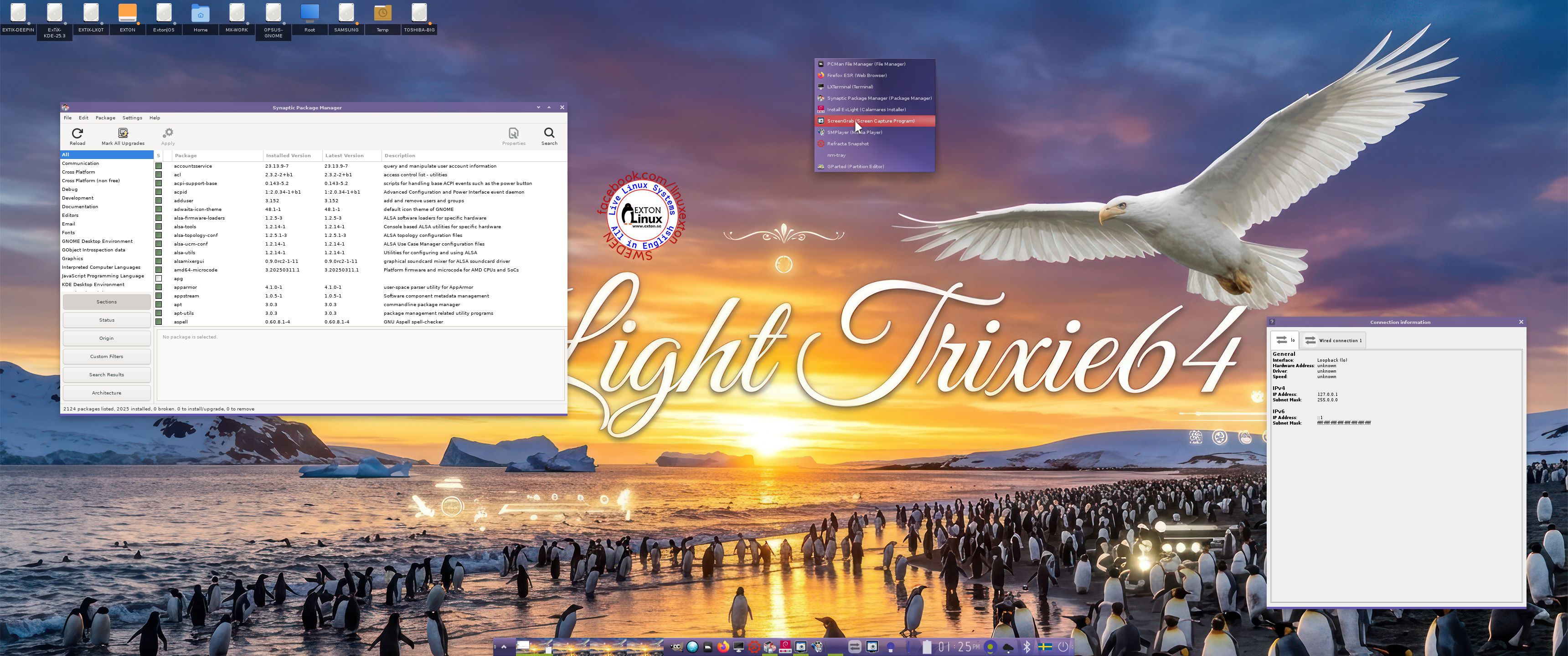
2. The Enlightenment 0.27.1 Desktop for root
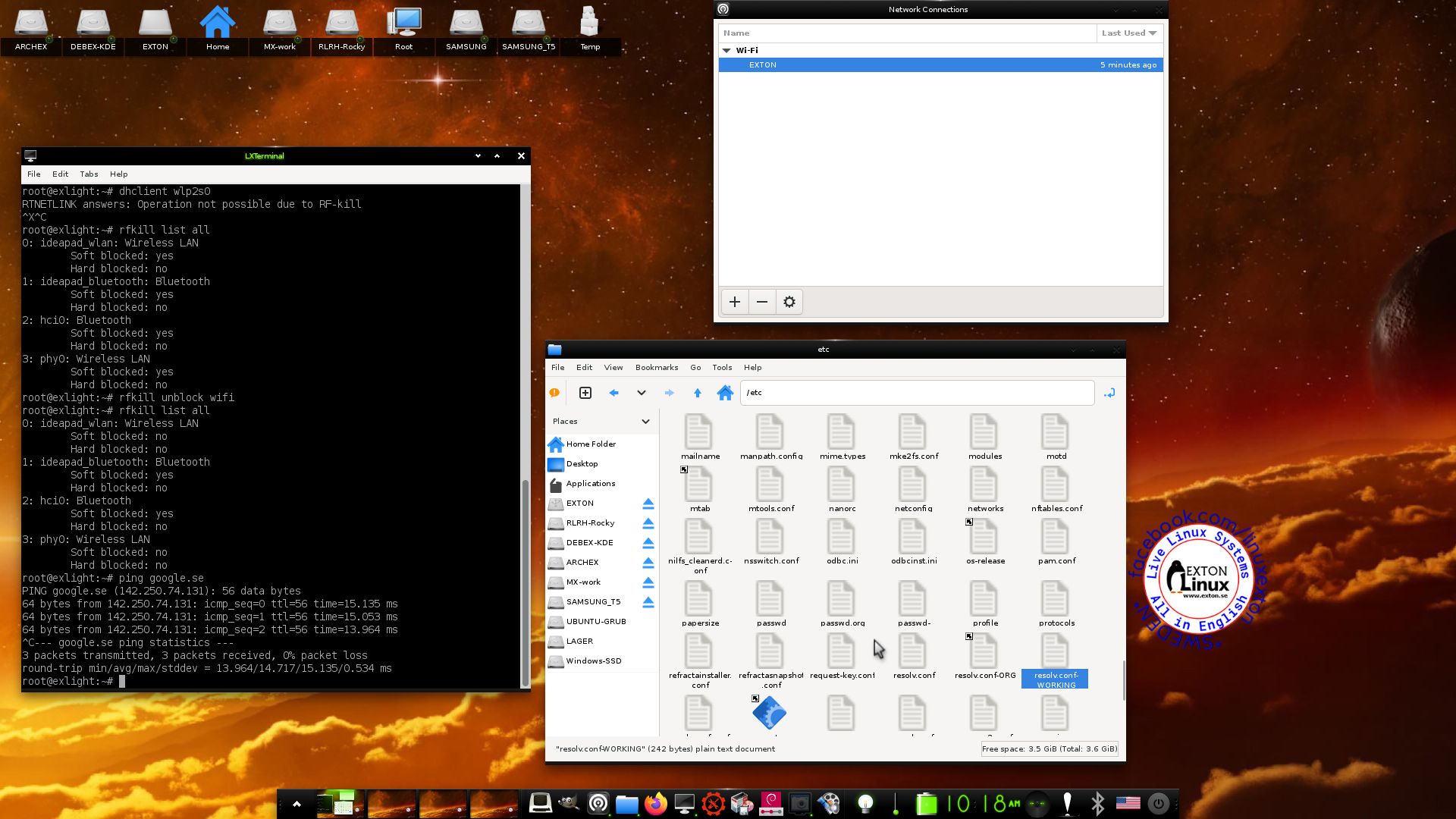
3. Using NetworkManager for WiFi connections
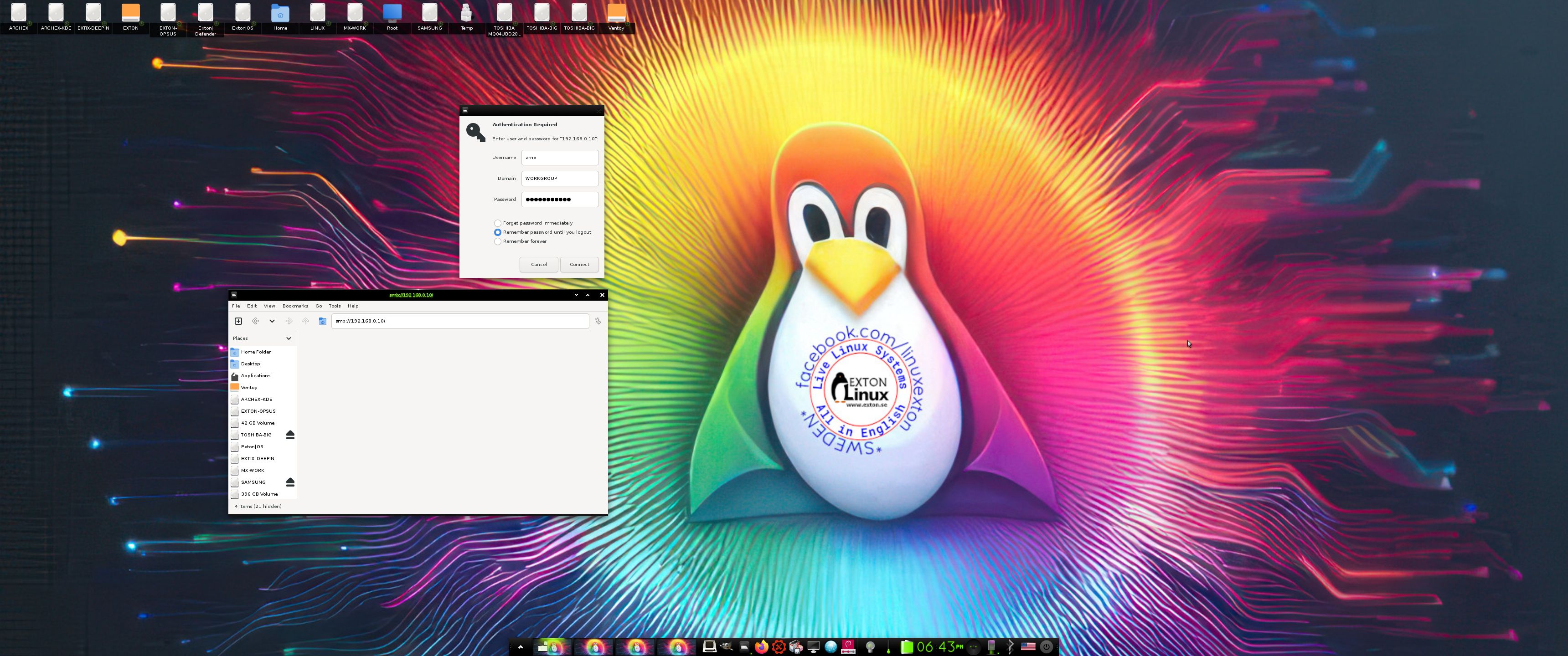
4. Showing a Samba connection
5. Showing the LightDM Login Screen
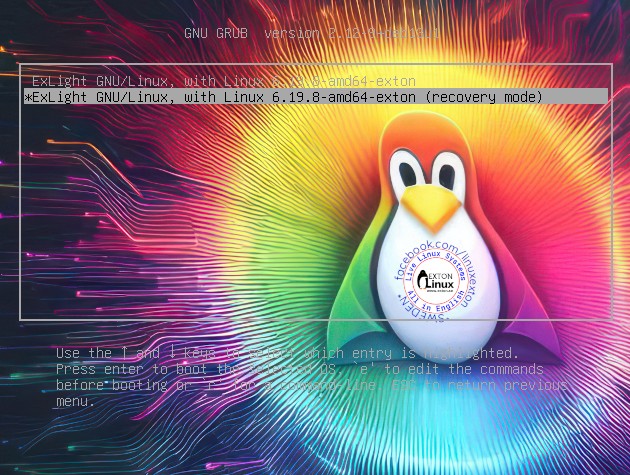
6. The live boot screen (Recovery mode)
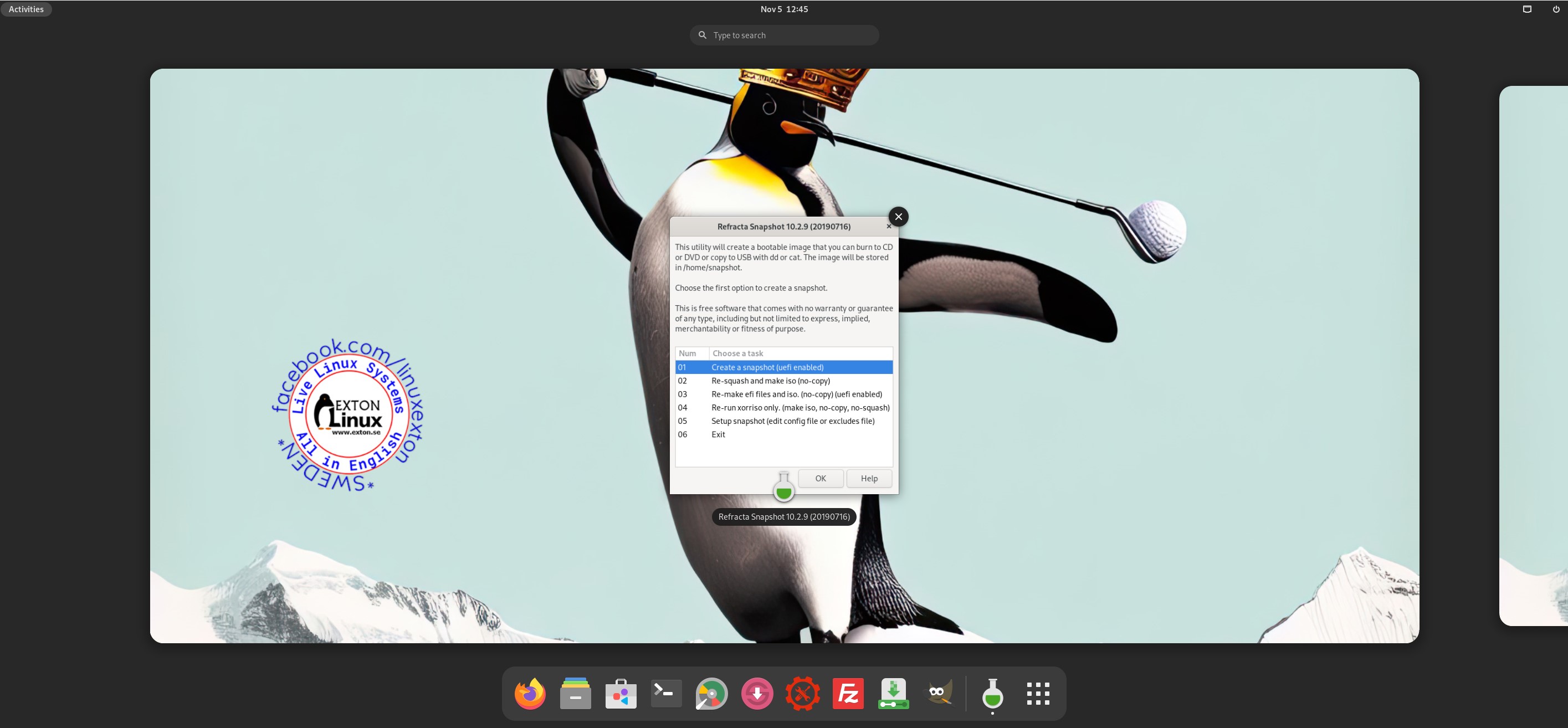
7. Using Refracta Snapshot

and
about my Android 16, 15, 14, 13, 12, 11, 10, Pie, Oreo, Nougat, Marshmallow and Lollipop versions for Raspberry Pi 5, Pi 4 and Pi 3/2 at raspex.exton.se – latest is RaspAnd 16 (with GAPPS), RaspAnd 15 (also with GAPPS), RaspAnd 14 (also with GAPPS), 13 and 12 (without GAPPS), RaspAnd 11 (with GAPPS) and RaspAnd Oreo 8.1 (also with GAPPS)

Follow me on Facebook…