Tag: Vlc Media Player

ArchEX 2025 (Arch Linux) Live with KDE Plasma 6.3.4-1, kernel 6.14.4-arch1-2 and Calamares Installer 3.3.15 :: Build 250507

ABOUT ArchEX 2025 Build 250507
I’ve made a new extra version of ArchEX with KDE Plasma 6.3.4-1 – latest version released 250401. Plasma is made to stay out of the way as it helps you get things done. But under its light and intuitive surface, it’s a powerhouse. So you’re free to choose ways of usage right as you need them and when you need them. This ArchEX version uses kernel 6.14.4-arch1-2. ArchEX can very easy be installed to hard drive (if you want) with Calamares Installer version 3.3.15 (latest). Installed (by me) from source.

Replacement
This ArchEX version replaces version 241124, 240509 and 240106.

Study all installed packages in ArchEX 2025 with KDE Plasma 6.3.4-1.

How To dual boot, triple boot or multi boot Linux with Windows in a simple way and be happy
Before installing ArchEX or any other Linux system my general installation instructions may be of interest.

Rolling distribution
Arch Linux/ArchEX are rolling distributions, which implies that once you have installed the system on the hard drive there is no need for re-installations (which otherwise is common in the Linux world).

WHO should run Arch Linux?
My answer: The system fits the “advanced” Linux user/enthusiast, who would be willing to run an occasional command from time to time.

BENEFITS of ArchEX/Arch Linux
“Cutting Edge”-software and speed. You will for example always run the latest kernel if you upgrade ArchEX/Arch (for example) every month.

SCREENSHOTS
ArchEX Plasma Desktop for user
ArchEX running in VirtualBox with Guest Additions installed
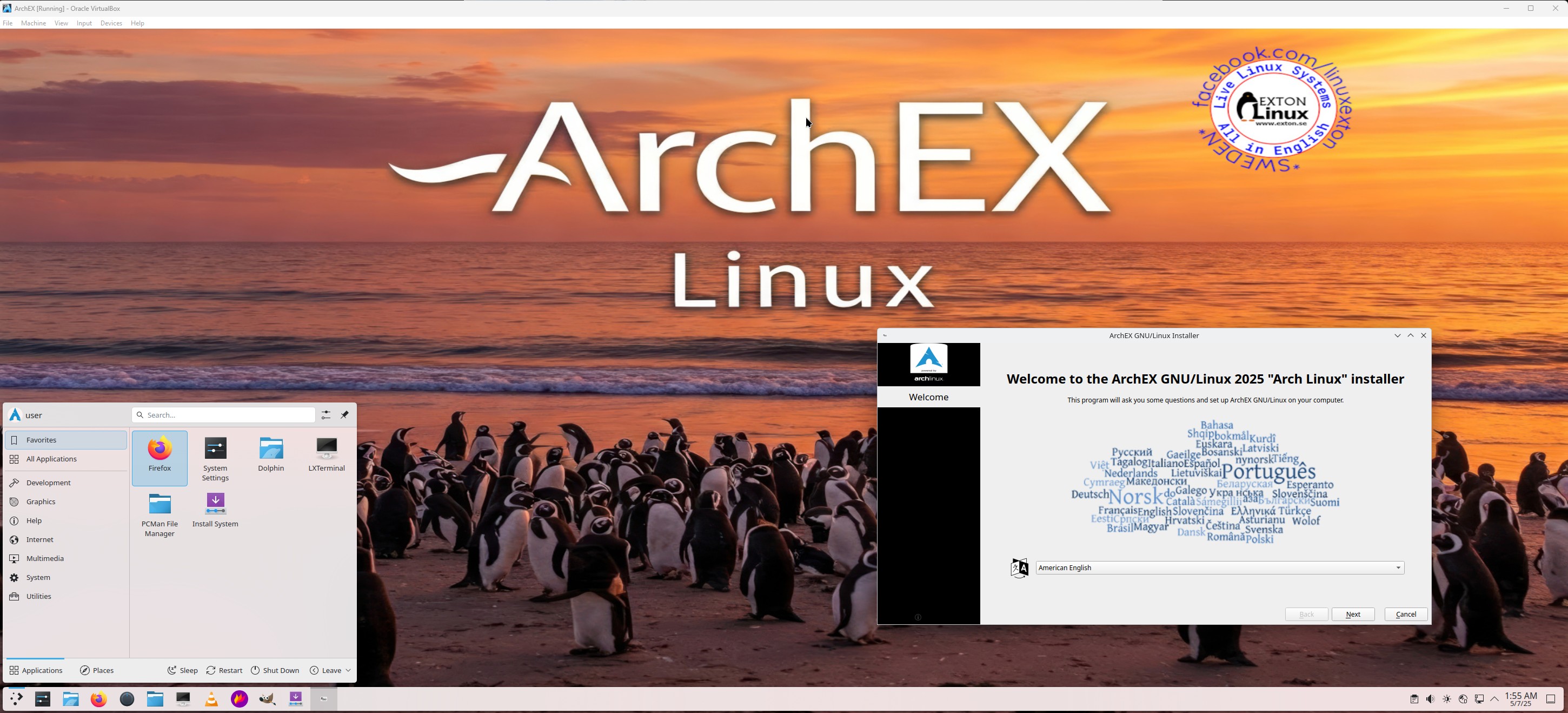
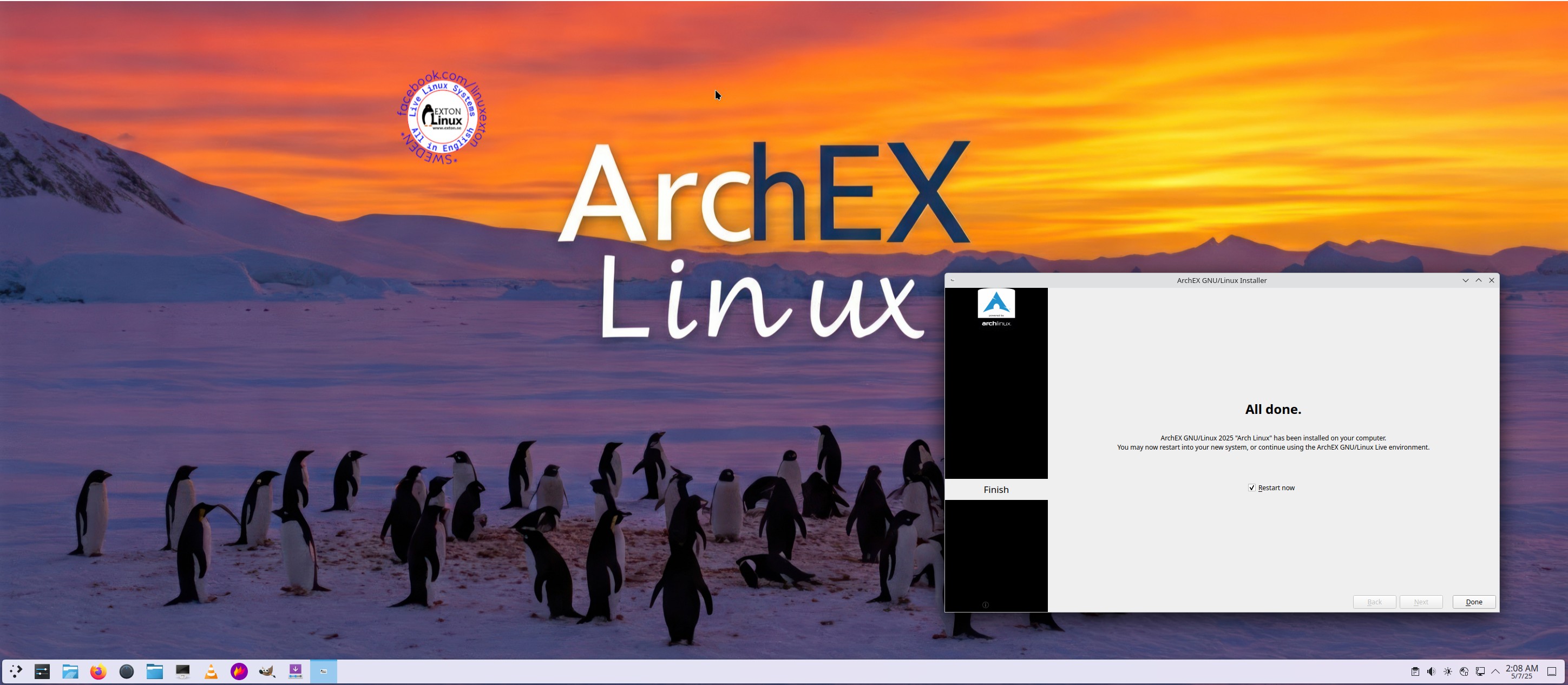
ArchEX running Calamares Installer
Showing SDDM Login Screen

READ MORE…

Read about my Android-x86 Systems – 11, 10, Pie, Oreo, Nougat, Marshmallow, Lollipop and KitKat at andex.exton.net – latest is AndEX 11 (with GAPPS), AndEX 10 (with GAPPS) and AndEX Pie 9.0 (also with GAPPS)!
and
about my Android 15, 14, 13, 12, 11, 10, Pie, Oreo, Nougat, Marshmallow and Lollipop versions for Raspberry Pi 5, Pi 4 and  Pi 3/2 at raspex.exton.se – latest is RaspAnd 15 (with GAPPS), RaspAnd 14 (also with GAPPS), 13 and 12 (without GAPPS), RaspAnd 11 (with GAPPS) and RaspAnd Oreo 8.1 (also with GAPPS)!



Follow me on Facebook…

No Comments extonExton Linux Systems

RaspAnd 6.0.1 (Marshmallow) for Raspberry Pi 3 and Pi 2 Build 160717 (v. 3) with GAPPS, Wifi, Bluetooth and YouTube working

raspand-20160625-clashofclans-smallRaspAnd Marshmallow Build 160717 is an Android 6.0.1 Marshmallow system which can run on Raspberry Pi 3 and Pi 2. I have finally managed to include Google Play Store and other GAPPS. This version of RaspAnd is faster and more responsive than RaspAnd Lollipop Build 150924/160315.

NEWS 160717 about RaspAnd Marshmallow
Build 160717 of RaspAnd Marshmallow replaces my first version from 160625 and my second build from 160711. The screen problems in build 160625 was corrected in my second build from 160711. In this third build from 160717 also YouTube works as expected.

More about the news in Build 160717
1. Build 160717 uses a new kernel – 4.4.15-exton.
2.
Google Play Services has been upgraded from version 8.4.87 to 9.2.56. The latest version by 160717.
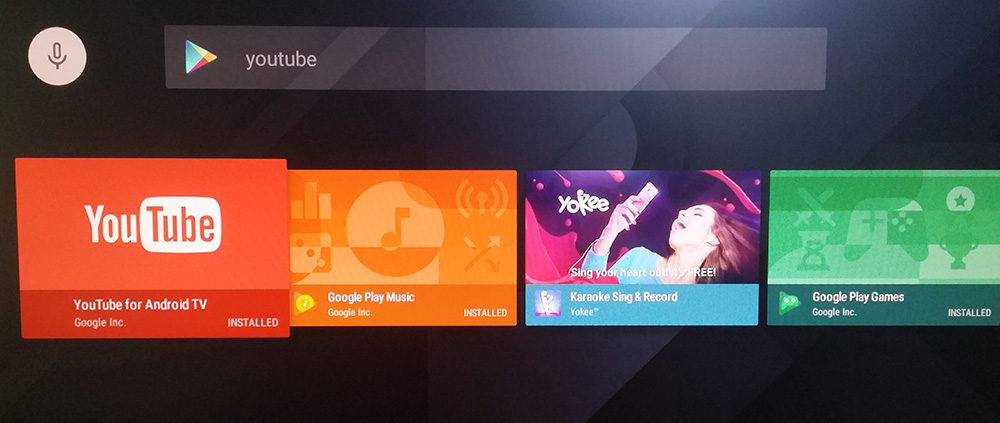
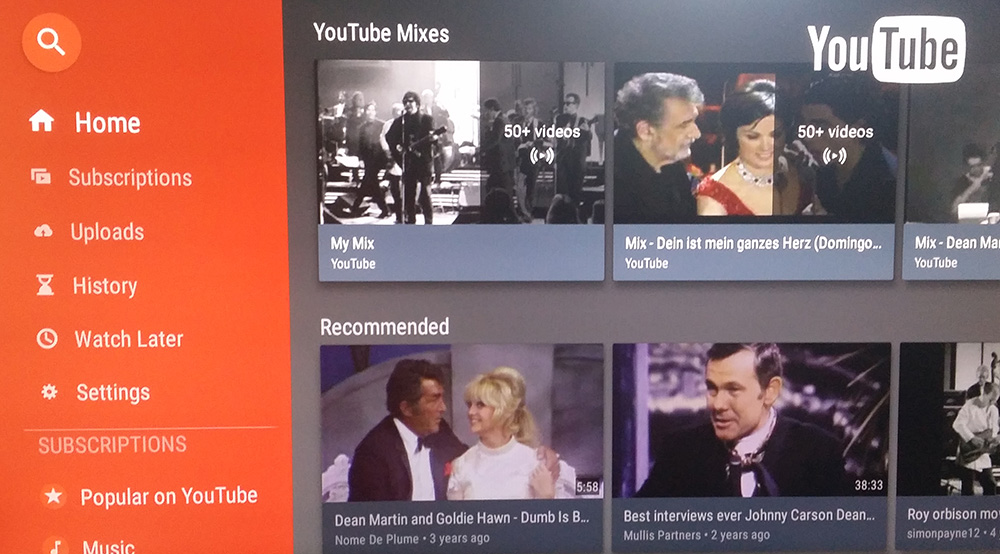
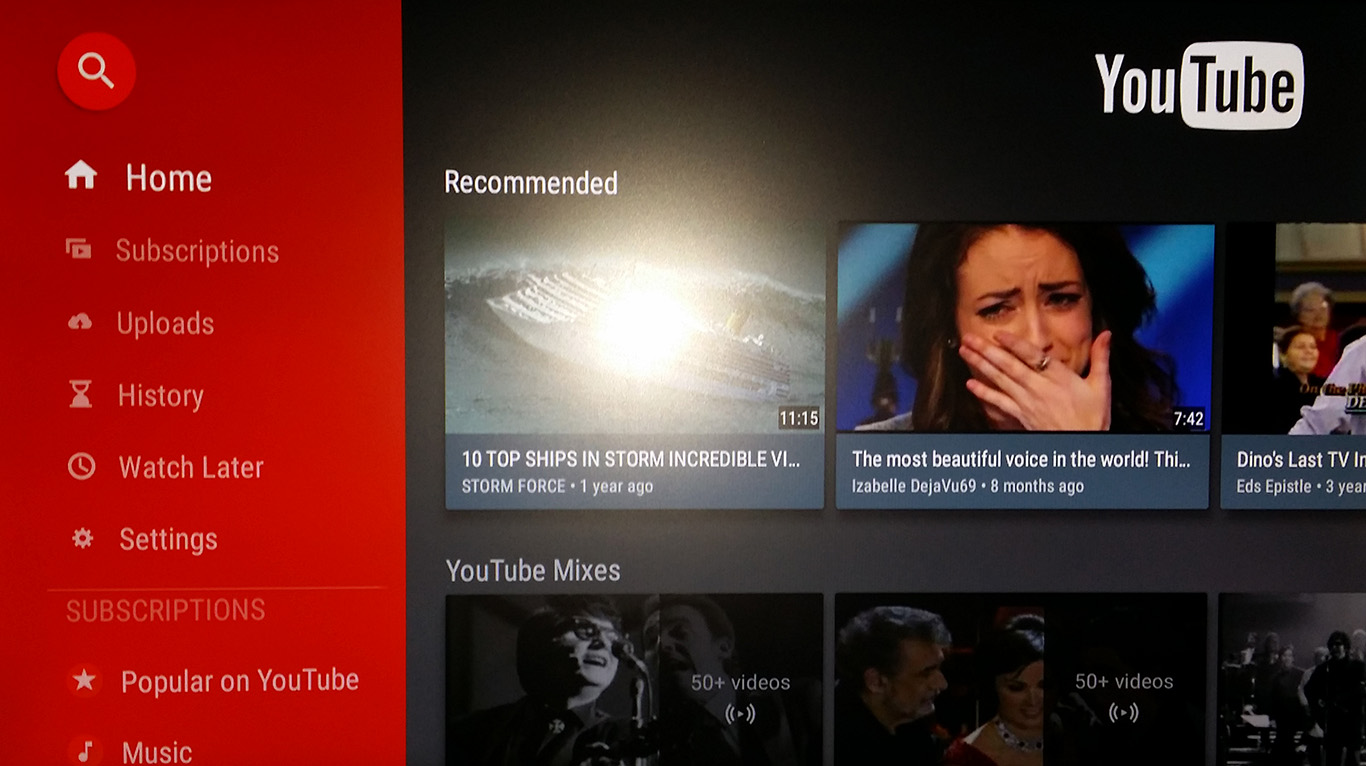
3. YouTube has been upgraded to version 1.3.11. The latest version by 160717. The video performance is far better in RaspAnd Marshmallow Build 3 than in previous versions. You can watch almost all movies in YouTube with acceptable quality.
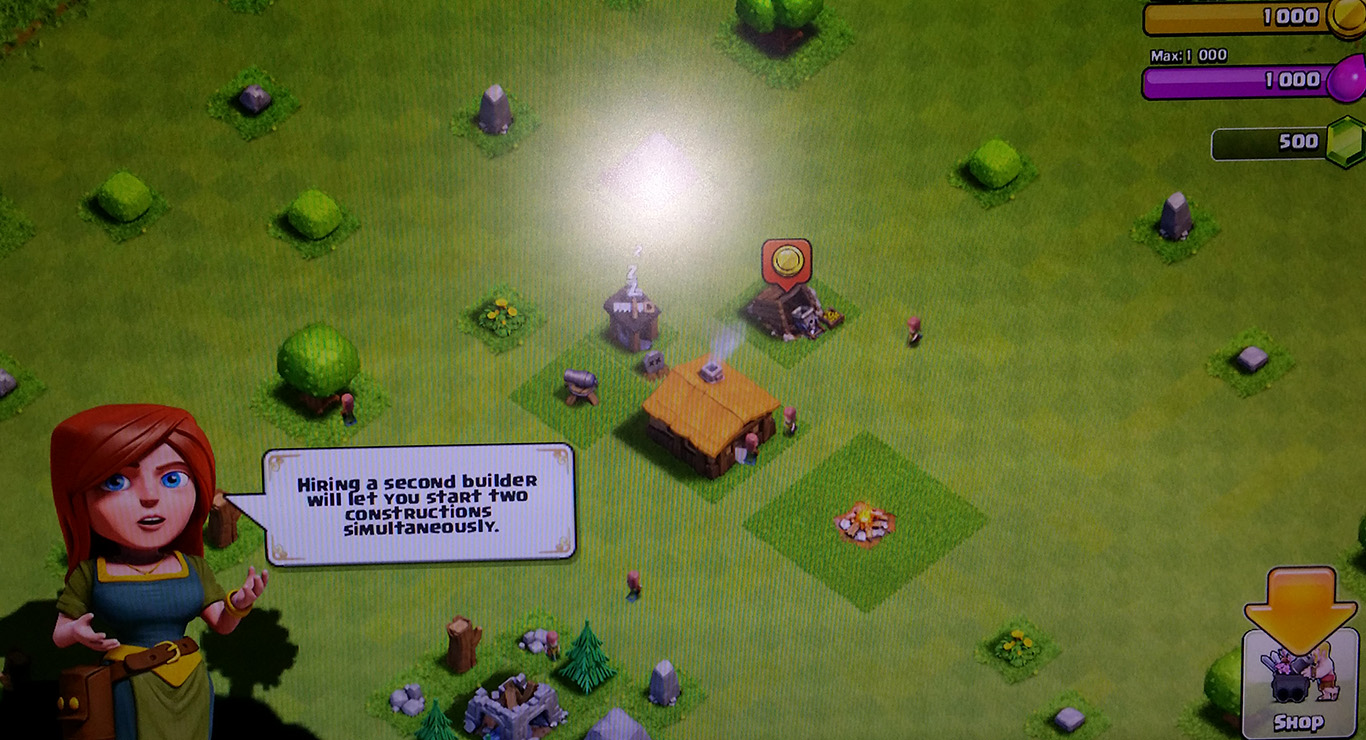
4. Clash of Clans works even better in Build 3.
5. The sound quality is excellent in Build 3. Especially is you connect loudspeakers to your Rpi. Maybe because of the new kernel…
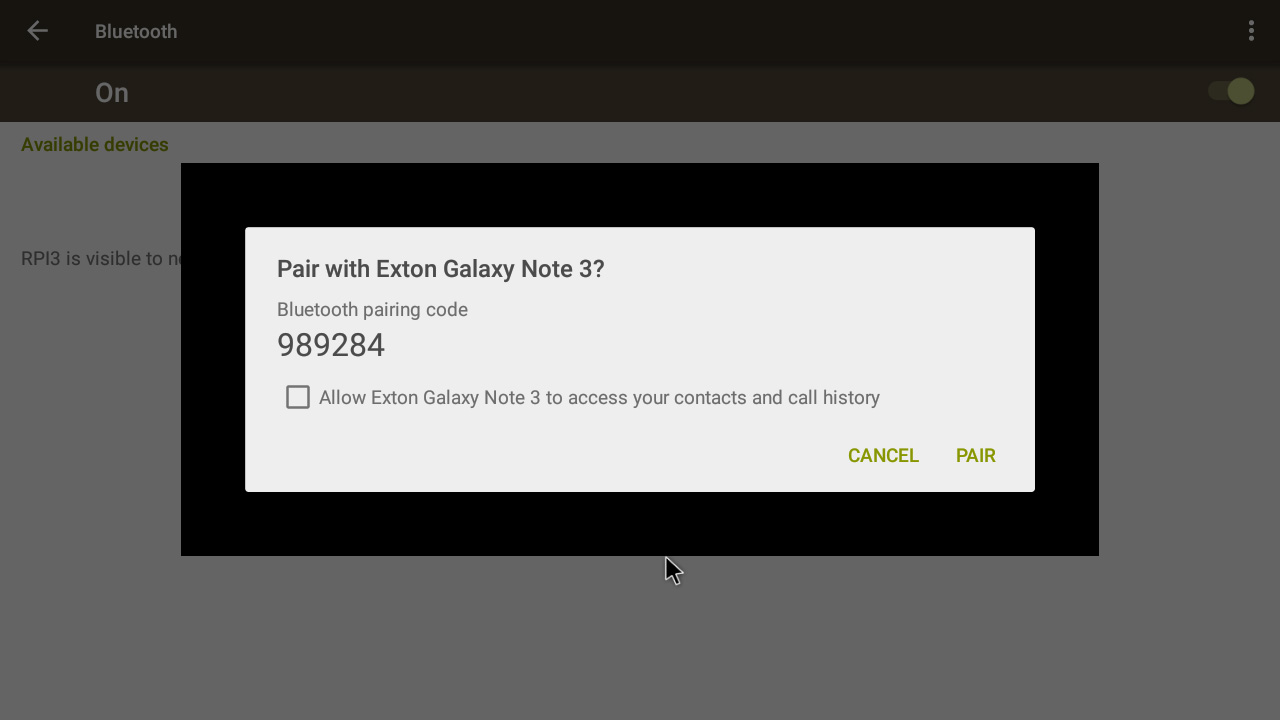
6. Bluetooth works as expected.
7. Most important: With Google Play Services in latest version (9.2.56) you are not dependent on Google Play Store. You can install almost all GAPPS and other apps via Aptoide App Manager.

Wifi and Bluetooth support
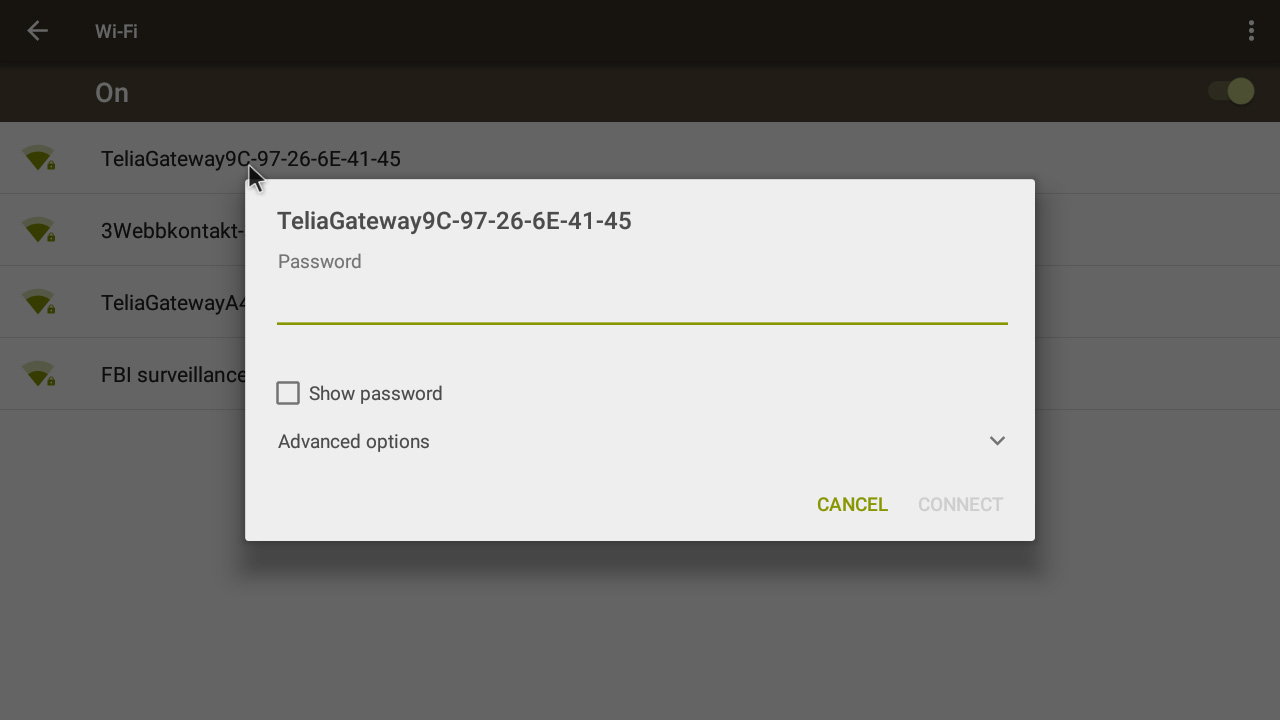
This new version of RaspAnd has support for Wifi and Bluetooth (on Raspberry Pi 3). RaspAnd runs very well on the new Raspberry Pi 3 computer. The system runs also on the “old” Raspberry Pi 2 computer.

Installed apps
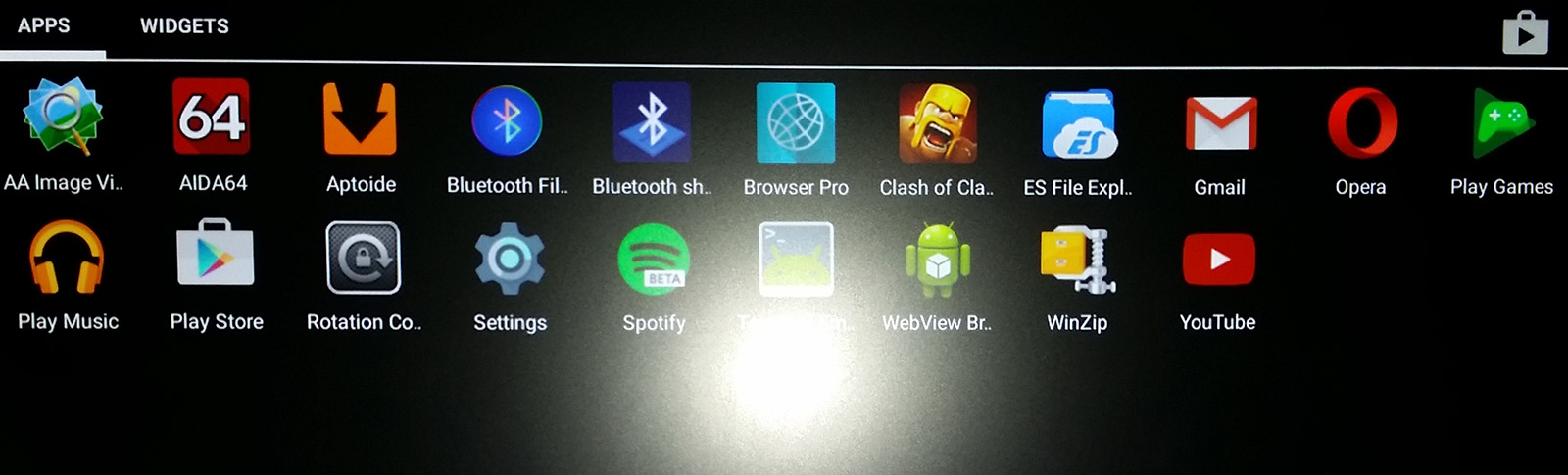
The following useful apps are pre-installed in RaspAnd Marshmallow: Google Play Services 9.2.56, Google Play Store 6.0.2, Aptoide App Manager (as an alternative to Google Play Store), Terminal Emulator, Aida64, WinZip, ES File Explorer, Rotation Control Pro, Opera 36.2.2126, Spotify 5.6.0.674, Bluetooth File Transfer, YouTube 1.3.11 and the popular (?) game Clash of Clans 8.332.14.

YouTube performance
YouTube works alright in RaspAnd Marshmallow Build 3. You can watch almost all videos. I.e. normally you will hear the sound very well, but some the movies won’t play or play very slow with strange colors.

Spotify
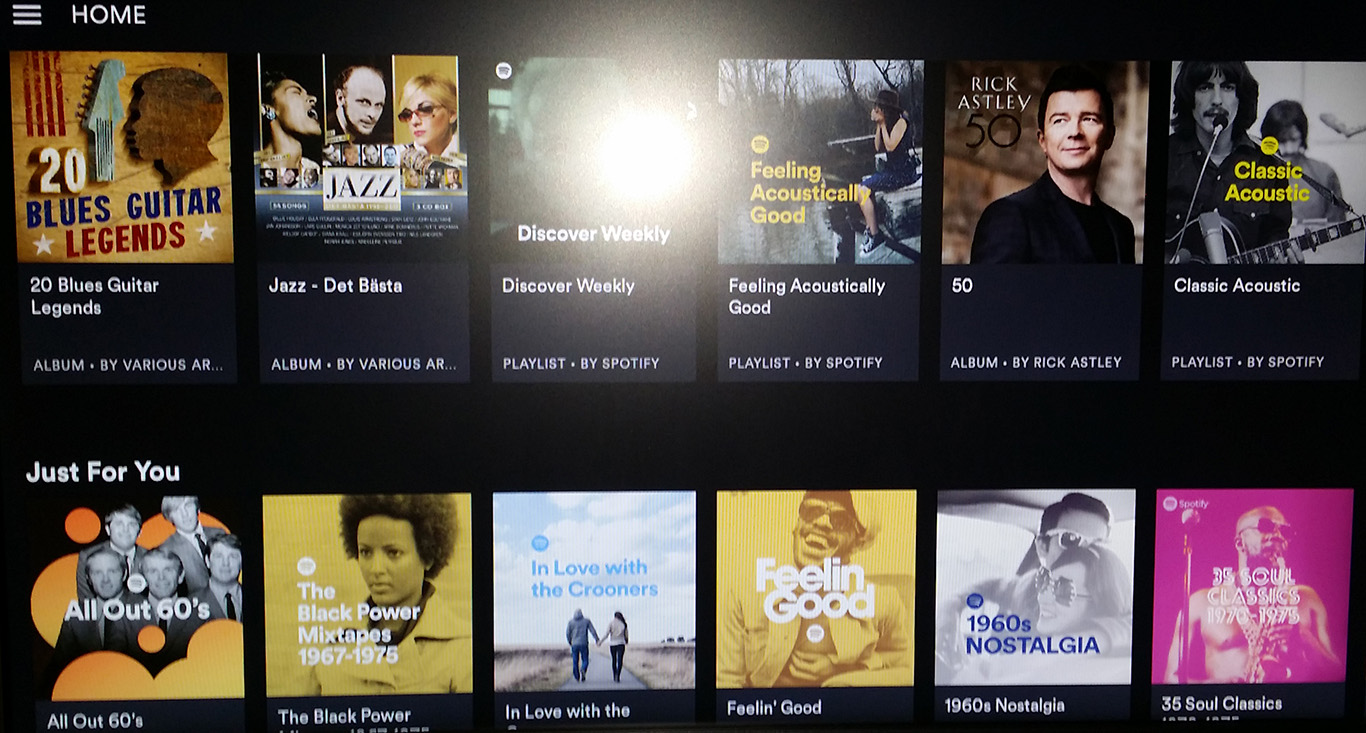
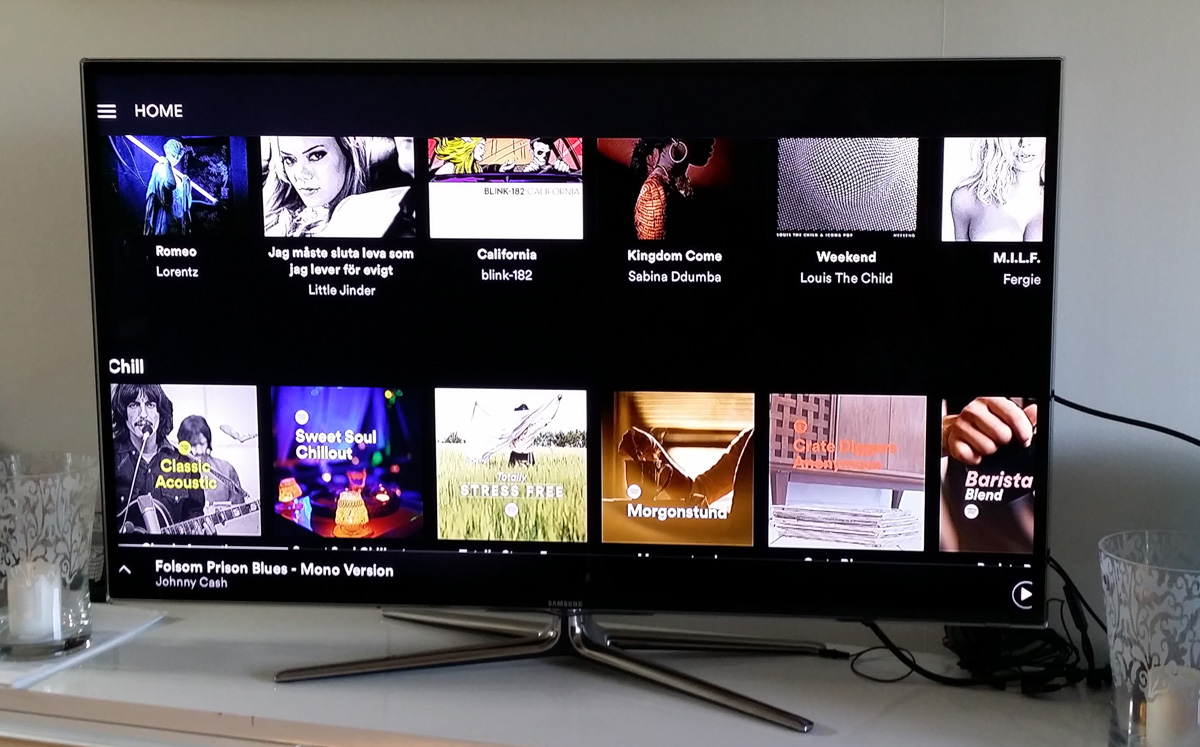
Spotify works very well in RaspAnd Marshmallow. Just log in and play your favorite music!

Screenshots

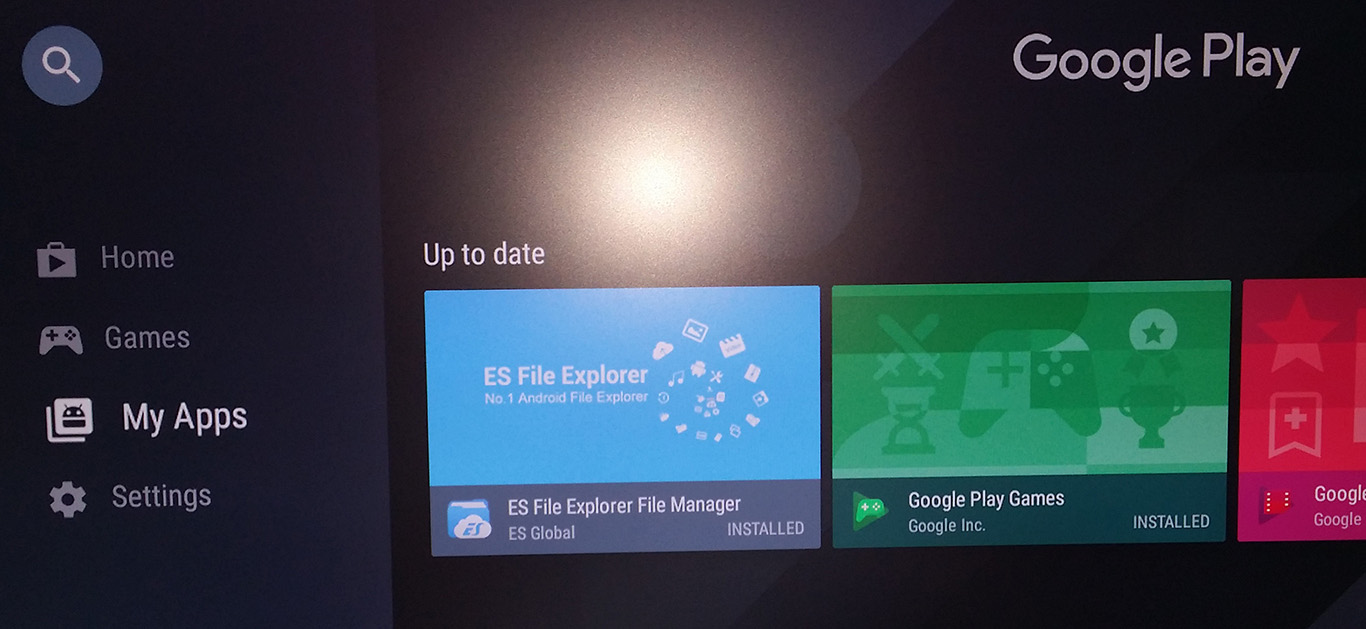
Screenshot 1 – Google Play Store running

Screenshot 2 – RaspAnd’s Desktop

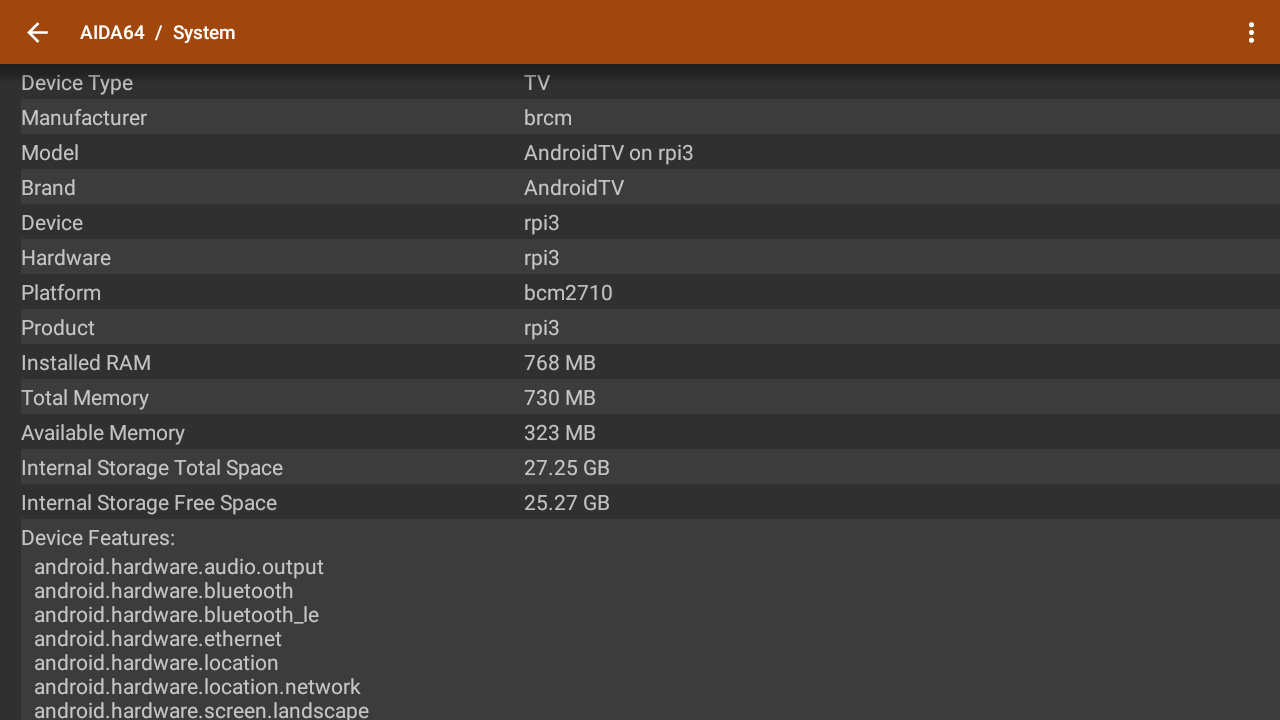
Screenshot 3 – AIDA64 showing the system

Screenshot 4 – Clash of Clans running (very well)

Screenshot 5 – Wifi connection

Screenshot 6 – Bluetooth connection

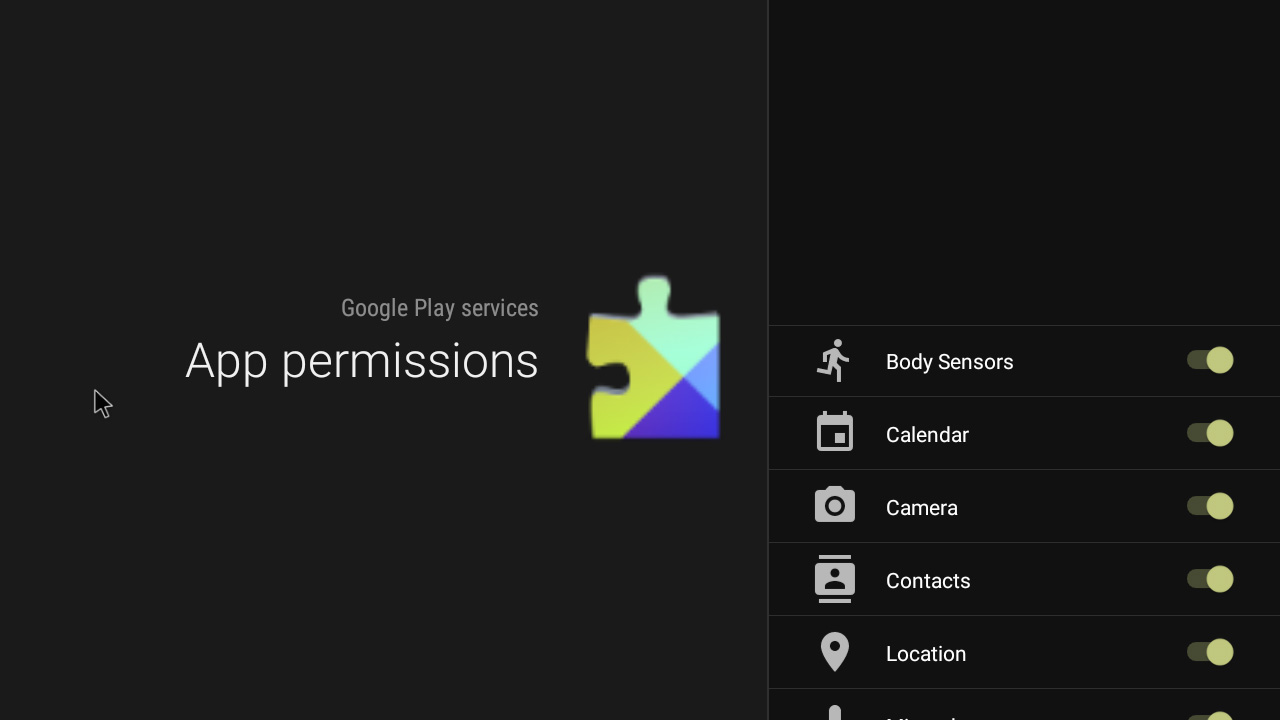
Screenshot 7 – Setting permissions for Google Play Services

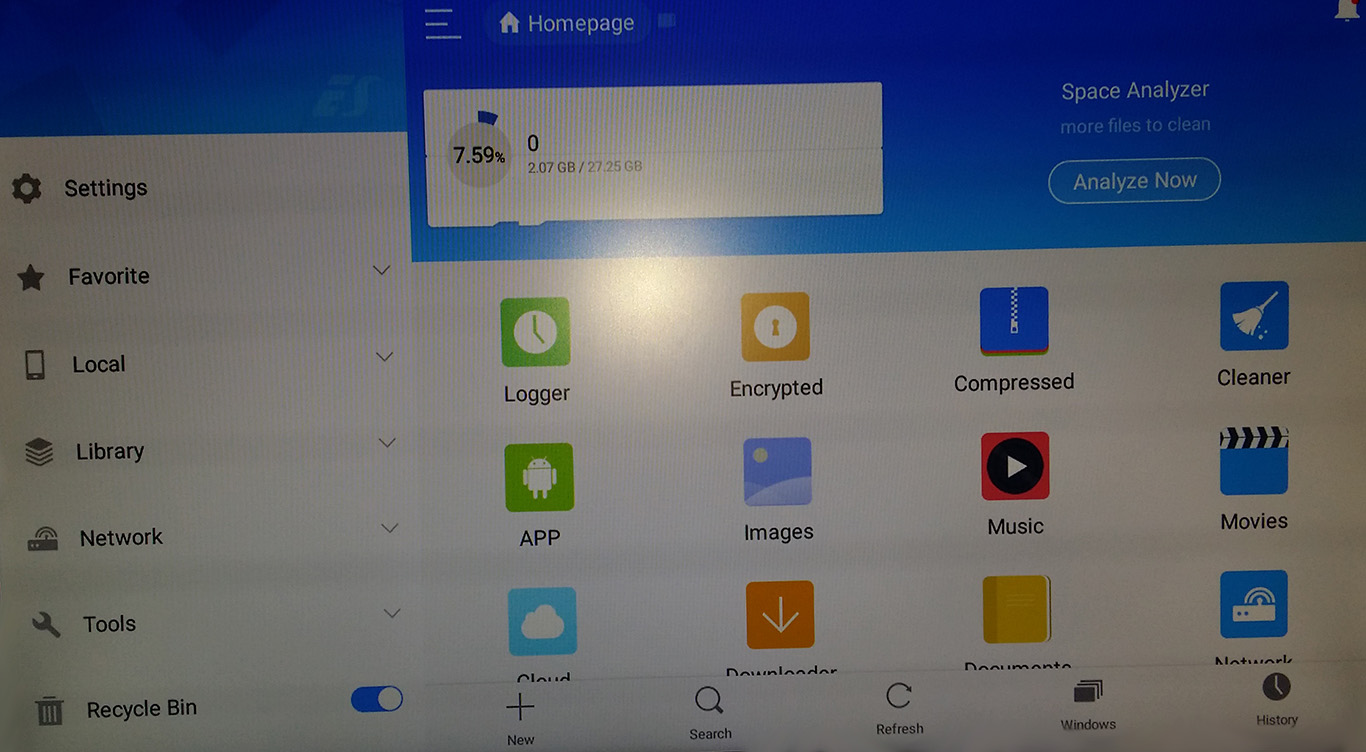
Screenshot 8 – Using ES File Explorer

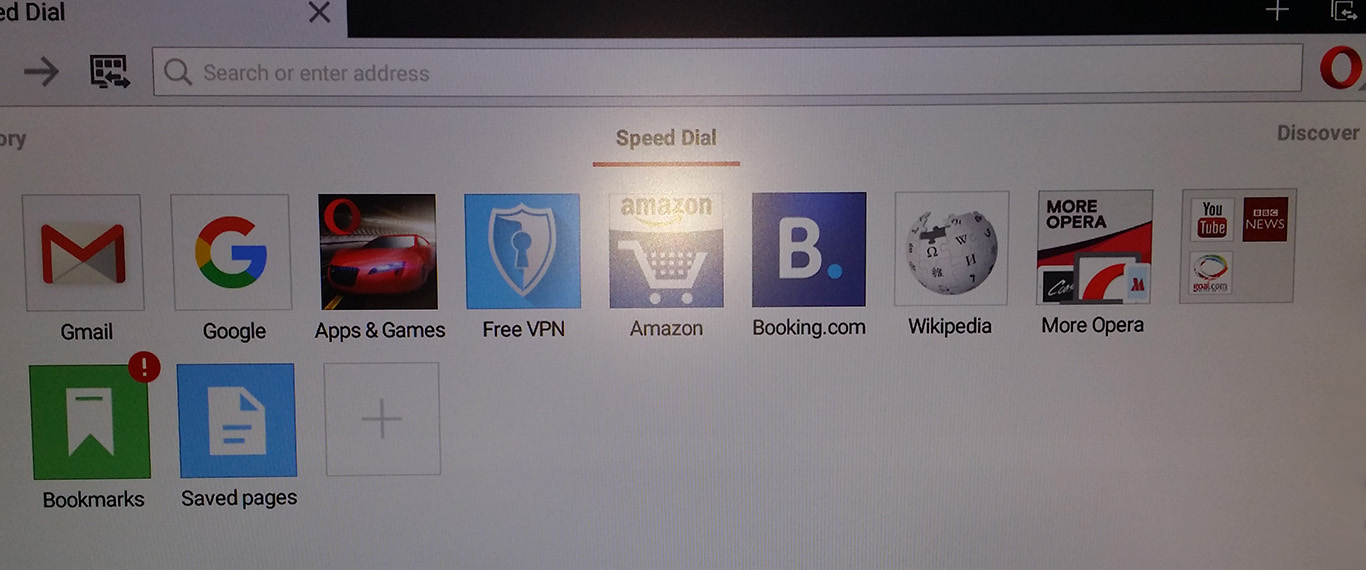
Screenshot 9 – Using Opera Web Browser

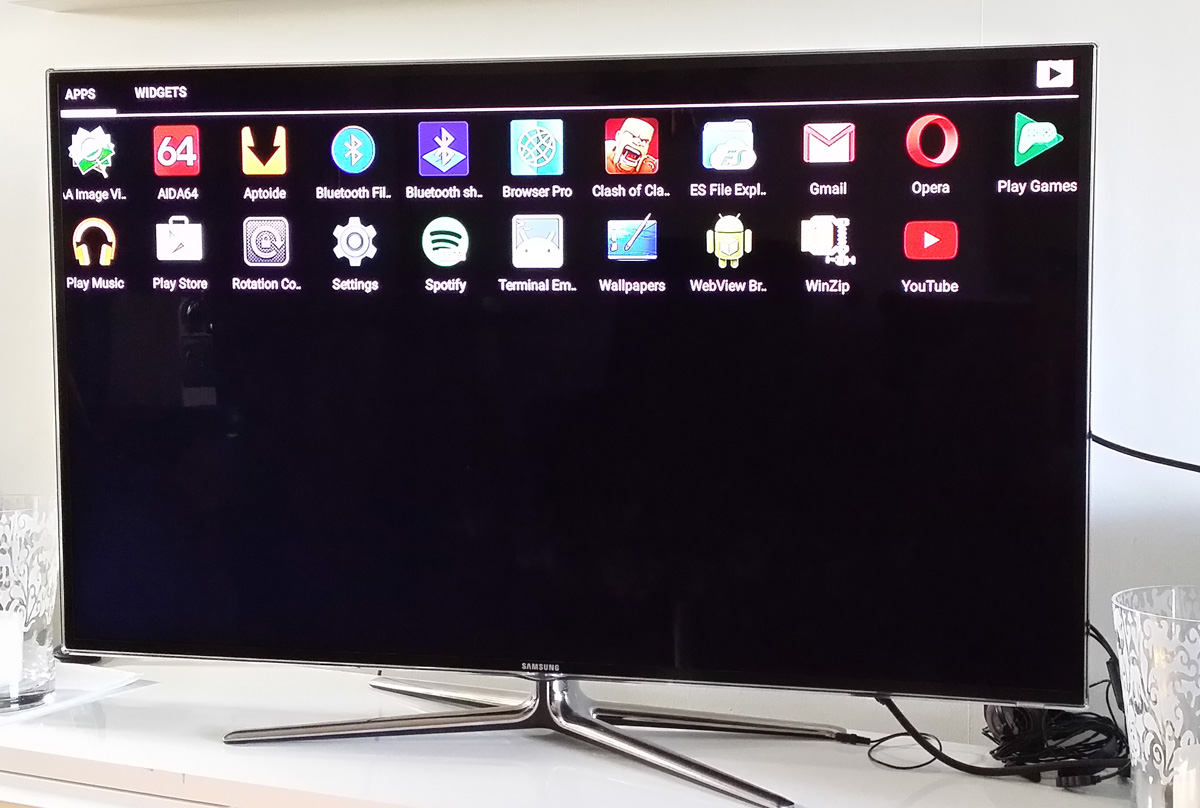
Screenshot 10 – Using a big TV (55″) as monitor – Home screen

Screenshot 11 – Using a big TV (55″) as monitor – Running Spotify

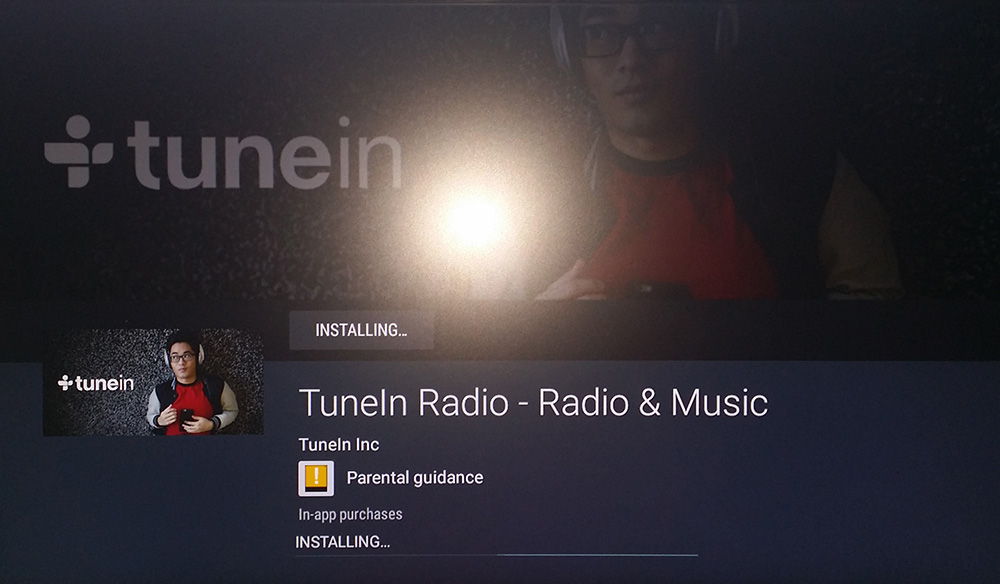
Screenshot 12 – Installing the app TuneIn Radio via Google Play Store

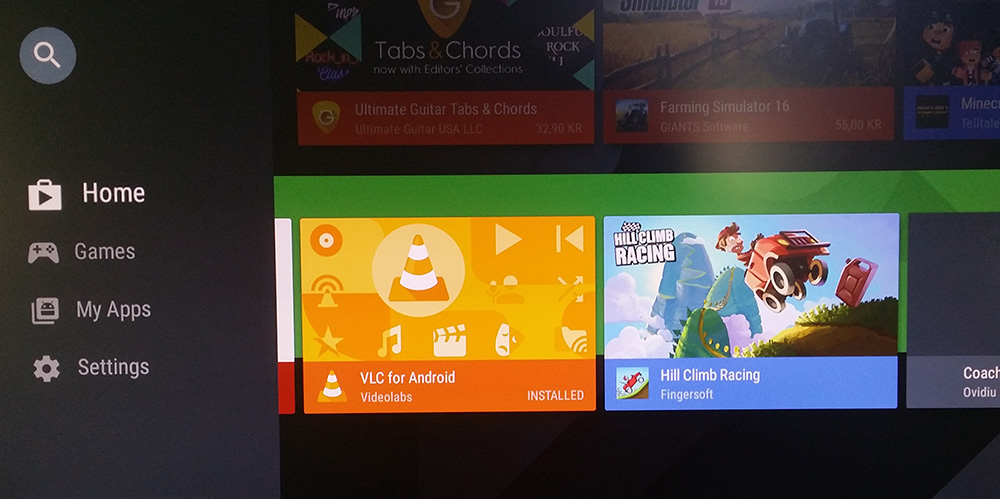
Screenshot 13 – Installing VLC 2.0.3 via Google Play Store

READ MORE…

No Comments AndroidextonExton Linux SystemsLinuxRaspberry

PuppEX (Puppy Slacko64) Live DVD with kernel 4.3.0-x86_64-puppex

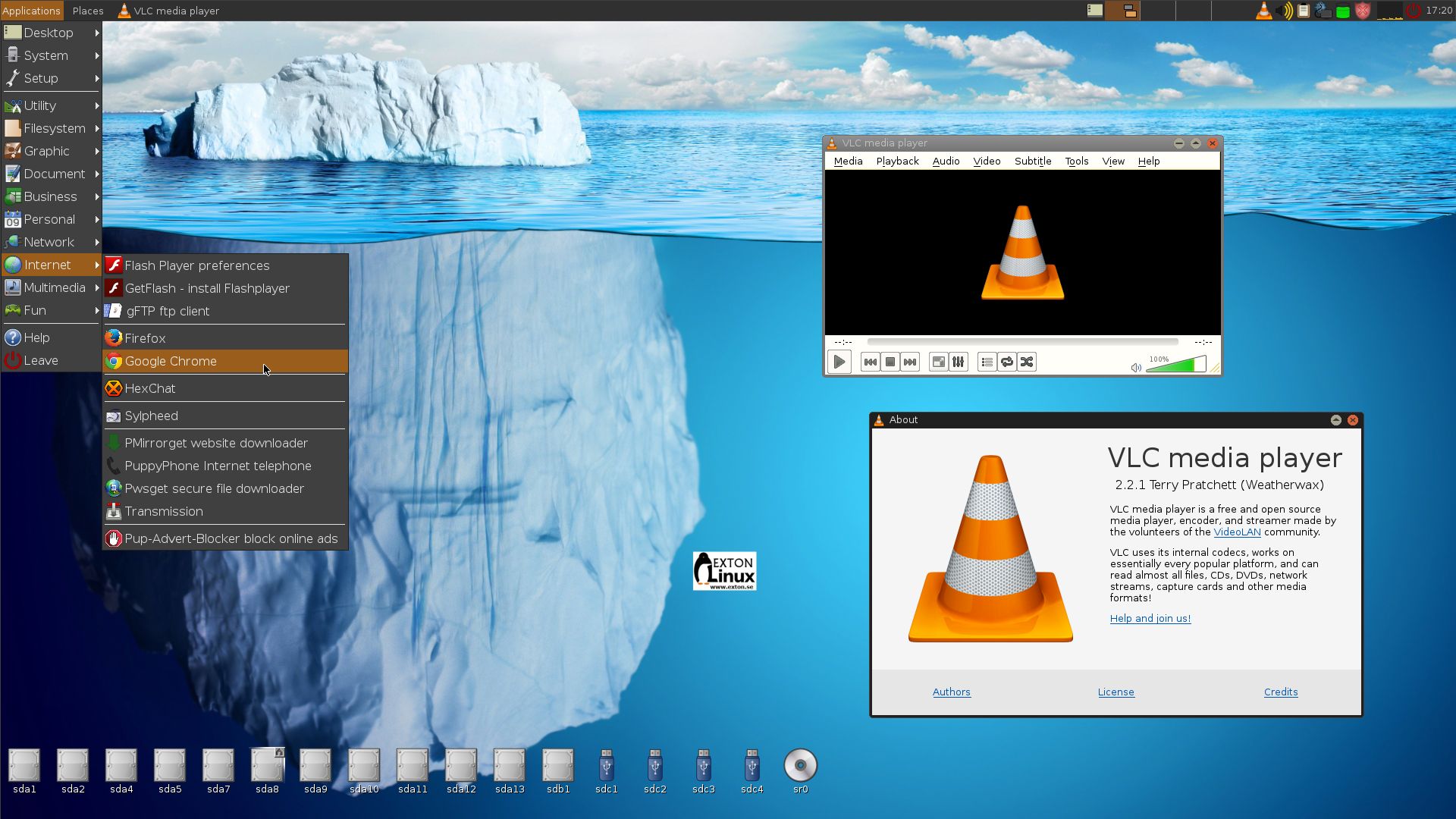
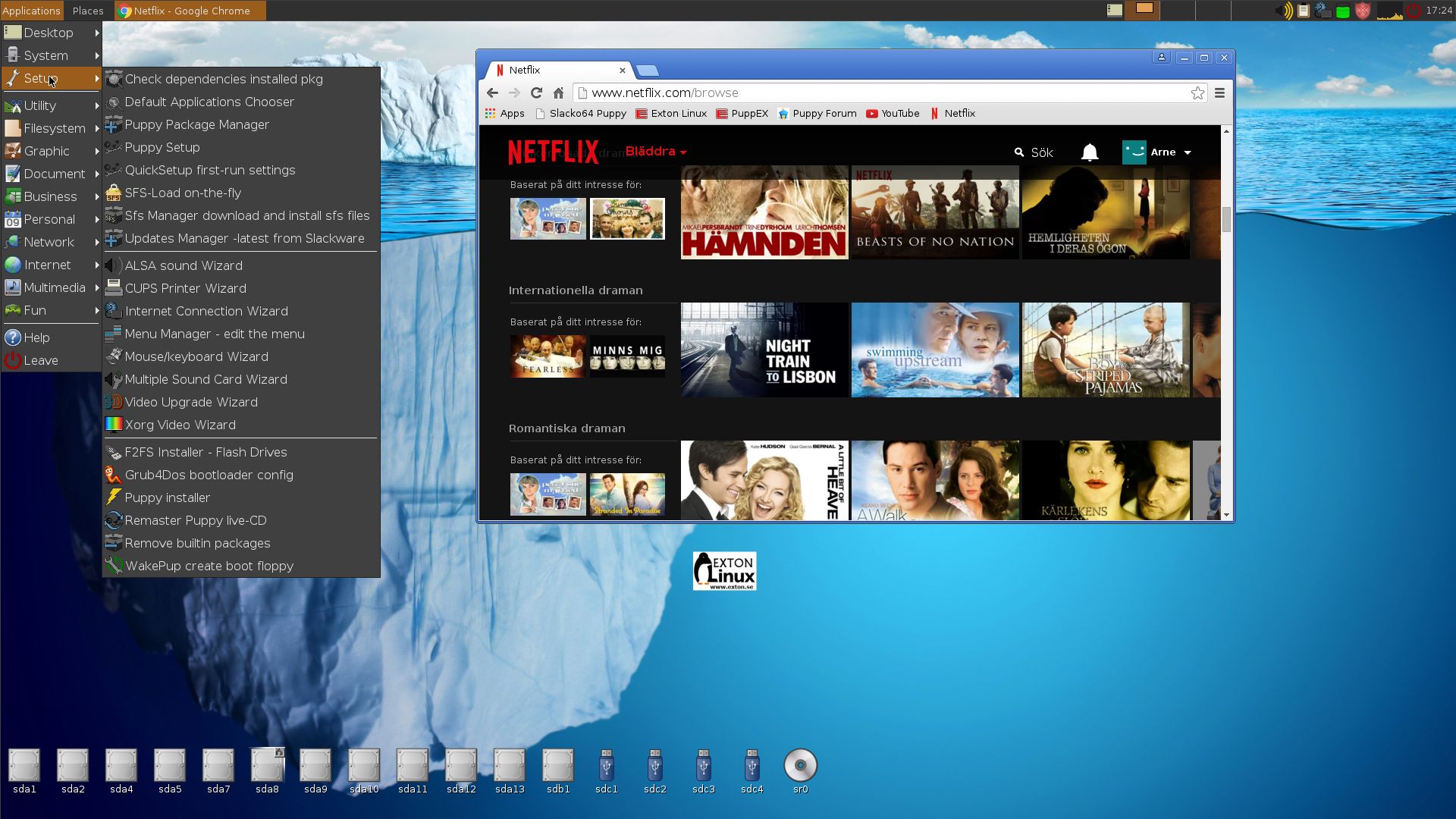
PuppEX Slacko 64 bit is a remaster of Puppy Linux Slacko64 6.3.0, released on November 16, 2015. Kernel 4.3.0-x86_64-puppex is used. Kernel 4.3 is the latest available stable kernel from Kernel.org as of 151130. PuppEX uses the original Puppy Slacko64 Desktop. I have added PCManFM and LXTerminal. They are more useful than ROX-Filer respectively RXVT, I think. The ISO file is on the whole 766 MB, which is due to me including also NVIDIA Graphics driver 352.63, Gimp, Vlc Media Player 2.2.1 installed from source (so you can run it as root), Google Chrome 46.0.2490.86 (for Netflix), Adobe Flash and compiling tools. Puppy Slacko original is of only 234 MB. PuppEX is despite this still running as fast as the original, which means it runs very, very fast compared to most other Linux systems. (Puppy/PuppEX runs from RAM).

Compatible with Slackware 14.1
The beauty of Puppy Slacko64 is that programs that are available for Slackware 14.1 also can be easily installed and run in Puppy Slacko64 (and thus also in PuppEX).

MOST IMPORTANT CHANGES
I’ve changed kernel from 4.1.11 to 4.3.0-x86_64-puppex and installed NVIDIA Graphics driver 352.63. The Nvidia driver will be used if your computer/card is “modern” enough. I’ve also added Vlc and Google Chrome (just as I said to make it possible to watch Netflix movies).

Study ALL installed packages in PuppEX

See a screenshot of the Desktop and one when Google Chrome with Netflix is running

READ MORE…

1 Comment Exton Linux SystemsLinux