Tag: Waydroid

ExTiX 26.4 with GNOME 50 Desktop together with Waydroid (“Waydroid lets you launch a complete Android system on Linux with Google Play”) :: Build 260407

ABOUT ExTiX 26.4 – Build 260407
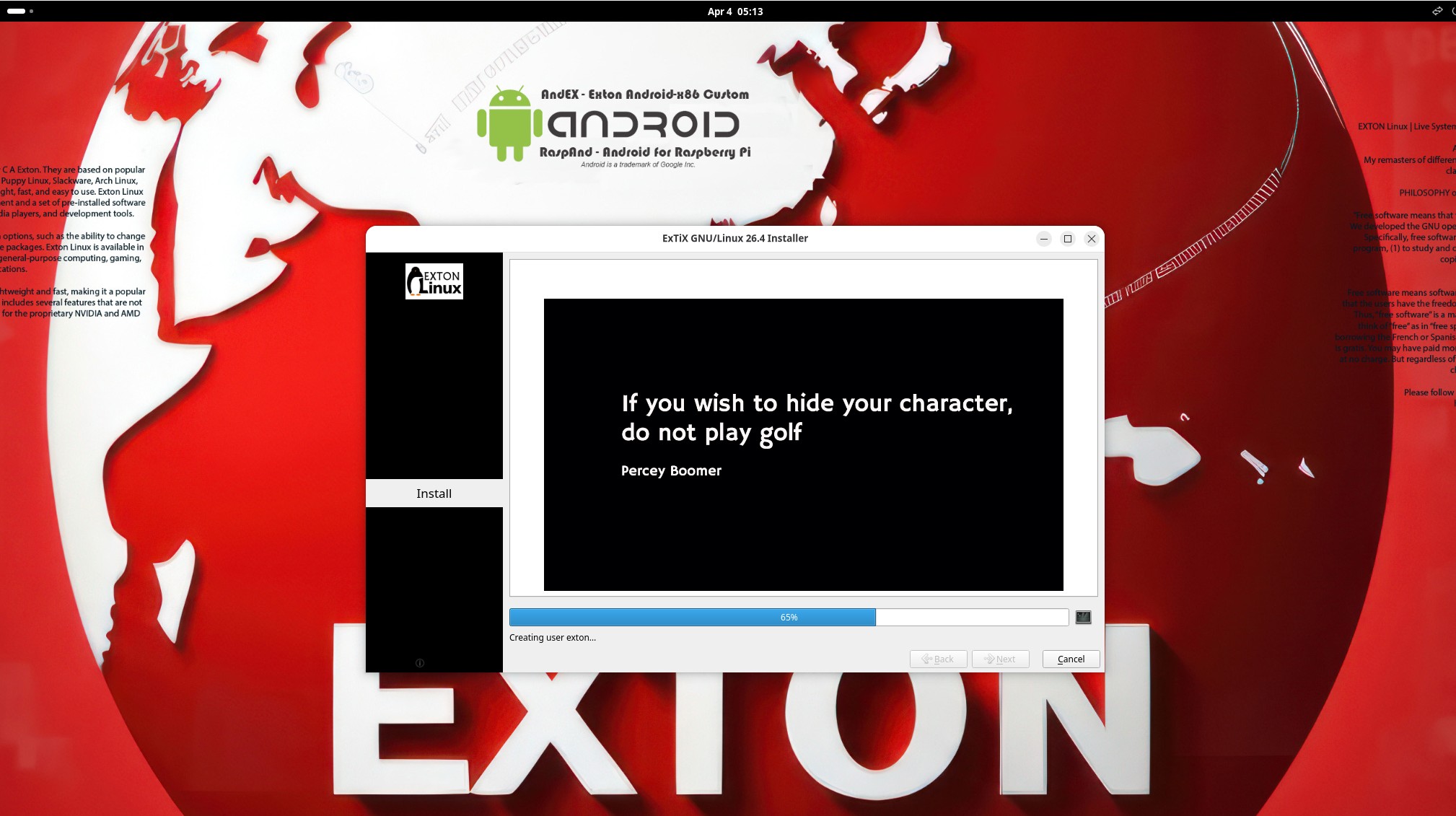
I have made a new version of ExTiX – The Ultimate Linux System. I call it ExTiX 26.4 GNOME Waydroid Live System. I have made it possible for you to configure Waydroid in ExTiX. (Waydroid lets you launch a complete Android system on Linux with Google Play Services so you can install your favorite apps). So now you can run Android apps in ExTiX. GAPPS (Google Play Services and Google Play) are however NOT pre-installed in ExTiX 26.4. That’s because you’ll have to install/initialize GAPPS using your own Gmail account. I.e. to be able to run Google Play. The second best thing with ExTiX 26.4 is that while running the system live (from DVD/USB) or from hard drive you can use Refracta Snapshot (pre-installed) to create your own live installable Ubuntu/Waydroid system. So easy that a ten year child can do it!

ExTiX 26.4 GNOME 50 System 64 bit is based on Debian and upcoming Ubuntu 26.04 LTS Resolute Raccoon. I have installed GNOME 50 Tokyo as DE.
NOTE about Ubuntu 26.04 LTS: It will be released in a stable version 260423 and supported until April, 2031.

The system language is ENGLISH.

Used KERNELS
Ubuntu’s latest original kernel 7.0.0-10-generic with the binder kernel module (needed by Waydroid) and my own compiled kernel 7.0.0-rc6-amd64-exton. While running ExTiX live “my” kernel will be used. To be able to run Waydroid you’ll have to use (boot with) kernel 7.0.0-10-generic.

SCREENSHOTS
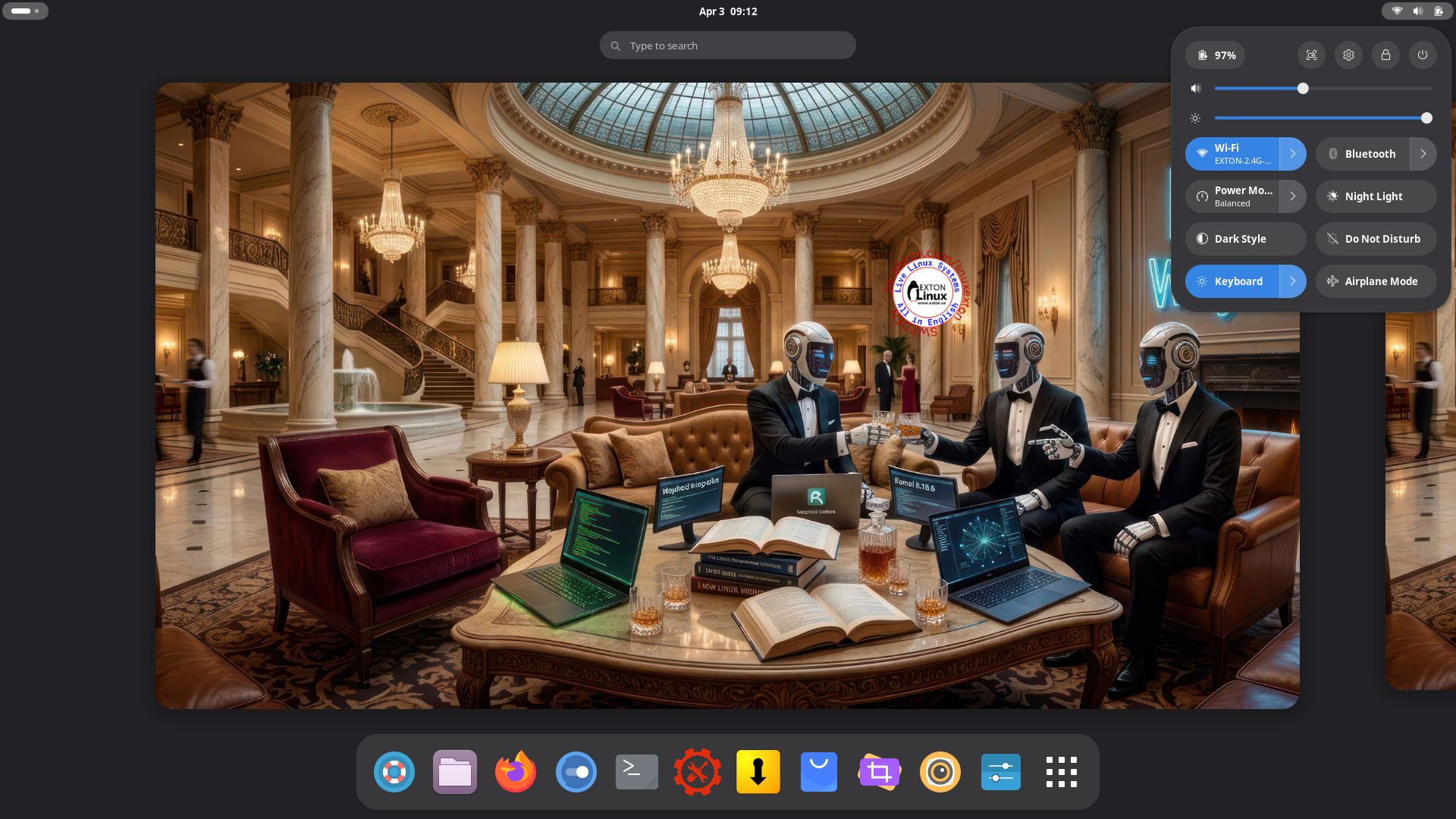
1. ExTiX GNOME user Desktop running 260407
2. The GNOME Desktop for root
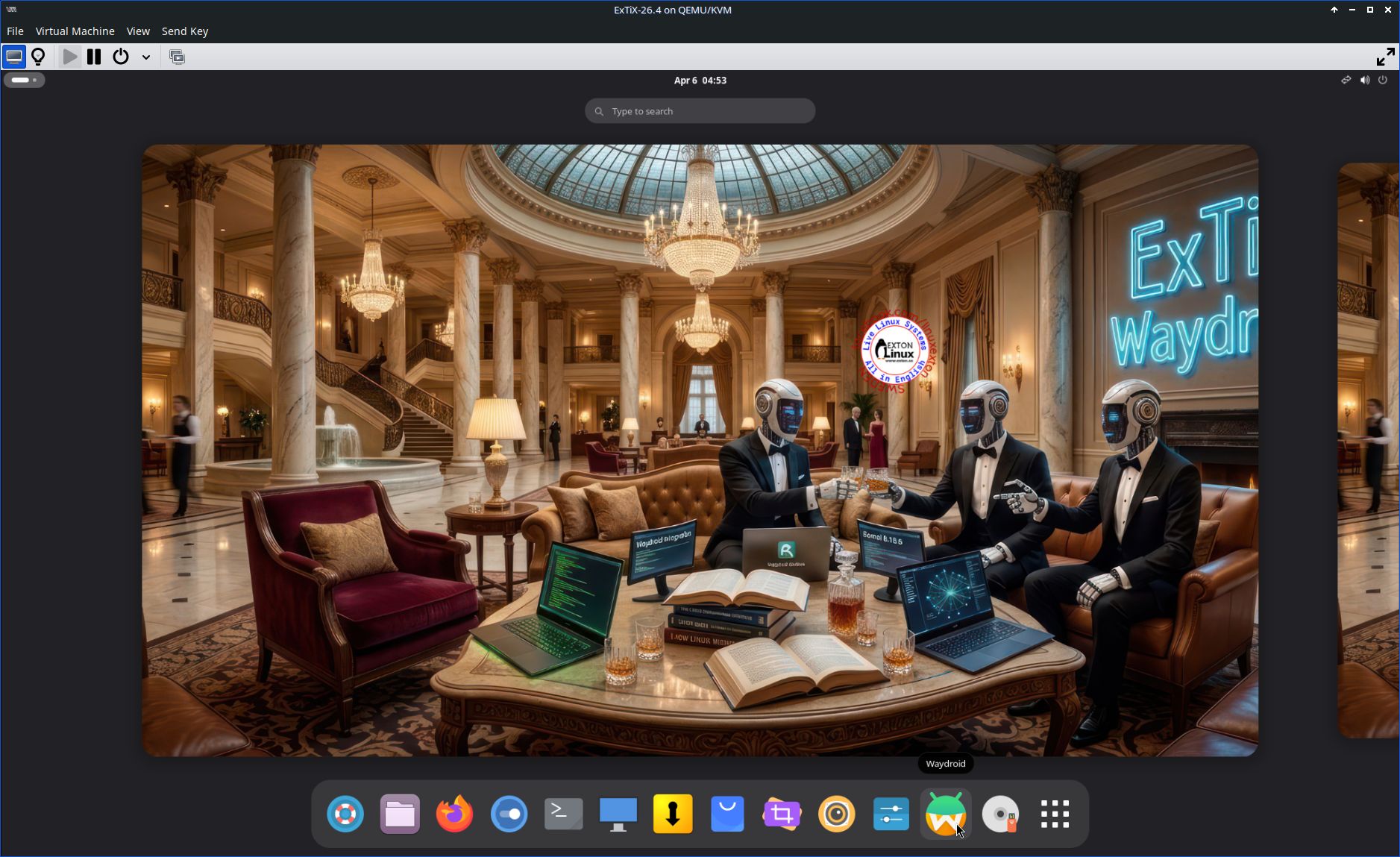
3. ExTiX 26.4 running in Qemu (the best way to run any Linux System virtually)
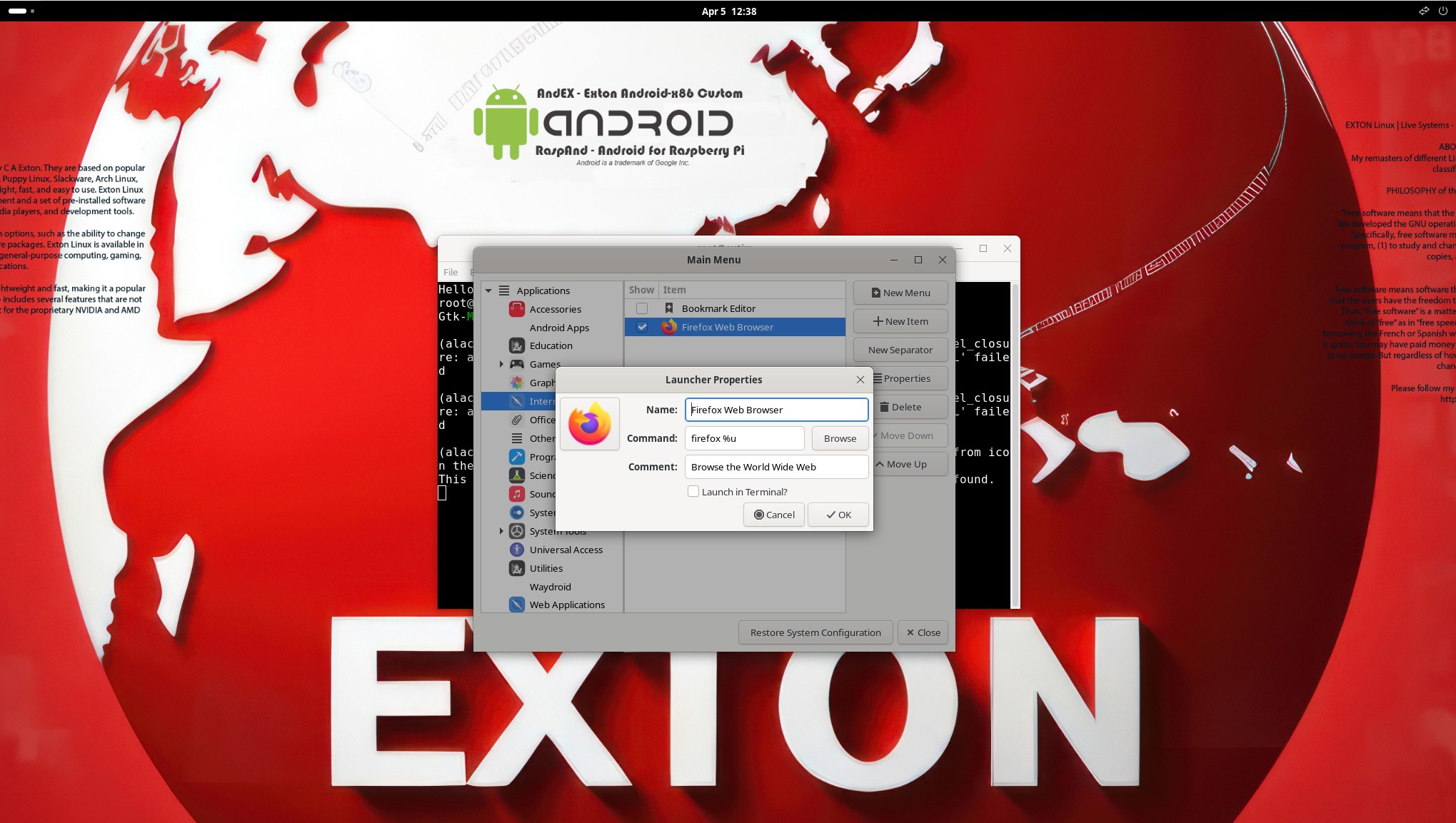
4. Using Alacarte
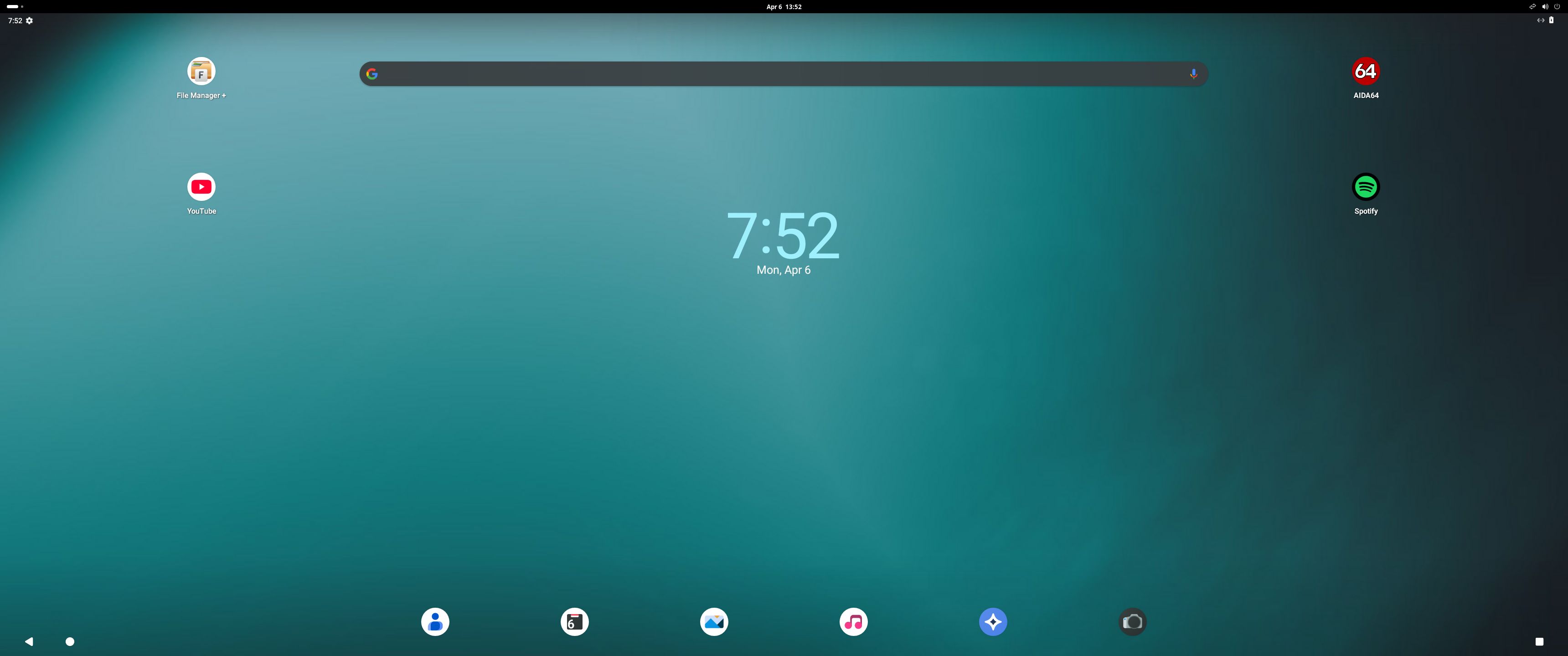
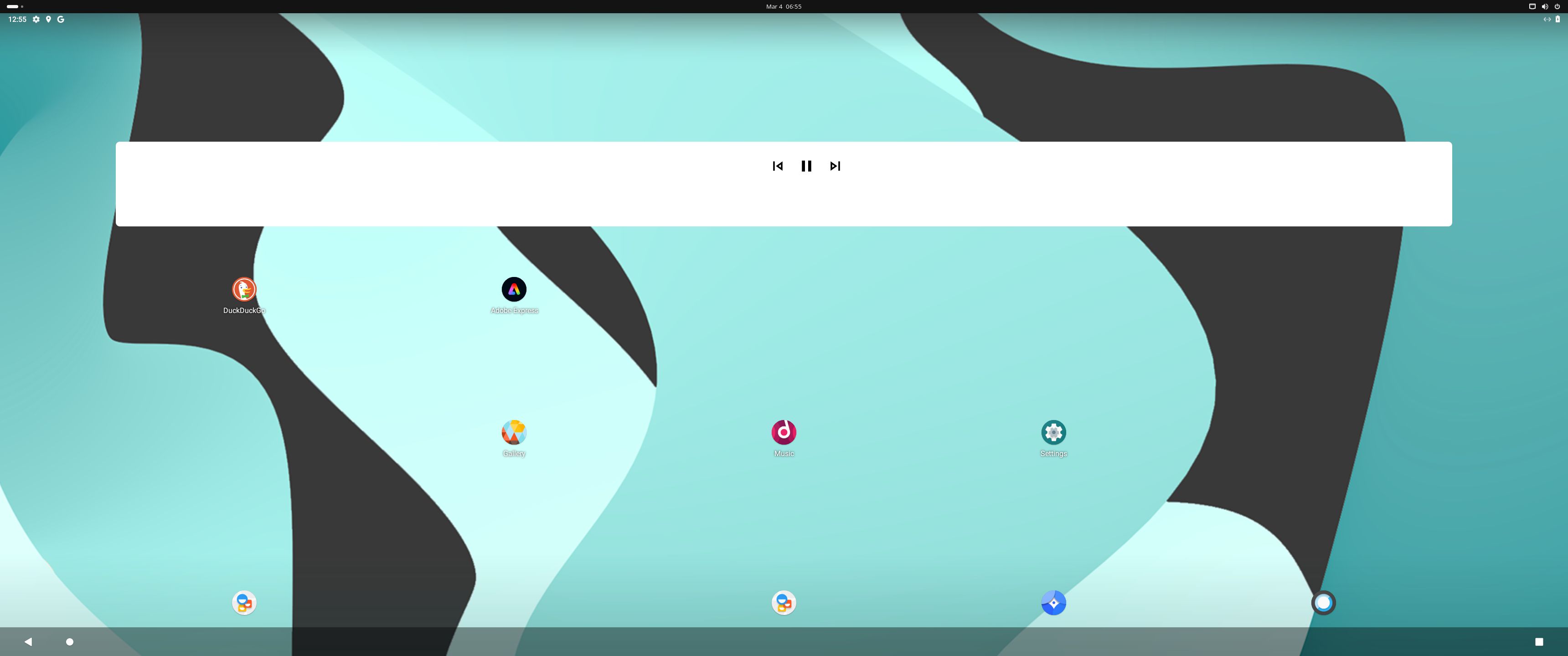
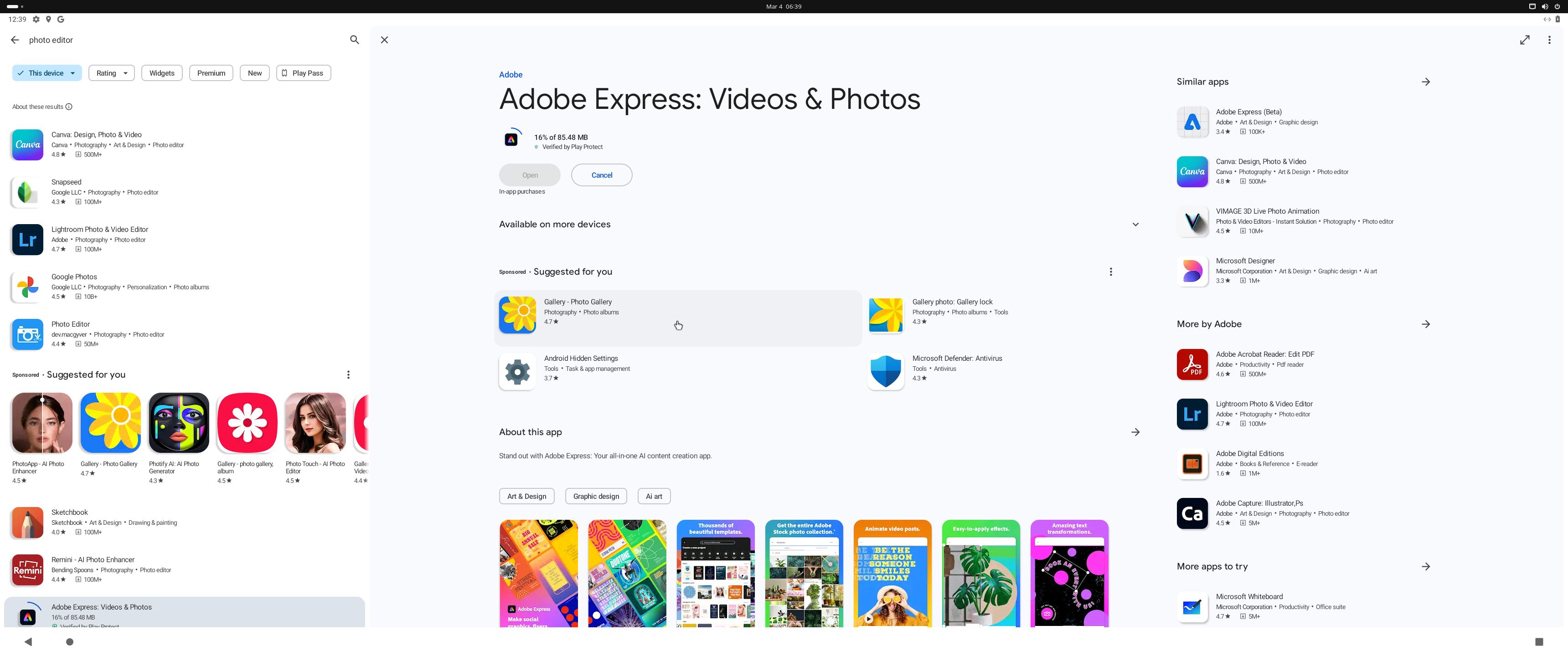
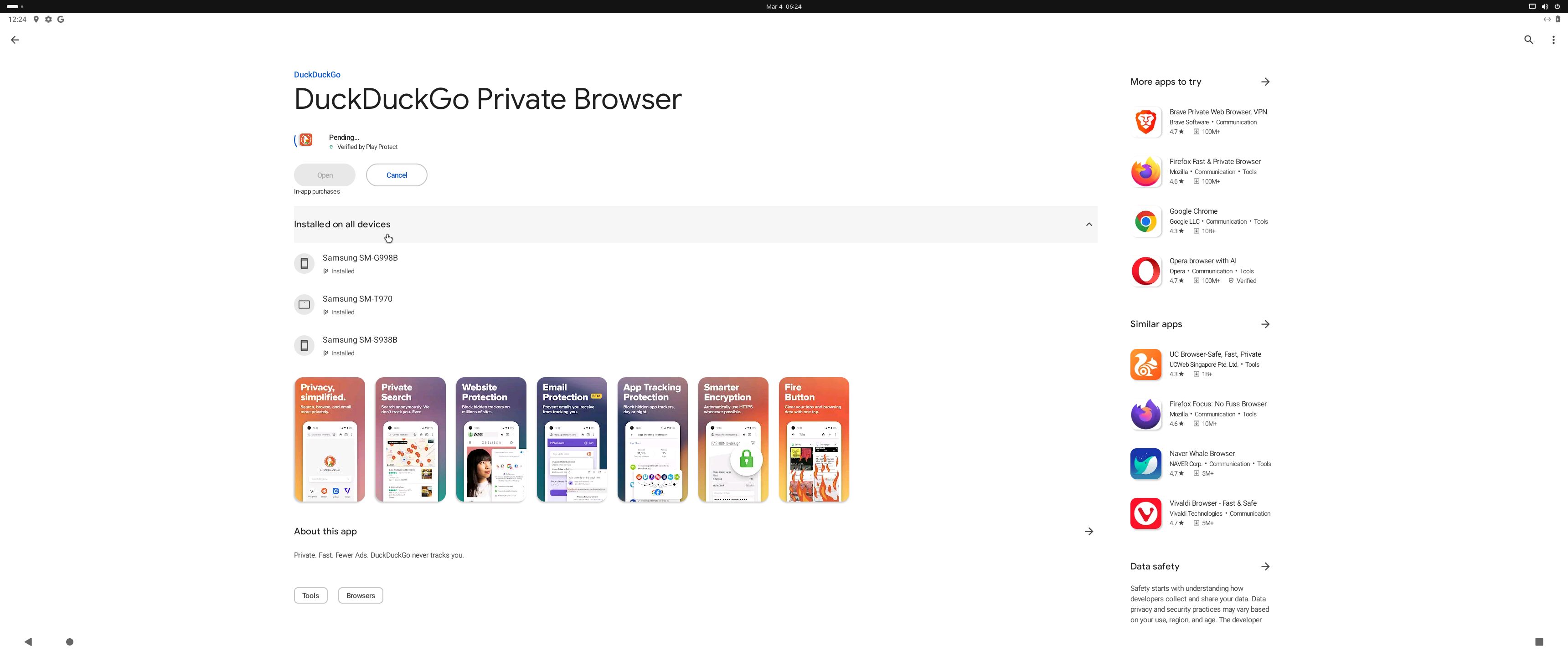
5. Running Waydroid with Google Play
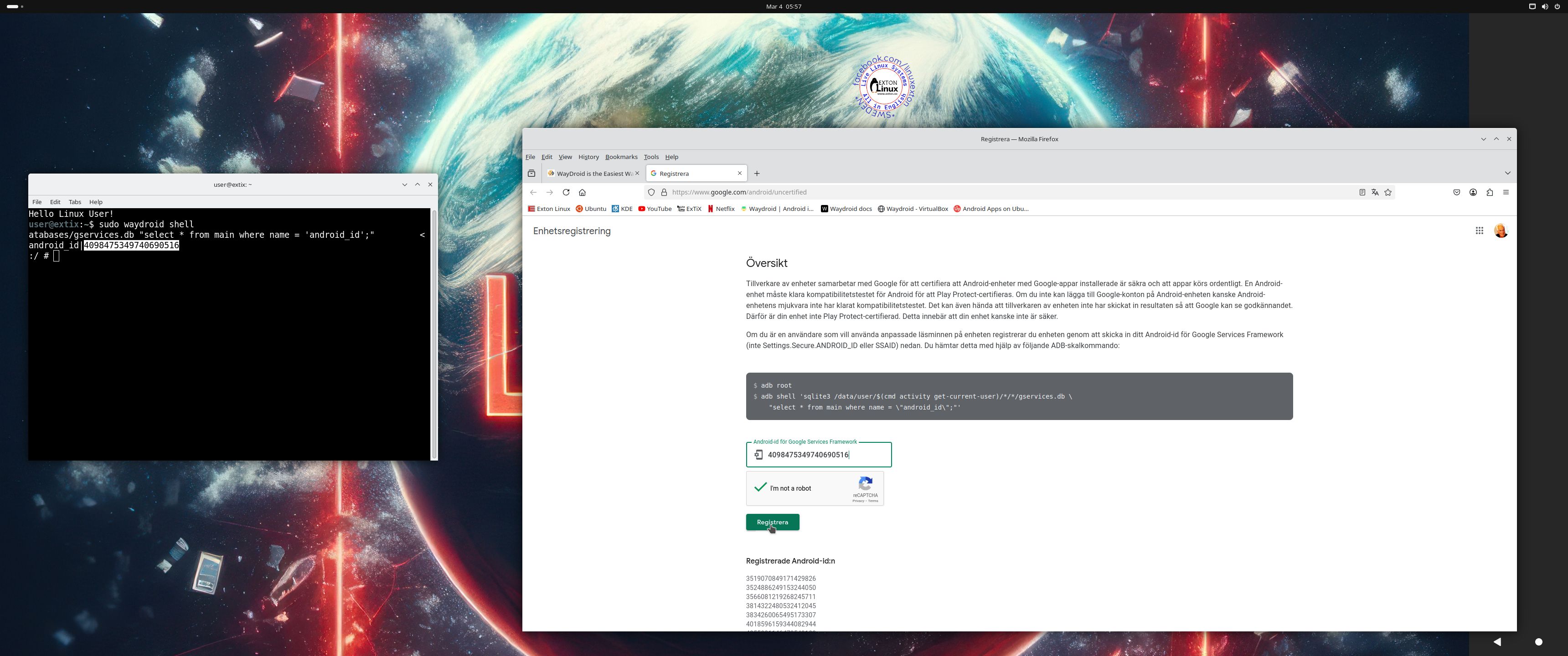
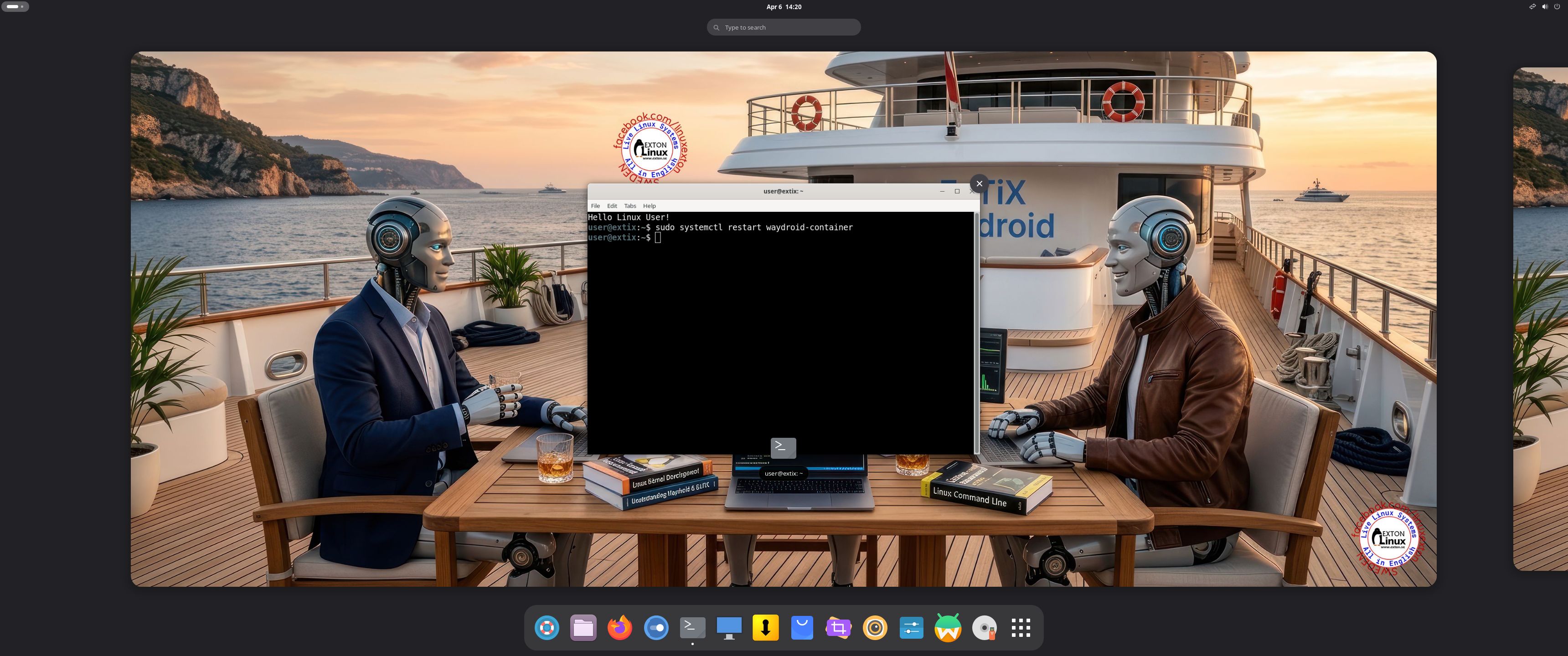
6. Showing how to  re- initialize Waydroid after a reboot

READ MORE…

Read about my Android-x86 Systems – 11, 10, Pie, Oreo, Nougat, Marshmallow, Lollipop and KitKat at andex.exton.net – latest is AndEX 11 (with GAPPS), AndEX 10 (with GAPPS) and AndEX Pie 9.0 (also with GAPPS)!
and
about my Android 16, 15, 14, 13, 12, 11, 10, Pie, Oreo, Nougat, Marshmallow and Lollipop versions for Raspberry Pi 5, Pi 4 and  Pi 3/2 at raspex.exton.se – latest is RaspAnd 16 (with GAPPS), RaspAnd 15 (also with GAPPS), RaspAnd 14 (also with GAPPS), 13 and 12 (without GAPPS), RaspAnd 11 (with GAPPS) and RaspAnd Oreo 8.1 (also with GAPPS)

Follow me on Facebook…

No Comments extonExton Linux Systems

ExTiX 25.3 KDE Plasma and the Ubuntu Desktop together with Waydroid (“Waydroid lets you launch a complete Android system on Linux with GAPPS”) :: Build 250305

ABOUT ExTiX 25.3 – Build 250305
I have made a new version of ExTiX – The Ultimate Linux System. I call it ExTiX 25.3 KDE Waydroid Live System. (The previous KDE/Anbox version was 22.9 from 220922). I have now made it possible for you to install Waydroid in ExTiX. (Waydroid lets you launch a complete Android system on Linux with Google Play Services so you can install your favorite apps). So now you can run Android apps in ExTiX. GAPPS (Google Play Services and Google Play Store) are however NOT pre-installed in ExTiX 25.3. That’s because you’ll have to register your computer with your own Gmail account to be able to run Google Play Store. The second best thing with ExTiX 25.3 is that while running the system live (from DVD/USB) or from hard drive you can use Refracta Snapshot (pre-installed) to create your own live installable Ubuntu/Waydroid system. So easy that a ten year child can do it!

ExTiX 25.3 KDE Plasma System 64 bit is based on Debian and Ubuntu 24.04.2 LTS Noble Numbat. I have installed KDE Frameworks with KDE Plasma 5.27.12. KDE Frameworks are 83 addon libraries to Qt which provide a wide variety of commonly needed functionality in mature, peer reviewed and well tested libraries with friendly licensing terms.

The system language is ENGLISH.

Used KERNELS
Ubuntu’s latest original kernel 6.8.0-54-generic with the binder kernel module (needed by Waydroid) and my own compiled kernel 6.13.5-amd64-exton. While running ExTiX live “my” kernel will be used. To be able to run Waydroid you’ll have to use kernel 6.8.0-54-generic.

HOW TO install and use Waydroid in ExTiX 25.3- Advice’s at How-To Geek
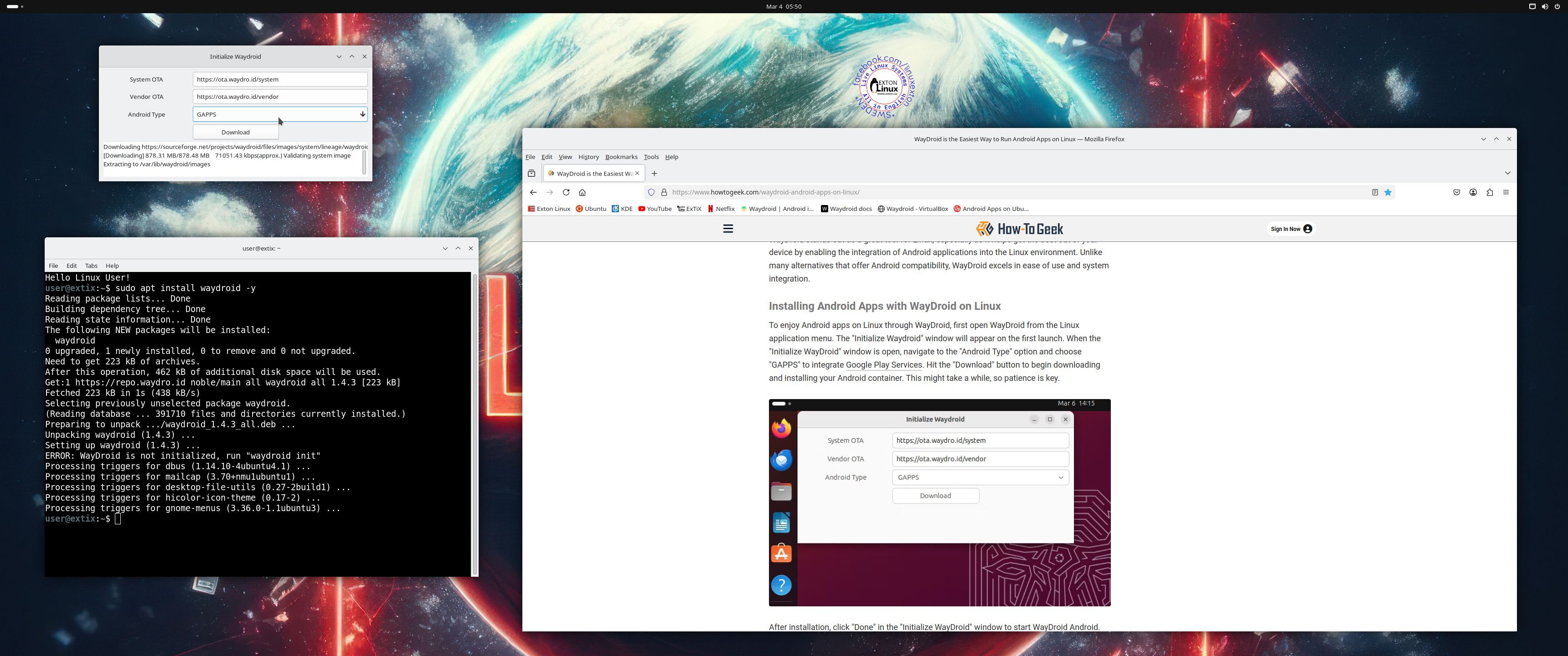
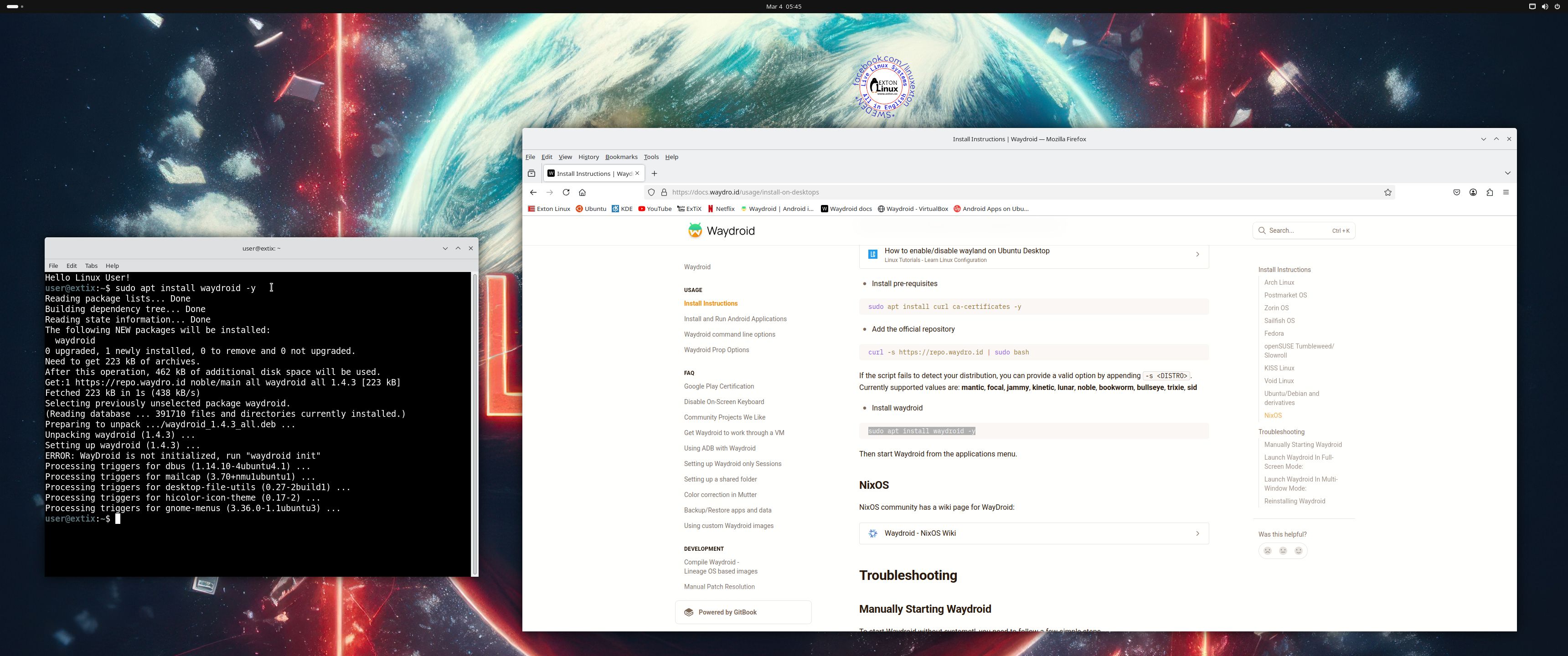
1. Be sure to boot up ExTiX using kernel 6.8.0-54-generic. Log in to the Ubuntu Desktop using the Wayland Display Server. Run the command sudo apt update followed by sudo apt install waydroidscreenshot 1
2. Start Waydroid from the menu and choose to install GAPPS – screenshot
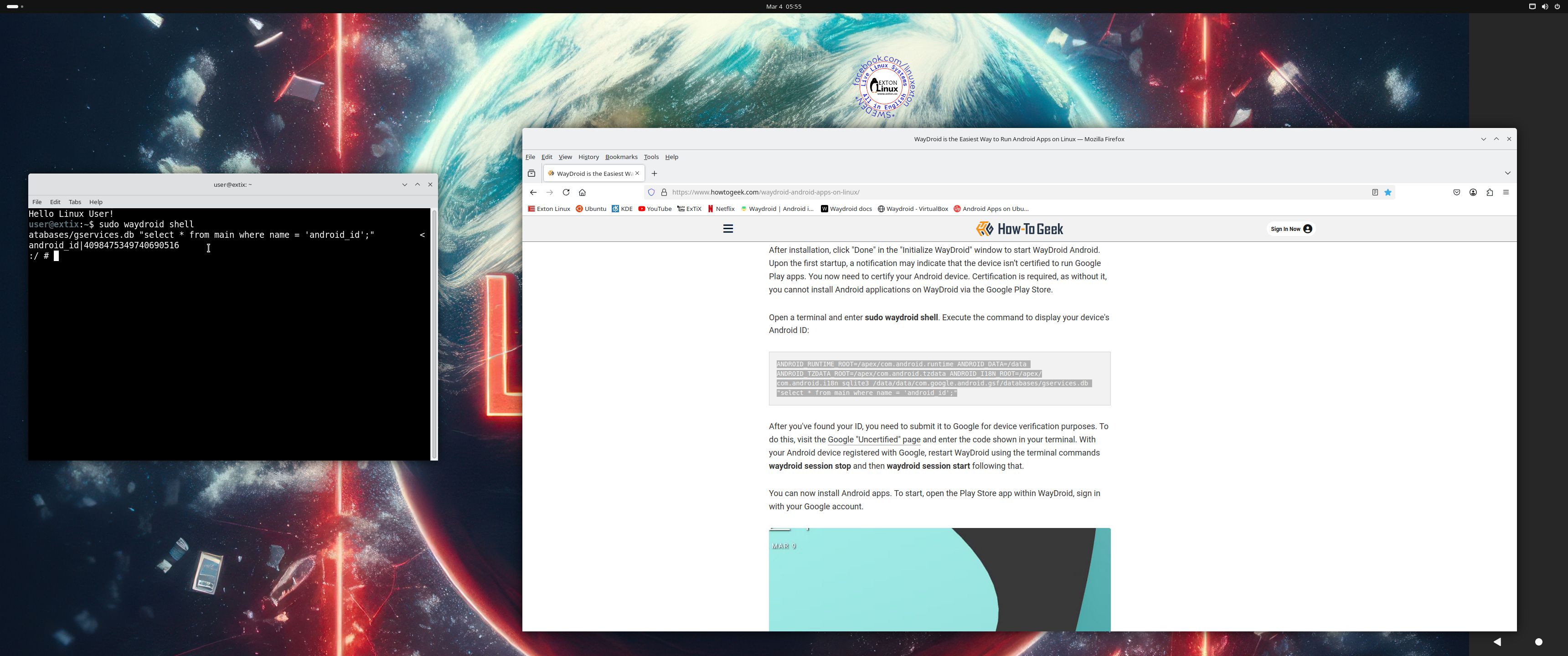
3. Find out your computer ID – screenshot 
4. Register your computer – screenshot
5. Running Waydroid with Google Play Store – screenshot
6. Running Google Play Store 1 – screenshot
7. Running Google Play Store 2 – screenshot

MORE SCREENSHOTS
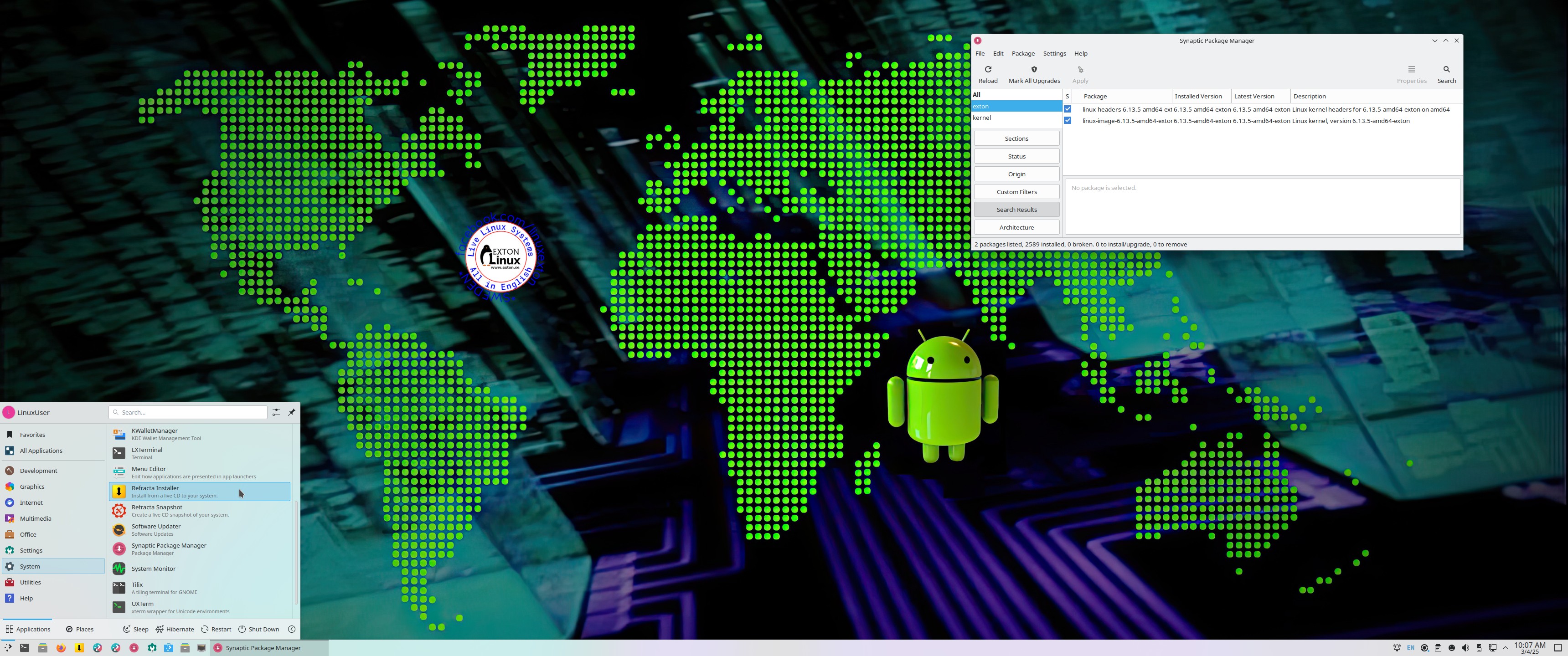
1. ExTiX KDE Desktop running 250305
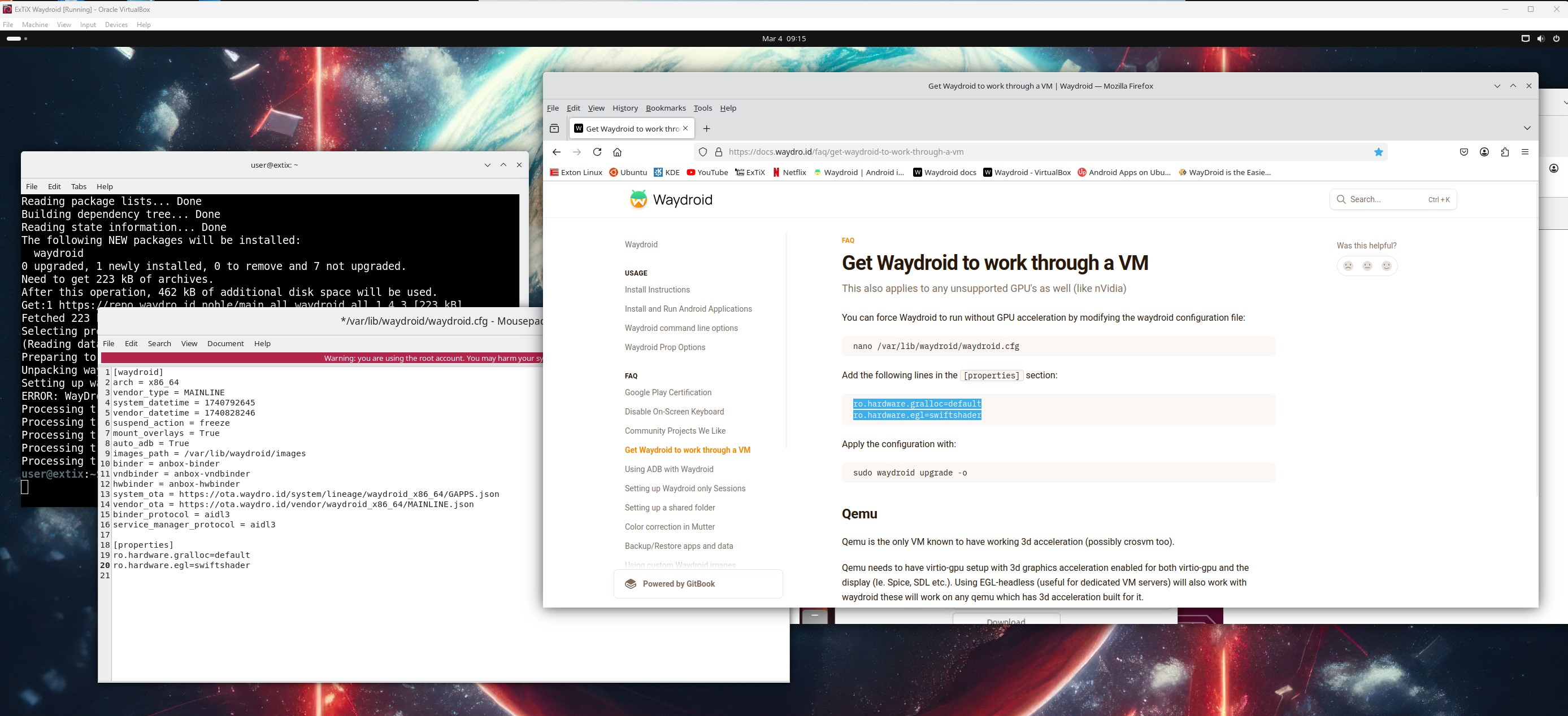
2. Trying to run Waydroid in VirtualBox with no success, but it may be possible…

READ MORE…

Read about my Android-x86 Systems – 11, 10, Pie, Oreo, Nougat, Marshmallow, Lollipop and KitKat at andex.exton.net – latest is AndEX 11 (with GAPPS), AndEX 10 (with GAPPS) and AndEX Pie 9.0 (also with GAPPS)!
and
about my Android 15, 14, 13, 12, 11, 10, Pie, Oreo, Nougat, Marshmallow and Lollipop versions for Raspberry Pi 5, Pi 4 and  Pi 3/2 at raspex.exton.se – latest is RaspAnd 15 (with GAPPS), RaspAnd 14 (also with GAPPS), 13 and 12 (without GAPPS), RaspAnd 11 (with GAPPS) and RaspAnd Oreo 8.1 (also with GAPPS)!


Follow me on Facebook…

No Comments extonExton Linux Systems